Skip to content
Tank & Toner
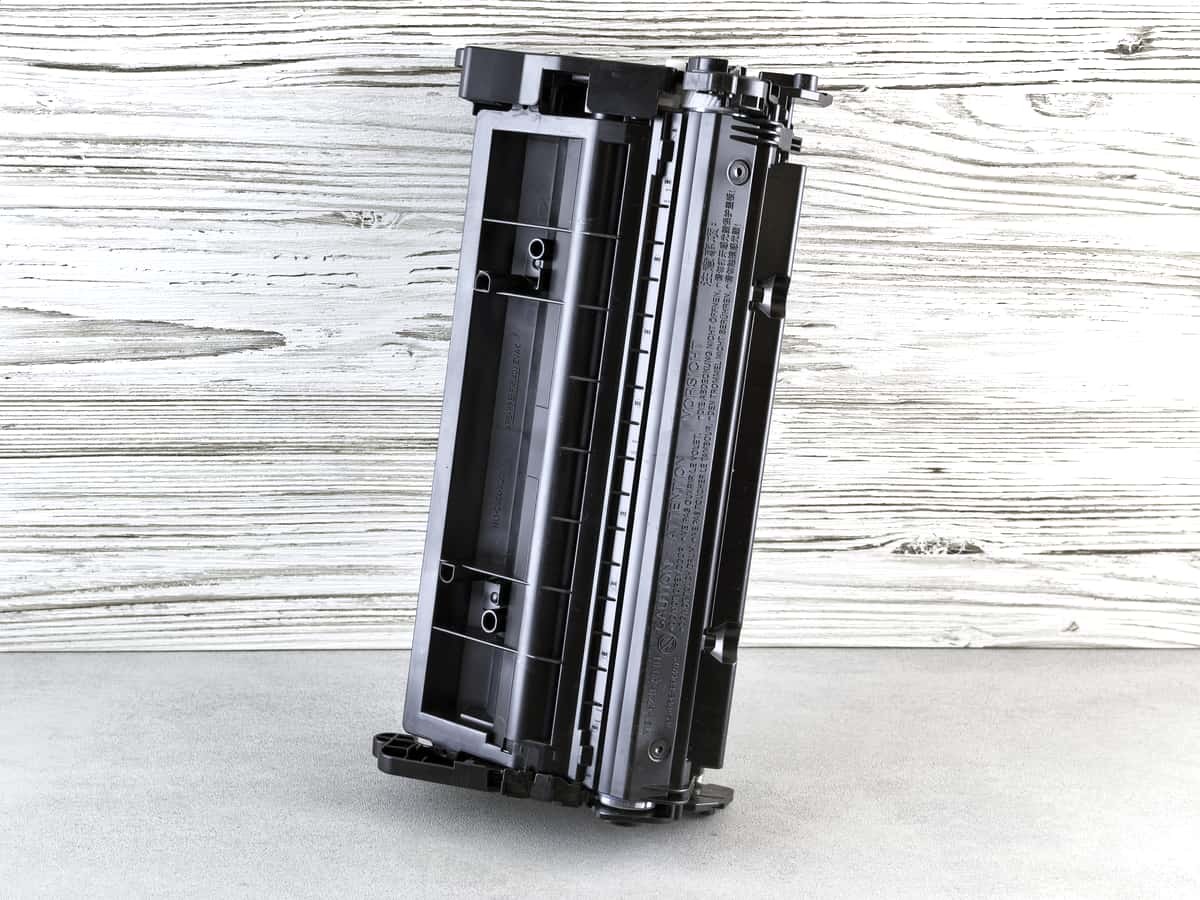
A printer toner cartridge on a plain surface

Guides

Drum unit vs toner cartridge

Two consumables, two jobs, two very different replacement intervals. Printers that keep them separate are cheaper to own, and that is not an accident.

By Ryder M. · Published October 11, 2026

Quick picks

Our ranked picks for drum unit vs toner cartridge, with the cost per page beside each one. Tap a row to jump to the full write-up.

Our ranked picks for drum unit vs toner cartridge, with the cost per page beside each one. Tap a row to jump to the full write-up.
#ProductBest forCost per pagePrice
1
A modern printer on a minimalist office desk
Brother HL-L2460DWTN830 toner and DR830 drum bought separately
Best cheap printer with separate parts~3.3¢
2
A modern printer on a minimalist office desk
Brother HL-L5210DWDR920 rated at approximately 45,000 pages, toner at about 1.9¢ a page
Longest drum interval~1.9¢
3
A person operating a multifunction printer and copier in an office
Brother HL-L6210DWAbout 1.3¢ a page on an 18,000-page cartridge
Cheapest pages, same long drum~1.3¢

#ad — buy links are affiliate links and we may earn a commission at no cost to you. How this site is funded. We do not display live prices, so every button sends you to Amazon’s own page for the current one. Cost-per-page figures are arithmetic on supply prices we read on 27 September 2026 — here is the method.

What is the difference between a drum unit and a toner cartridge?

The toner cartridge holds the powder that becomes the print. The drum unit is the light-sensitive cylinder that picks that powder up in the shape of your page and transfers it to the paper. Toner is consumed by printing; the drum wears out slowly and lasts several cartridges.

How the two parts work together

A laser writes your page onto the drum as a pattern of electrical charge. Toner powder sticks to the charged areas, the drum rolls against the paper and hands the powder over, and a hot fuser melts it into the surface. The powder is spent on every page; the drum surface is only gradually abraded and fatigued by the process.

That is why the replacement intervals are so different. On the Brother machines we cover, a high-yield toner cartridge is rated at 3,000 pages while the drum is rated at approximately 15,000 — five cartridges to one drum. On the business range the ratio is wider still.

Published ratings on the Brother lasers we cover
MachineToner cartridgeToner ratingDrum unitDrum rating
HL-L2460DWTN830 / TN830XL3,000 pages (XL)DR830Approx. 15,000 pages
HL-L5210DWTN920XXL11,000 pagesDR920Approx. 45,000 pages
HL-L6210DWTN920UXXL18,000 pagesDR920Approx. 45,000 pages
HL-L3220CDWTN229 / TN229XL3,000 pages (XL black)Not published on the page we readNot published

Exactly as published on each Brother product page, recorded in our registry on the dates shown there. We have not priced drum units from a citable source and therefore publish no drum cost or drum cost per page anywhere on this site.

Some printers combine the two, and it costs you

Not every laser separates them. On many compact and budget machines — the Canon imageCLASS LBP6030w in our registry uses a cartridge of this type — the drum is built into the toner cartridge, so every time the powder runs out you throw away a functioning imaging drum and buy a new one.

That is a large part of why that machine has the dearest cost per page of anything we cover, at about 6.1 cents against about 3.3 cents on a Brother household cartridge. The convenience of one part instead of two is real; the price of it is roughly double per page, for years. The cheap-toner picks are all separate-part machines, which is not a coincidence.

Which part is causing your print quality problem?

  • Fading, pale print, or paler at one side: toner. It is running low or settling unevenly. Take the cartridge out and rock it gently from side to side before replacing it.
  • A mark or line that repeats at the same spacing down every page: drum. The repeat interval is the drum circumference, which is the giveaway.
  • Gray background haze over the whole page: usually a worn or contaminated drum, sometimes a cheap toner that does not hold charge well.
  • Print that smudges when rubbed: neither — that is the fuser not reaching temperature, or paper far heavier than the media setting.
  • A panel warning saying replace drum: a page counter, not a measurement. Many printers keep producing perfect pages past it; replace when quality drops.

What this means when you buy

Ask two questions about any laser you are considering. Does it use a separate drum unit, and what is the drum rated for? A machine with a separate drum rated at tens of thousands of pages will cost you less per page for its entire life than a cheaper machine with an all-in-one cartridge, and it can be kept going with a part rather than retired.

Then check the cartridge yield, because that is the number that sets your cost per page. The spread on the cartridges we have priced runs from about 1.3 cents to about 6.1 cents for the same black page. What toner costs lays the figures out, and the calculator takes your own volume.

Color lasers add three more

A color laser needs the same mechanism for each of its four toners, so the parts list grows: four cartridges, and depending on the design either four drums, a single drum unit, or a belt and transfer assembly. Brother did not publish a drum specification for the HL-L3220CDW on the page we read, which is itself worth knowing before you buy it — a color laser total cost of ownership is a longer sum than a mono one, and it is a large part of why color toner pages cost several times what bottled ink does.

That is the case for keeping color on an ink tank printer and black text on a mono laser, if you print enough of both to care. Color laser vs ink tank sets the two out side by side.

Specifications and running costs side by side, for the printers discussed on this page.
PrinterSupply typeMono per pageColor per pageAuto duplexFeederList price
Brother HL-L2460DWToner~3.3¢mono onlyYesNo$180
Brother HL-L5210DWToner~1.9¢mono onlyYesNo$330
Brother HL-L6210DWToner~1.3¢mono onlyYesNo$350

Cost-per-page figures are our own arithmetic: supply price divided by the manufacturer’s rated page yield, using prices read on 27 September 2026 and yields rated at the ISO 5% coverage standard. They are not measured by us and they are not current prices. Every input, and the working · run the numbers for your own printing

The picks in detail

Best cheap printer with separate parts

Brother HL-L2460DW

If you print black text and nothing else, this is the printer to buy. It cannot dry out, it duplexes, and Brother does not block third-party toner.

A modern printer on a minimalist office desk

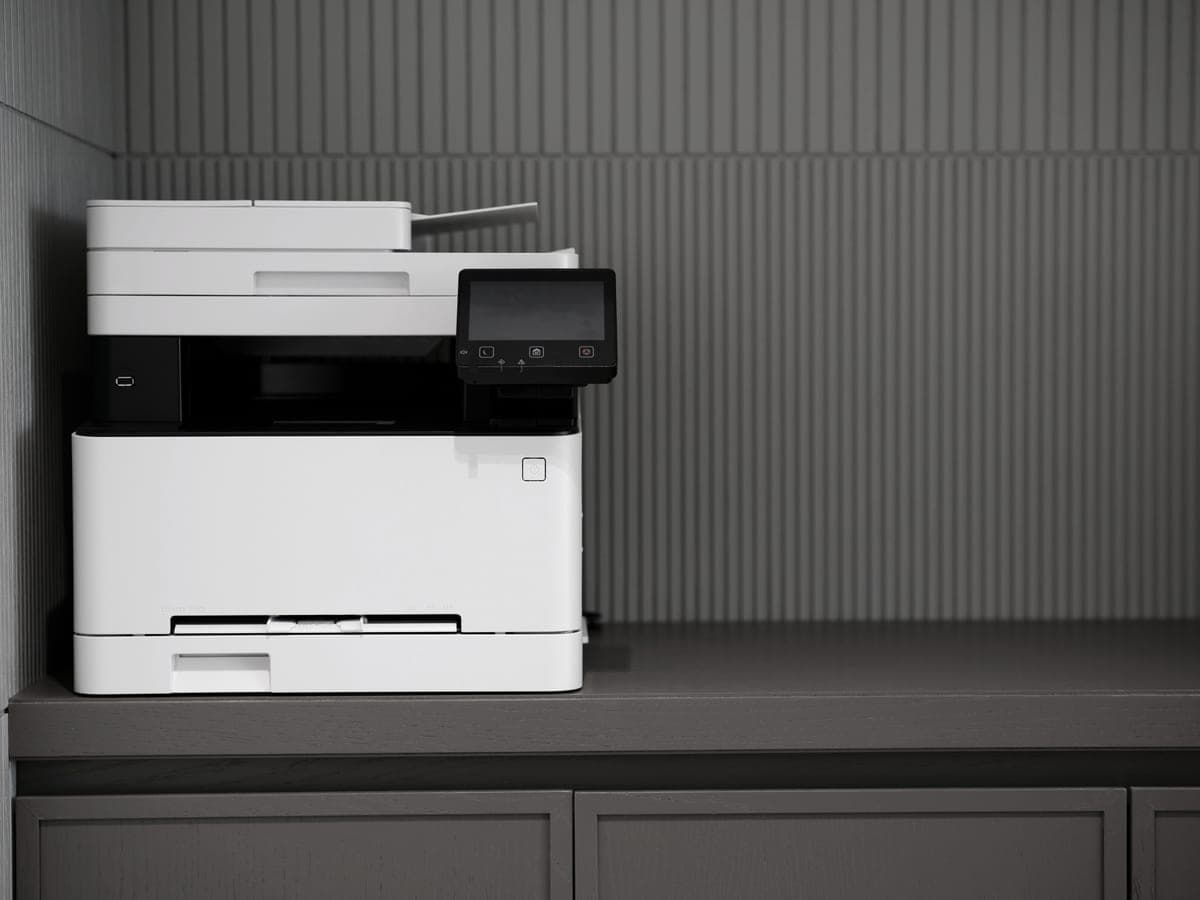
Illustrative photograph of this kind of printer. We do not have this model in hand and this is not a photograph of the unit.

Check price on Amazon

#ad — we may earn a commission. How this site is funded. We do not show live prices; Amazon’s page is the price of record.

~3.3¢ per mono page

Based on a Brother TN830XL high-yield toner cartridge rated at 3,000 pages at $98.29, priced on 27 September 2026.

  • Brother TN830XL high-yield toner cartridge — rated 3,000 pages (ISO/IEC 19752), $98.29 at Brother USA, checked 27 September 2026

Yields are manufacturer-rated at the ISO 5% page-coverage standard, not measured by us, and real-world cost runs higher. Prices are not live: this is arithmetic on a price we read on the date shown, not a current price. How we calculate cost per page.

List price
$179.99 at Brother USA, checked 27 September 2026
Supply type
Toner cartridge
Print speed
Up to 36 pages per minute
Two-sided printing
Automatic
Document feeder
None
Connectivity
Dual-band wireless (2.4 GHz / 5 GHz), Ethernet or USB
Subscription
None required

What we like

  • Toner does not dry out, so it is ideal if you print in occasional bursts
  • Automatic two-sided printing at 36 pages per minute
  • Brother has publicly denied blocking third-party toner with firmware

What you give up

  • Black only - no color at all
  • Cost per page is roughly ten times a tank printer's
  • The 700-page starter cartridge runs out fast; budget for a TN830XL

Brother splits the consumables here: the TN830 toner family and a DR830 drum unit rated at approximately 15,000 pages. That separation is the reason the cost per page is about 3.3 cents rather than several times it — you are not buying a new drum with every refill of powder.

$179.99, 36 pages a minute, auto duplex, Ethernet and dual-band Wi-Fi. Mono only.

Specifications read from the manufacturer’s own product page on 27 September 2026. Full cost-to-run breakdown for the Brother HL-L2460DW →

Longest drum interval

Brother HL-L5210DW

The cheapest way onto Brother's business toner family, which is the real reason to buy it: the cartridge is roughly half the cost per page of the household models.

A modern printer on a minimalist office desk

Illustrative photograph of this kind of printer. We do not have this model in hand and this is not a photograph of the unit.

Check price on Amazon

#ad — we may earn a commission. How this site is funded. We do not show live prices; Amazon’s page is the price of record.

~1.9¢ per mono page

Based on a Brother TN920XXL super high-yield toner cartridge rated at 11,000 pages at $204.29, priced on 29 September 2026.

  • Brother TN920XXL super high-yield toner cartridge — rated 11,000 pages (ISO/IEC 19752), $204.29 at Brother USA, checked 29 September 2026

Yields are manufacturer-rated at the ISO 5% page-coverage standard, not measured by us, and real-world cost runs higher. Prices are not live: this is arithmetic on a price we read on the date shown, not a current price. How we calculate cost per page.

List price
$329.99 at Brother USA, checked 29 September 2026
Supply type
Toner cartridge
Print speed
Up to 48 pages per minute
Two-sided printing
Automatic
Document feeder
None
Connectivity
Gigabit Ethernet, dual-band wireless (2.4 GHz / 5 GHz) and Hi-Speed USB 2.0
Subscription
None required

What we like

  • TN920XXL toner works out at roughly half the cost per page of the household TN830XL
  • A genuine second paper source - a 100-sheet multi-purpose tray, not a one-sheet slot
  • 48 pages a minute with auto duplex and Gigabit Ethernet

What you give up

  • Print only - no scanner, no copier, no fax
  • $150 more than the HL-L2460DW before you buy any toner
  • A replacement cartridge is a $200-plus purchase, even though each page is cheaper

The business range triples the drum rating to approximately 45,000 pages and roughly halves the cost per page at the same time, on an 11,000-page TN920XXL cartridge.

$329.99 at list, 48 pages a minute, Gigabit Ethernet, 350 sheets standard. If you print enough to think about drums, this is the range to be in.

Specifications read from the manufacturer’s own product page on 29 September 2026.

Cheapest pages, same long drum

Brother HL-L6210DW

The lowest cost per page of any laser on this site, because it takes an 18,000-page cartridge. It is also the only model here with a 520-sheet main tray.

A person operating a multifunction printer and copier in an office

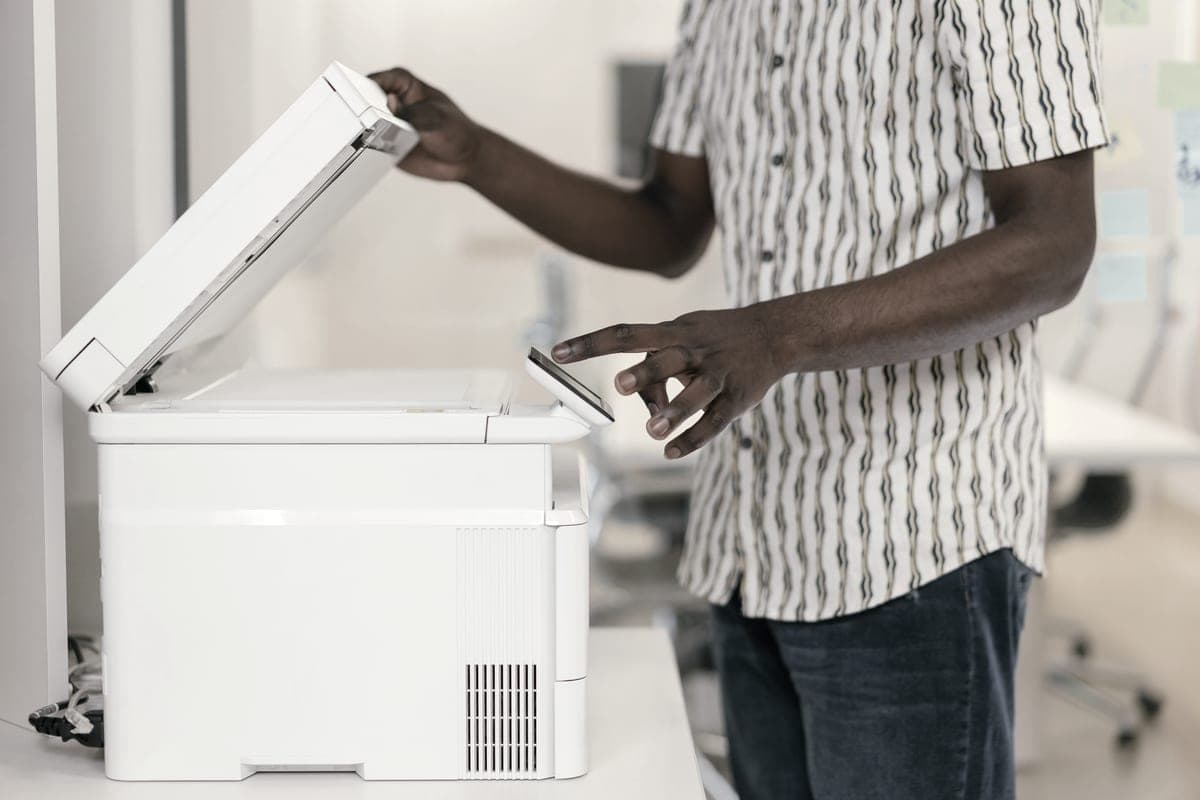
Illustrative photograph of this kind of printer. We do not have this model in hand and this is not a photograph of the unit.

Check price on Amazon

#ad — we may earn a commission. How this site is funded. We do not show live prices; Amazon’s page is the price of record.

~1.3¢ per mono page

Based on a Brother TN920UXXL ultra high-yield toner cartridge rated at 18,000 pages at $241.49, priced on 29 September 2026.

  • Brother TN920UXXL ultra high-yield toner cartridge — rated 18,000 pages (ISO/IEC 19752), $241.49 at Brother USA, checked 29 September 2026

Yields are manufacturer-rated at the ISO 5% page-coverage standard, not measured by us, and real-world cost runs higher. Prices are not live: this is arithmetic on a price we read on the date shown, not a current price. How we calculate cost per page.

List price
$349.99 at Brother USA, checked 29 September 2026
Supply type
Toner cartridge
Print speed
Up to 50 pages per minute
Two-sided printing
Automatic
Document feeder
None
Connectivity
Gigabit Ethernet, dual-band wireless (2.4 GHz / 5 GHz) and Hi-Speed USB 2.0
Subscription
None required

What we like

  • TN920UXXL toner is the cheapest per page of any cartridge we have priced
  • 520-sheet main tray plus a 100-sheet multi-purpose tray, so two paper stocks stay loaded
  • 50 pages a minute with auto duplex and Gigabit Ethernet

What you give up

  • Print only - no scanner or feeder
  • Brother publishes a higher headline capacity figure than the two trays alone account for, so read the tray specification before you assume a third tray is included
  • Nearly twice the price of a household mono laser before toner

The same approximately 45,000-page DR920 drum with the ultra high-yield TN920UXXL cartridge — about 1.3 cents a page, the lowest toner figure on this site.

$349.99, 50 pages a minute, a 520-sheet main tray and a 100-sheet multi-purpose tray. Print only.

Specifications read from the manufacturer’s own product page on 29 September 2026.

Questions people actually ask

What is the difference between a drum unit and a toner cartridge?

Toner is the powder that forms the print; the drum is the light-sensitive cylinder that transfers that powder onto the paper. Toner is used up by printing, while a drum wears gradually and outlasts several cartridges.

How often do I need to replace a drum unit?

At the manufacturer rated interval, which Brother publishes as approximately 15,000 pages for the DR830 and approximately 45,000 for the DR920 — roughly five to fifteen toner cartridges, depending on the machine.

Do I need to replace the drum and toner at the same time?

No, and you should not. They are separate parts with separate intervals on any printer that sells them separately. Replacing a working drum with every cartridge is how you double your cost per page.

How do I know if my drum is bad?

A mark or line that repeats at the same spacing on every page, or a gray haze across the whole sheet. Fading and pale patches are a toner symptom, not a drum one.

Do all laser printers have a separate drum unit?

No. Many compact and budget lasers build the drum into the toner cartridge, so each refill also replaces the drum. It is simpler and it is roughly double the cost per page.

Can I keep using a printer past the drum warning?

Usually for a while, because the warning is a page count rather than a measurement. Replace the drum when print quality actually drops, and keep the model number so you order the right part.

Sources