Everything on this site argues that cost per page is the number that matters. This section is where that argument has to be qualified, because a laser is roughly ten times dearer per page than a tank printer and it is still the right buy for a great many households.
Why a laser wins despite losing on cost per page
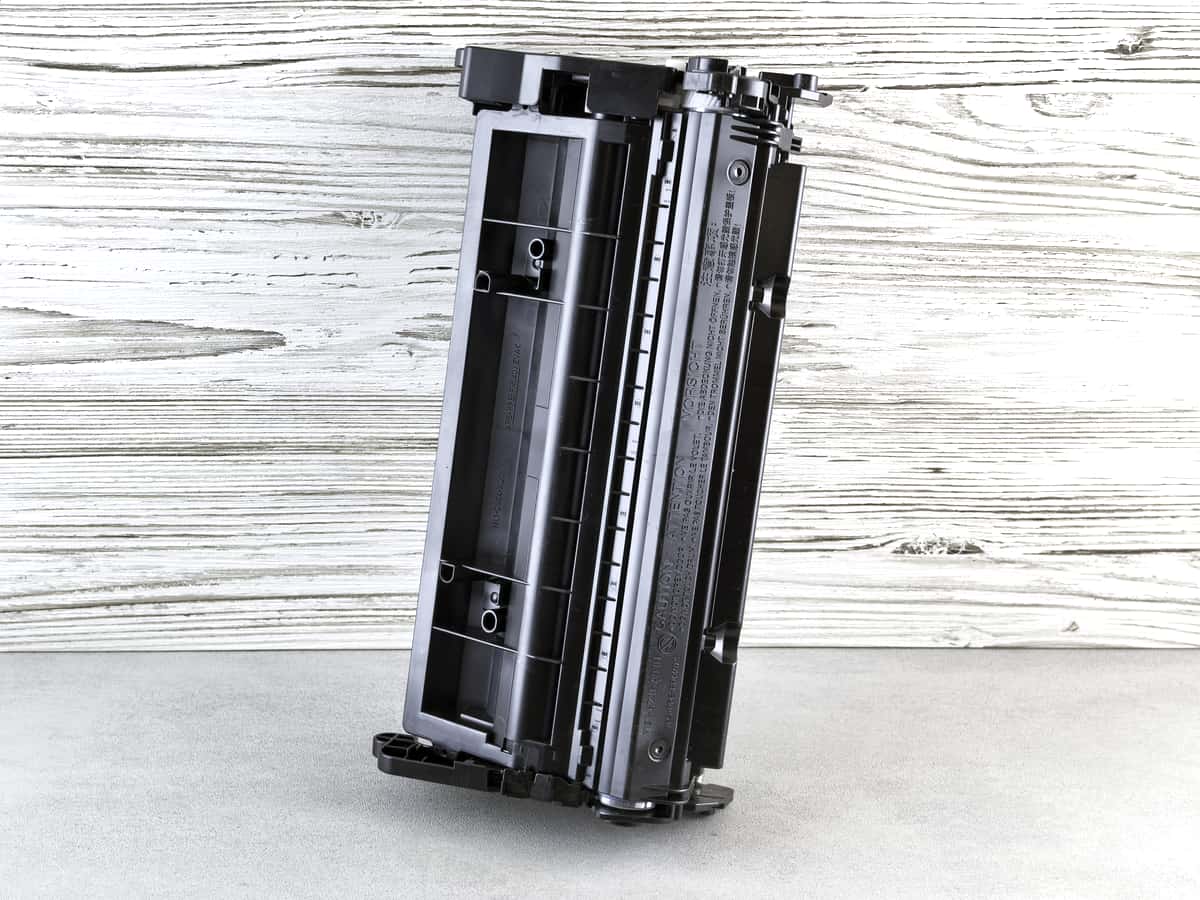
Toner is a dry powder. It has no solvent to evaporate, no print head to block, and no maintenance cycle that quietly consumes supplies while the machine sits idle. You can leave a laser untouched from January to May and it will print a crisp page in May. No inkjet, tank-fed or otherwise, can make that promise.
So the decision is not “which is cheaper per page” — the tank printer is, always, by a wide margin. It is “how many pages will I actually print, and how reliably do I need this thing to work after neglect.” Below roughly twenty to forty pages a month, the laser wins on total cost as well, because you never print enough for the supply saving to repay the tank printer’s higher sticker price.
Which lasers have genuinely cheap toner
This is where most laser buying goes wrong, and it goes wrong in two specific ways.
Buy the high-yield cartridge, not the standard one
The same printer can have two very different running costs depending on which cartridge you feed it. Brother’s Brother TN830 standard-yield toner cartridge is rated at 1,200 pages; the Brother TN830XL high-yield toner cartridge is rated at 3,000. The XL costs more up front and works out meaningfully cheaper per page.
| Cartridge | Rated yield | Price we read | Cost per page |
|---|---|---|---|
| Brother TN830 standard-yield toner cartridge | 1,200 pages | $60.99 | ~5.1¢ |
| Brother TN830XL high-yield toner cartridge | 3,000 pages | $98.29 | ~3.3¢ |
| Canon 125 black toner cartridge | 1,600 pages | $96.95 | ~6.1¢ |
Yields are manufacturer-rated at the ISO/IEC 19752 standard; prices were read from the sources listed at the foot of this page on 27 September 2026. Our arithmetic is supply price divided by rated yield — the full method.
The Canon row is there as a warning rather than a recommendation. The imageCLASS LBP6030w is a small, well-liked printer that is frequently discounted, and on genuine toner it has the highest cost per page of anything we cover. A cheap body with expensive supplies is the oldest trap in this category.
Do not ignore the drum
Laser printers have a second consumable. Brother rates the DR830 drum on the HL-L2460DW at roughly 15,000 pages, and it is replaced separately from the toner. At household volumes you may never reach it, but it belongs in the sum if you print heavily, and it is the one cost that laser roundups routinely leave out.
Mono or color
Buy mono unless you have a specific reason not to. Color laser toner is expensive per page — published industry figures put color laser at between 12 and 15 cents a page according to Toner Buzz — and you are replacing four cartridges instead of one. If color is a real part of your printing, a tank printer beats a color laser on cost so decisively that the comparison is barely interesting. The case for a color laser is narrow and specific: occasional color that must be crisp and must not smudge, on a machine that will sit idle between jobs.
What to buy
- Print only. Brother HL-L2460DW — auto duplex, 36 pages per minute, and Brother has publicly denied blocking third-party toner.
- Print, scan and copy. Brother DCP-L2640DW — the same engine and the same toner with a 50-page document feeder on top.
- Occasional color that must not smudge. A color laser, understanding that you are paying several times a tank printer’s cost per color page for the privilege of ignoring the machine for months.
The mistake laser buyers make
Assuming “laser” means “cheap to run.” It means cheaper than a cartridge inkjet and considerably dearer than a tank printer. If somebody has told you a laser is the economical choice, they were comparing it to the worst option rather than the best one. Run your own numbers in the calculator before you decide — it takes about thirty seconds and it is the whole argument in one screen.