This is the part of printer buying where the marketing is least useful and the stakes are highest. A printer with no subscription can still refuse a cartridge. A printer with a bottle instead of a cartridge physically cannot. Everything below follows from that one distinction.
The short answer, if you only read one paragraph
If being able to buy whatever supplies you like is your priority, buy a refillable ink tank printer. There is no chip in a bottle, so there is no authentication step and nothing for a firmware update to reject. Every other route — including buying a cartridge printer from a brand with a good reputation — depends on a company’s current policy, and company policies change.
How ink lockouts actually work
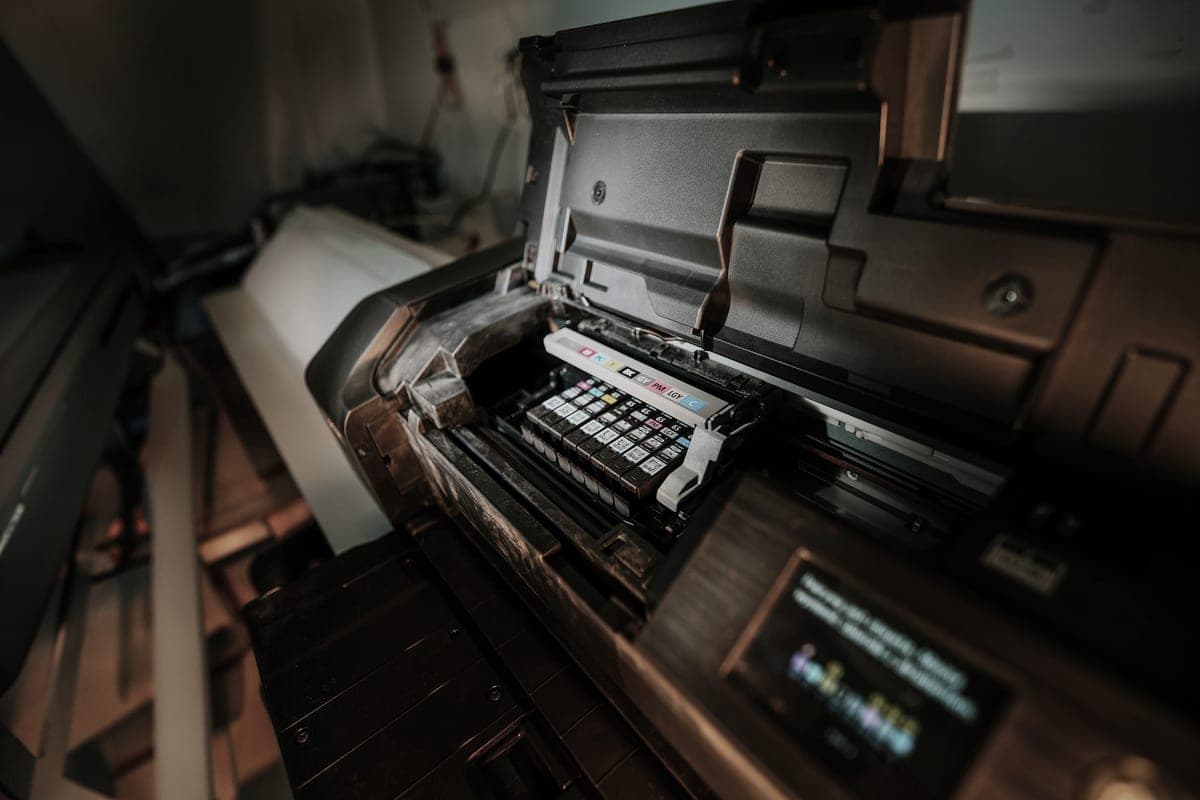
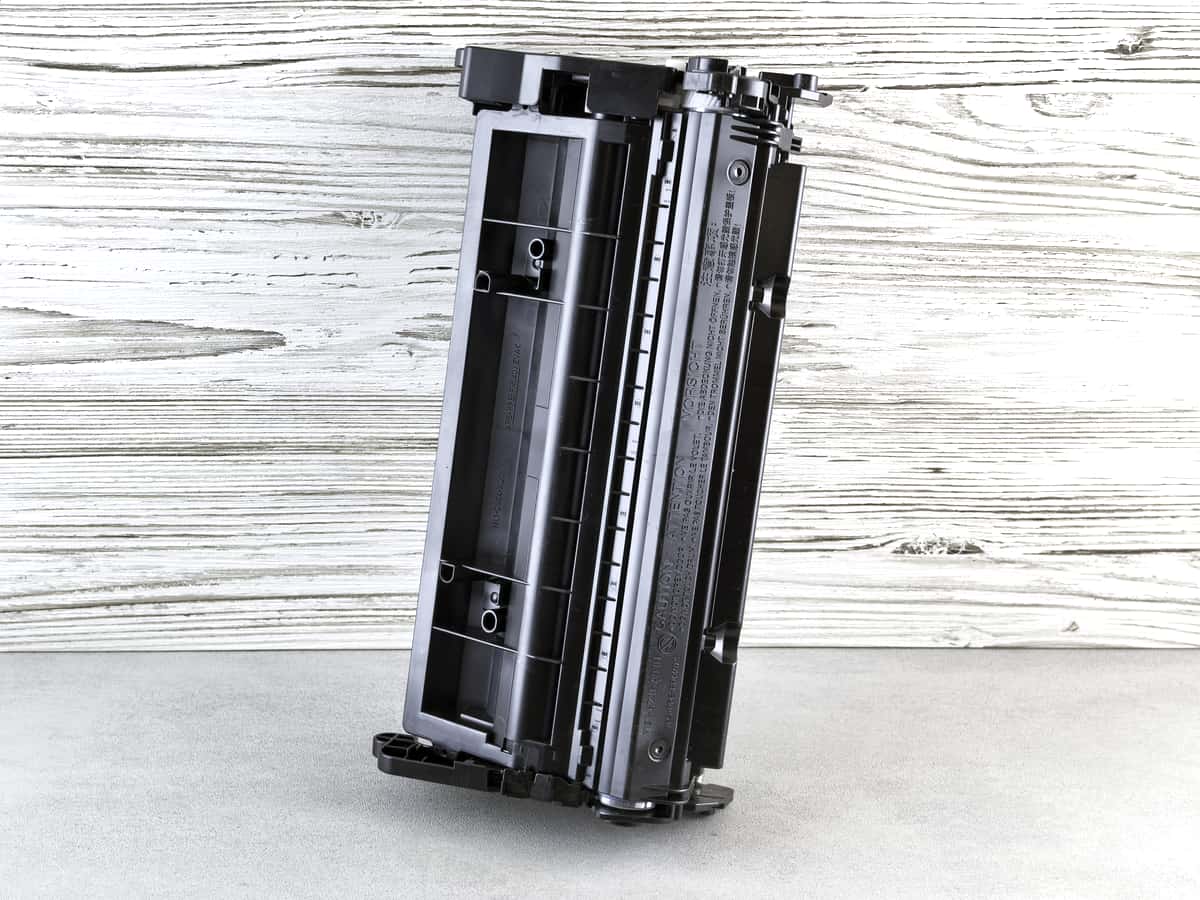
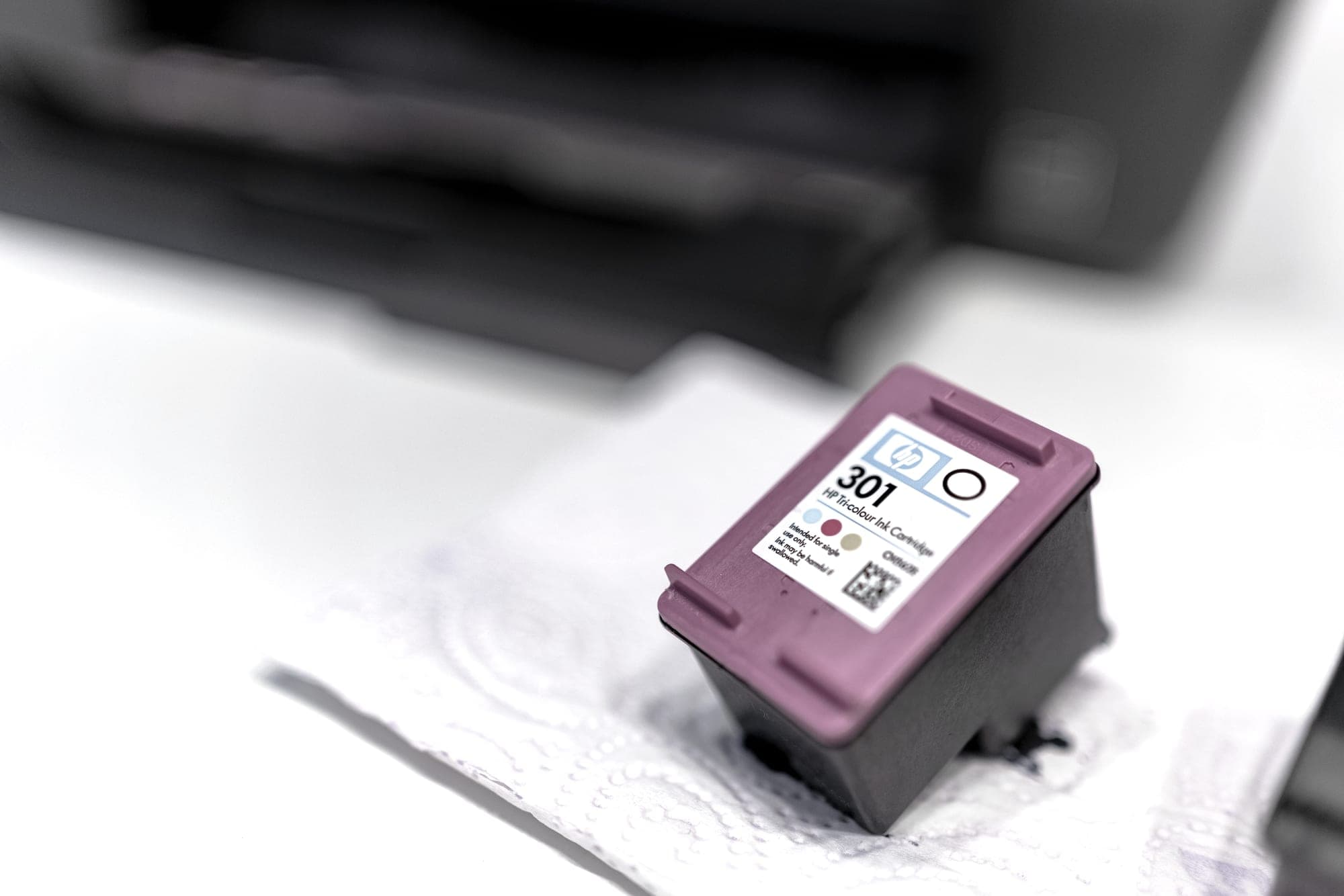
A modern cartridge is not just a container. It carries a small chip that the printer interrogates. The chip reports how much ink is left, and on some printers it also proves the cartridge is the manufacturer’s. When that second check fails, behavior ranges from a dismissable warning through to a refusal to print.
HP calls its implementation Dynamic Security. PCWorld has documented both the mechanism and, for a specific list of older models, the firmware route to switching it off: PCWorld’s list of HP printers that can be upgraded to allow third-party ink. HP’s own framing is that the feature exists to “protect HP’s innovations and intellectual property” and to protect customers from counterfeit cartridges. Both things can be true at once: counterfeit cartridges exist, and the same check also excludes legitimate compatible ones. Our full page on Dynamic Security covers which models are affected and what the workaround does and does not do.
Where each brand stands
Every row below is a statement about what we could verify on 27 September 2026, with the reporting named. Ink policies change, and a page that claims “brand X allows third-party ink” with no date will eventually be wrong. Where we could not confirm something, the table says so rather than filling the gap.
| Brand | What we could verify | Read more |
|---|---|---|
| Epson (EcoTank) | Bottle-fed. There is no cartridge chip to authenticate, so the question does not arise on the tank models. | EcoTank picks |
| Canon (MegaTank) | Bottle-fed, same as above. No cartridge authentication on the tank models. | MegaTank picks |
| Brother (laser) | Brother has publicly DENIED that its firmware updates block third-party supplies, telling Ars Technica "Brother firmware updates do not block the use of third-party ink in our machines". The allegations that prompted the denial are real and were widely reported. This is a dispute, not a settled fact. | The Brother dispute |
| HP (cartridge printers) | Dynamic Security checks for an authorized HP chip. Firmware updates have disabled previously-working third-party cartridges. A documented workaround exists for a specific list of older models only. | Dynamic Security explained |
| HP (Smart Tank) | Bottle-fed, so the cartridge-chip issue does not apply to these models. We could not read a confirmed bottle price from HP when we checked, so we publish no cost per page for them. | Ink tank hub |
Where a cell says we could not confirm something, that is the finding. We do not publish a policy statement we have not sourced.
What you can do, in order of how well it works
- Buy bottle-fed. The only option that removes the mechanism entirely rather than managing it.
- Turn off automatic firmware updates. On a cartridge printer this is the single most effective precaution, because lockouts have historically arrived with an update rather than out of the box.
- Keep the printer off the internet if you can live with it. Print over USB or a local network and it cannot update itself. You lose mobile printing and cloud features.
- Check the model, not the brand. Policy varies by model and by manufacture date, which is exactly why PCWorld’s list is a list of specific printers rather than a rule about HP.
Why this section exists at all
Because it is the question buyers in this category actually ask and almost nobody answers commercially. Roundups compare print speeds. Forums argue. The manufacturers say as little as they can. A plainly written, sourced, dated account of who does what is genuinely useful, and it is the sort of thing we can do honestly without owning a lab.
What we will not do here
Frame any of this as a conspiracy. The commercial logic is obvious and does not need dramatizing: printer hardware is sold cheap and supplies carry the margin, so manufacturers have an incentive to keep supply revenue. Stating that plainly, with sources, is more damaging to a bad policy than any amount of outrage — and it is the only version we can stand behind.