Skip to content
Tank & Toner
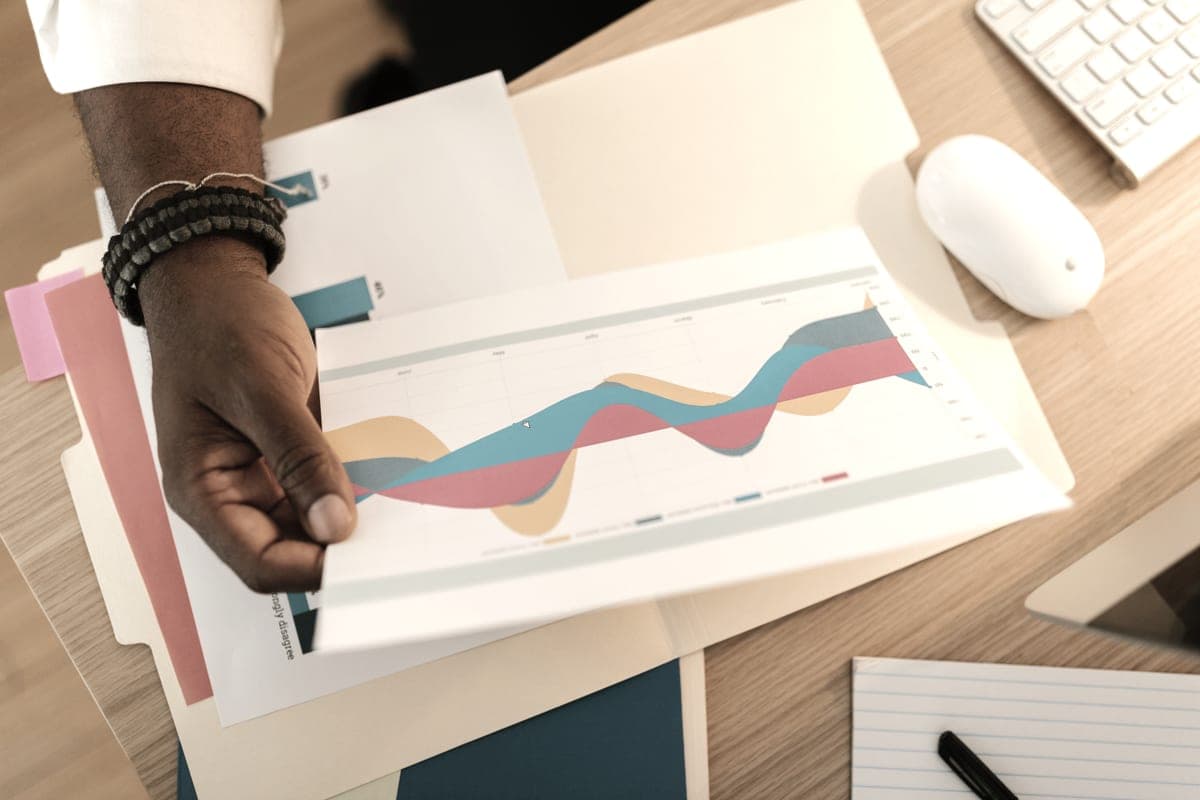
A hand holding a printed color business graph on a desk

Compare

Color laser vs ink tank printer

For color printing, an ink tank wins on cost by roughly a factor of ten. A color laser wins on exactly one thing, and for some households that one thing decides it.

By Ryder M. · Published September 27, 2026

Quick picks

Our ranked picks for color laser vs ink tank printer, with the cost per page beside each one. Tap a row to jump to the full write-up.

Our ranked picks for color laser vs ink tank printer, with the cost per page beside each one. Tap a row to jump to the full write-up.
#ProductBest forCost per pagePrice
1
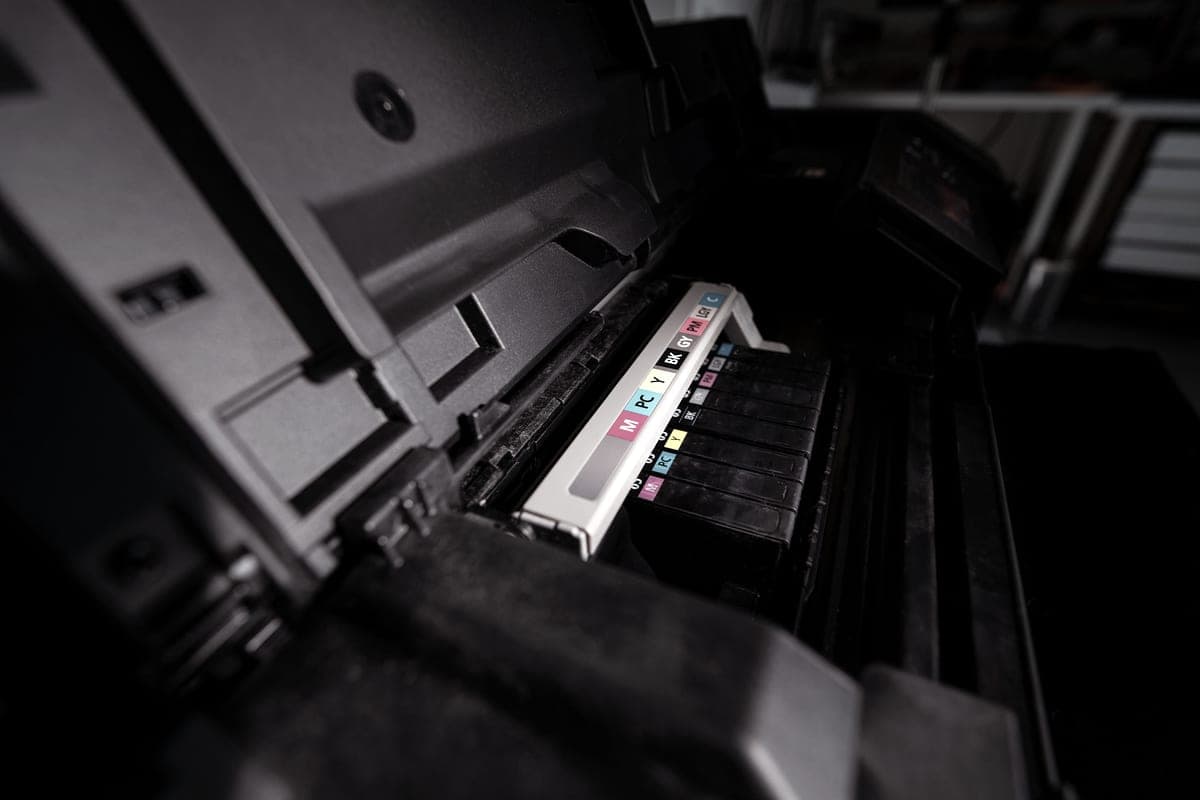
An open inkjet printer with its color ink reservoirs visible
Canon PIXMA MegaTank G3270Color at about 0.8¢ a page
The ink tank case~0.3¢
2
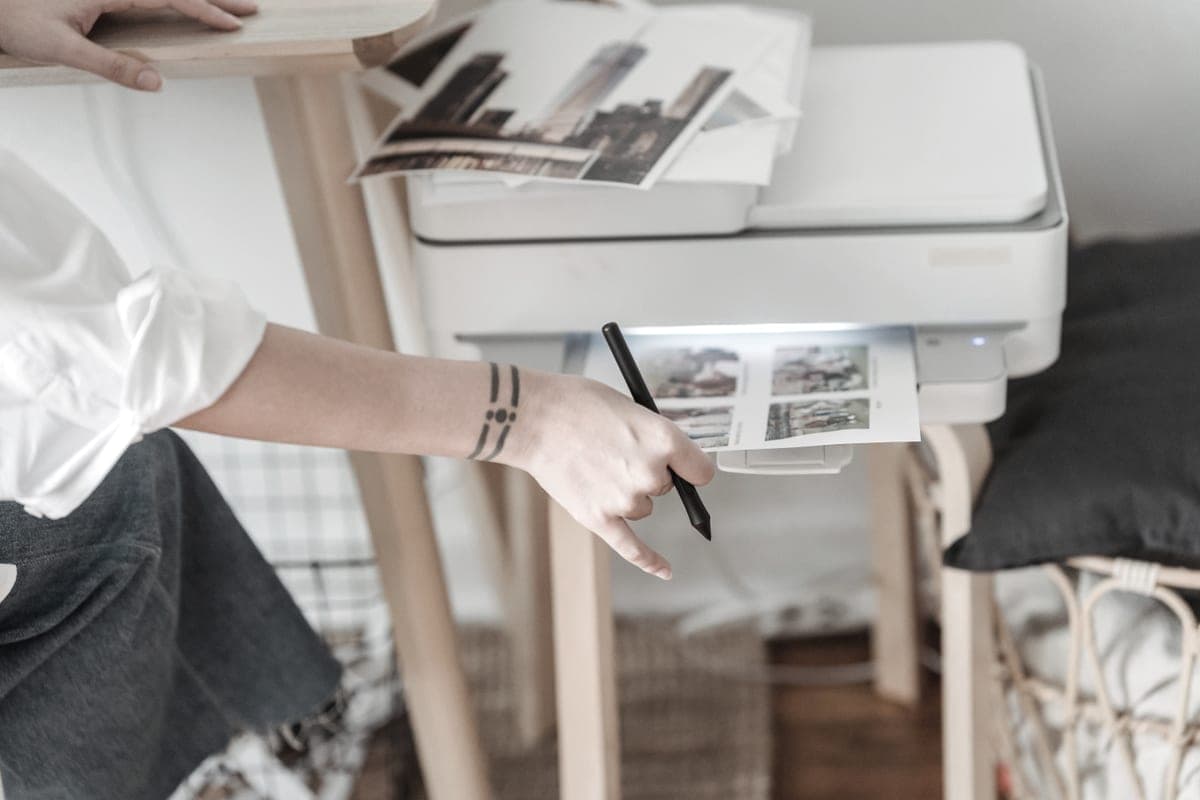
A person using a home inkjet printer at a desk beside printed sheets
Epson EcoTank ET-2800Color at about 1.1¢, with dye ink for photo paper
The ink tank case, for photos too~0.4¢
3
An open magazine on a white table, showing full-color print output
Brother HL-L3220CDWColor that survives months of disuse, and will not smudge
The color laser case~3.2¢

#ad — buy links are affiliate links and we may earn a commission at no cost to you. How this site is funded. We do not display live prices, so every button sends you to Amazon’s own page for the current one. Cost-per-page figures are arithmetic on supply prices we read on 27 September 2026 — here is the method.

Is a color laser or an ink tank printer better for color?

An ink tank printer, for almost everyone: it prints a color page for well under two cents against published color laser figures of between 12 and 15 cents a page, and it can print photographs. A color laser wins in one case only — color you need occasionally on a printer that sits idle for months.

This comparison has a clear winner on cost and a genuine, narrow exception. Both halves are worth stating properly, because the exception is real and the cost gap is larger than most people expect.

How we decided this

We computed the ink tank side from bottle prices and manufacturer-rated yields, adding one per-page cost for each of the three color channels because that is what an ISO color page draws. For the color laser side we cite Toner Buzz’s published range rather than pricing four cartridges individually, because color toner pricing varies widely and the range is the honest representation.

We then weighed the non-cost factors separately, because a comparison decided purely on cost would miss the one thing a color laser genuinely offers.

The cost gap

Cost per four-color page
Per color pageBasis
Canon MegaTank (GI-21)~0.8¢Our arithmetic, prices read 27 Sep 2026
Epson EcoTank (522)~1.1¢Our arithmetic, prices read 27 Sep 2026
Color laserbetween 12 and 15 cents a pageToner Buzz's published range

Roughly a tenfold difference, and on a 5%-coverage ISO page. A color-heavy document uses much more than that, which widens the gap rather than closing it. Run your own volume.

There is a second cost too: a color laser has four cartridges to buy and track rather than four bottles you filled once. On the Brother they are separate units, which is better than a combined cartridge — but it is still four purchases.

The one thing a color laser does better

It cannot dry out. Toner is a dry powder with no solvent to evaporate and no print head to clog, so a color laser left untouched from March to August prints perfect color in August. An inkjet in the same situation may need a head clean, and in the worst case may have a blocked nozzle.

If you need color and cannot promise regular use, that property is not a nice-to-have. It is the difference between a printer that works and one that does not, and it is worth paying several cents a page for if you only print a few hundred color pages a year.

Photographs: not a contest

A color laser cannot produce a photographic print of any quality. Fused toner on glossy paper cannot deliver the tonal depth that ink absorbed into a photo coating does, and no specification changes that. If photographs are any part of your color printing, the color laser is simply not a candidate.

The ink tank side also has internal variation here: dye-based ink is better on glossy paper than pigment. See the photo printing page.

The other differences, briefly

  • Crispness of colored text and line art: color laser is better, because fused toner does not spread along paper fibers. Charts and colored headings look sharper.
  • Water and smudge resistance: color laser is better, though a pigment ink narrows this considerably.
  • Speed: the Brother color laser is 19 pages a minute, which is slower than its mono models but faster than most inkjets on a long color document.
  • Size and noise: color lasers are the bulkiest printers here, because they need a fuser and four toner assemblies.

The decision

Count the color pages you print in a year. Under about a hundred, and with long gaps between them: a color laser is a defensible purchase. Over a few hundred, or with any photographs, or with regular enough printing to keep an inkjet healthy: an ink tank printer, and the cost difference will pay for the printer.

And there is a third answer worth considering: a mono laser plus a print shop for the handful of color pages. Cheaper than either option on this page, and better output than both.

Specifications and running costs side by side, for the printers discussed on this page.
PrinterSupply typeMono per pageColor per pageAuto duplexFeederList price
Canon PIXMA MegaTank G3270Ink bottles~0.3¢~0.8¢Not statedNo$249
Epson EcoTank ET-2800Ink bottles~0.4¢~1.1¢NoNo$240
Brother HL-L3220CDWToner~3.2¢not publishedYesNo$285
Epson EcoTank ET-2850Ink bottles~0.3¢~1.2¢YesNo$350

Cost-per-page figures are our own arithmetic: supply price divided by the manufacturer’s rated page yield, using prices read on 27 September 2026 and yields rated at the ISO 5% coverage standard. They are not measured by us and they are not current prices. Every input, and the working · run the numbers for your own printing

The picks in detail

The ink tank case

Canon PIXMA MegaTank G3270

The cheapest cost per page of any printer we cover, and the pigment black is the reason to pick it over an EcoTank if your prints get handled.

An open inkjet printer with its color ink reservoirs visible

Illustrative photograph of this kind of printer. We do not have this model in hand and this is not a photograph of the unit.

Check price on Amazon

#ad — we may earn a commission. How this site is funded. We do not show live prices; Amazon’s page is the price of record.

~0.3¢ per mono page · ~0.8¢ per color page

Based on a Canon GI-21 pigment black ink bottle rated at 6,000 pages at $17.99, priced on 27 September 2026.

The color figure adds one per-page cost for each of the three color channels, because an ISO color page draws from all of them.

  • Canon GI-21 pigment black ink bottle — rated 6,000 pages (ISO/IEC 24712 (Canon default print mode)), $17.99 at Target, checked 27 September 2026
  • Canon GI-21 color ink bottle — rated 7,700 pages (ISO/IEC 24712 (Canon default print mode)), $12.99 at Target, checked 27 September 2026

Yields are manufacturer-rated at the ISO 5% page-coverage standard, not measured by us, and real-world cost runs higher. Prices are not live: this is arithmetic on a price we read on the date shown, not a current price. How we calculate cost per page.

List price
$248.99 at Office Depot, checked 27 September 2026
Supply type
Refillable ink bottles
Two-sided printing
Not stated on the spec page we read
Document feeder
None
Connectivity
Wireless
Subscription
None required

What we like

  • Lowest cost per page of any model on this site, mono and color
  • Pigment black ink smudges less on plain paper
  • Large 170 mL bottles, so refills are infrequent

What you give up

  • Canon's own store would not show us a price, so ours is a retailer listing
  • No document feeder
  • Canon's headline yields assume its default print mode, not draft mode

About 0.8 of a cent a four-color page against published color laser figures of between 12 and 15 cents a page. That is not a comparison that needs interpreting.

The condition is regular use, and the limitation is that its pigment black is not ideal for glossy photographs. For colored documents it is excellent.

Specifications read from the manufacturer’s own product page on 27 September 2026. Full cost-to-run breakdown for the Canon PIXMA MegaTank G3270 →

The ink tank case, for photos too

Epson EcoTank ET-2800

The cheapest way to get genuinely low-cost color printing at home, as long as you can live without an auto duplexer or a document feeder.

A person using a home inkjet printer at a desk beside printed sheets

Illustrative photograph of this kind of printer. We do not have this model in hand and this is not a photograph of the unit.

Check price on Amazon

#ad — we may earn a commission. How this site is funded. We do not show live prices; Amazon’s page is the price of record.

~0.4¢ per mono page · ~1.1¢ per color page

Based on a Epson 522 black ink bottle rated at 4,500 pages at $17.99, priced on 27 September 2026.

The color figure adds one per-page cost for each of the three color channels, because an ISO color page draws from all of them.

  • Epson 522 black ink bottle — rated 4,500 pages (ISO/IEC 24712), $17.99 at Epson US, checked 27 September 2026
  • Epson 522 color ink bottle — rated 7,500 pages (ISO/IEC 24712), $17.99 at Epson US, checked 27 September 2026

Yields are manufacturer-rated at the ISO 5% page-coverage standard, not measured by us, and real-world cost runs higher. Prices are not live: this is arithmetic on a price we read on the date shown, not a current price. How we calculate cost per page.

List price
$239.99 at Epson US, checked 27 September 2026
Supply type
Refillable ink bottles
Two-sided printing
Manual only
Document feeder
None
Connectivity
Wireless
Subscription
None required

What we like

  • Among the lowest cost per page of any printer sold for home use
  • Refillable bottles, so no chipped cartridge can be locked out by firmware
  • Comes with enough ink in the box to last most households a long time

What you give up

  • No automatic two-sided printing, so paper costs twice what it needs to
  • Flatbed scanner only - no document feeder for multi-page scans
  • Inkjets still need to be used occasionally or the print head can clog

Marginally dearer per color page than the Canon and better suited to photographs, because its dye-based ink soaks into a glossy coating rather than sitting on it.

If your color printing includes any photographs at all, this side of the comparison is the only one that can serve you — a color laser cannot print a photograph to any standard.

Specifications read from the manufacturer’s own product page on 27 September 2026. Full cost-to-run breakdown for the Epson EcoTank ET-2800 →

The color laser case

Brother HL-L3220CDW

A color laser that will not dry out between jobs. Buy it for occasional color that has to be crisp, not for cheap color - a tank printer wins on cost by a wide margin.

An open magazine on a white table, showing full-color print output

Illustrative photograph of this kind of printer. We do not have this model in hand and this is not a photograph of the unit.

Check price on Amazon

#ad — we may earn a commission. How this site is funded. We do not show live prices; Amazon’s page is the price of record.

~3.2¢ per mono page

Based on a Brother TN229XL black high-yield toner cartridge rated at 3,000 pages at $96.29, priced on 27 September 2026.

  • Brother TN229XL black high-yield toner cartridge — rated 3,000 pages (ISO/IEC 19798), $96.29 at Brother USA, checked 27 September 2026

Yields are manufacturer-rated at the ISO 5% page-coverage standard, not measured by us, and real-world cost runs higher. Prices are not live: this is arithmetic on a price we read on the date shown, not a current price. How we calculate cost per page.

List price
$284.99 at Brother USA, checked 27 September 2026
Supply type
Toner cartridge
Print speed
Up to 19 pages per minute in black and in color
Two-sided printing
Automatic
Document feeder
None
Connectivity
Wireless
Subscription
None required

What we like

  • Color laser output does not dry out during long idle spells
  • Auto duplex printing
  • Four separate cartridges, so one exhausted color does not mean replacing the set

What you give up

  • Color toner is expensive per page next to any ink tank printer
  • Four cartridges to replace instead of one
  • Slower than the mono lasers at 19 pages per minute

The one thing a color laser does that no inkjet can: sit unused for months and then print perfect color. 19 pages a minute, automatic duplexing, four separate TN229 cartridges, $284.99 at list.

You are paying several times an ink tank’s cost per color page for that reliability, and giving up photographic output entirely. For a household that prints color rarely but needs it to work, it is a rational trade.

Specifications read from the manufacturer’s own product page on 27 September 2026.

Questions people actually ask

Is a color laser or an ink tank printer cheaper for color?

An ink tank printer, by roughly a factor of ten. Bottle-fed color is well under two cents a page on the prices we read, while published color laser figures are between 12 and 15 cents a page.

When is a color laser worth it?

When you print color occasionally — roughly a hundred pages a year or fewer — with long gaps between jobs, and you need it to work every time. Toner cannot dry out, and at that volume the higher cost per page is a few dollars a year.

Can a color laser print photographs?

Not to any photographic standard. Fused toner on glossy paper cannot produce the tonal depth of ink absorbed into a photo coating. For photographs you need a dye-based inkjet.

How many cartridges does a color laser need?

Four — black, cyan, magenta and yellow. On the Brother HL-L3220CDW they are separate units, so one exhausted color does not force replacing the set, which is better than a combined cartridge.

Is color laser output better quality than inkjet?

For colored text, charts and line art, yes — crisper and far more water-resistant. For photographs and anything with smooth gradients, no, and an inkjet wins decisively.

Sources