
Skip to content
Tank & Toner
A person working at a laptop in a bright home office with plants

By Use Case

Best printer for a home office

One question settles this: does your work print in color? Answer it and the rest of the decision follows almost mechanically.

By Ryder M. · Published September 27, 2026

Quick picks

Our ranked picks for best printer for a home office, with the cost per page beside each one. Tap a row to jump to the full write-up.

Our ranked picks for best printer for a home office, with the cost per page beside each one. Tap a row to jump to the full write-up.
#ProductBest forCost per pagePrice
1
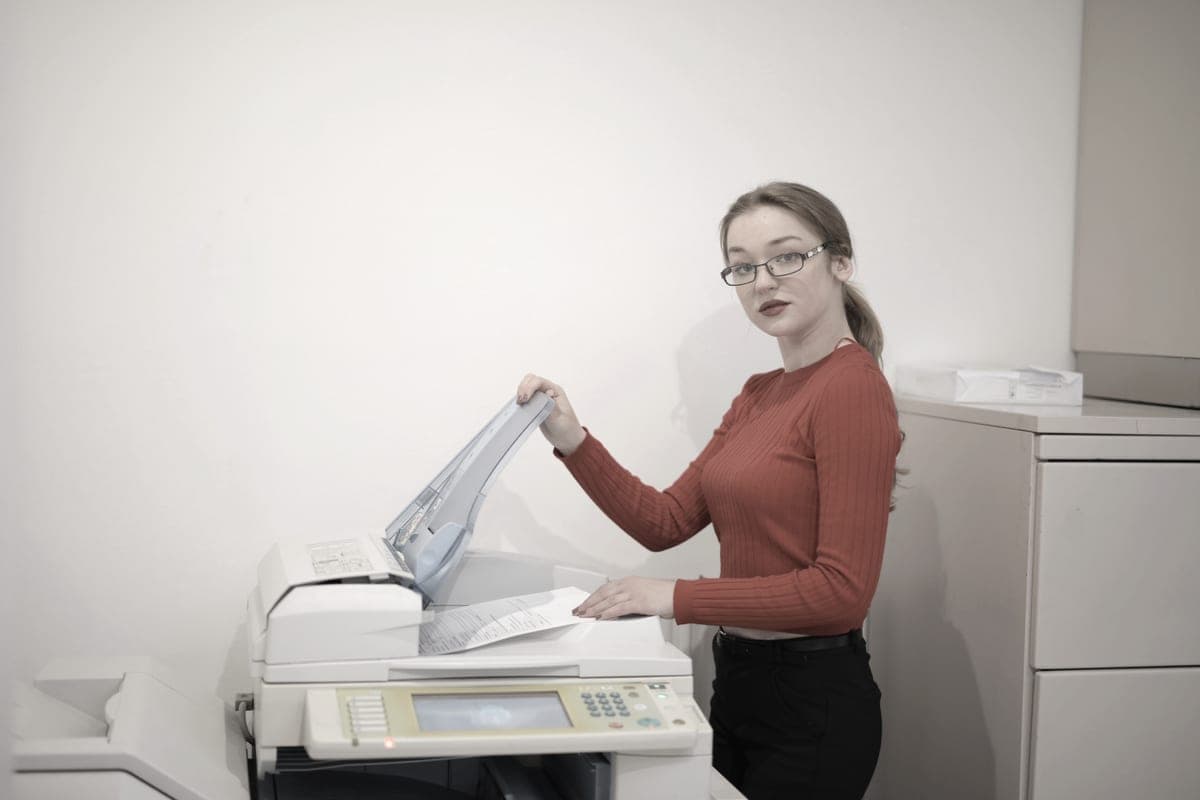
An office worker copying documents at a multifunction printer
Brother DCP-L2640DW36 ppm, auto duplex, 50-page feeder, Ethernet
Best for a home office overall~3.3¢
2
A neat home office desk with a monitor and a window behind it
Epson EcoTank ET-4800Color at about 1.1¢, with a feeder and Ethernet
Best if your work prints color~0.4¢
3
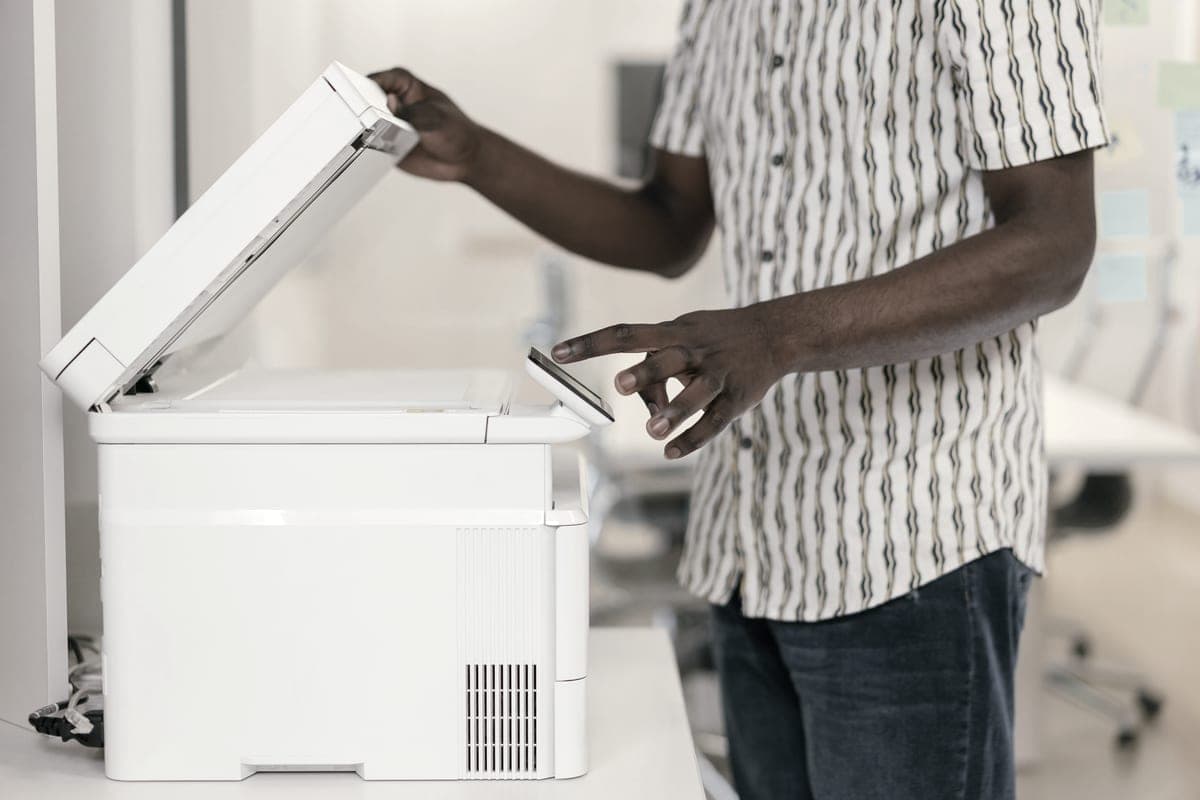
A person operating a multifunction printer and copier in an office
Epson EcoTank ET-3850Duplex, feeder and Ethernet on 0.3¢ 502 ink
Best all-round tank printer for an office~0.3¢
4
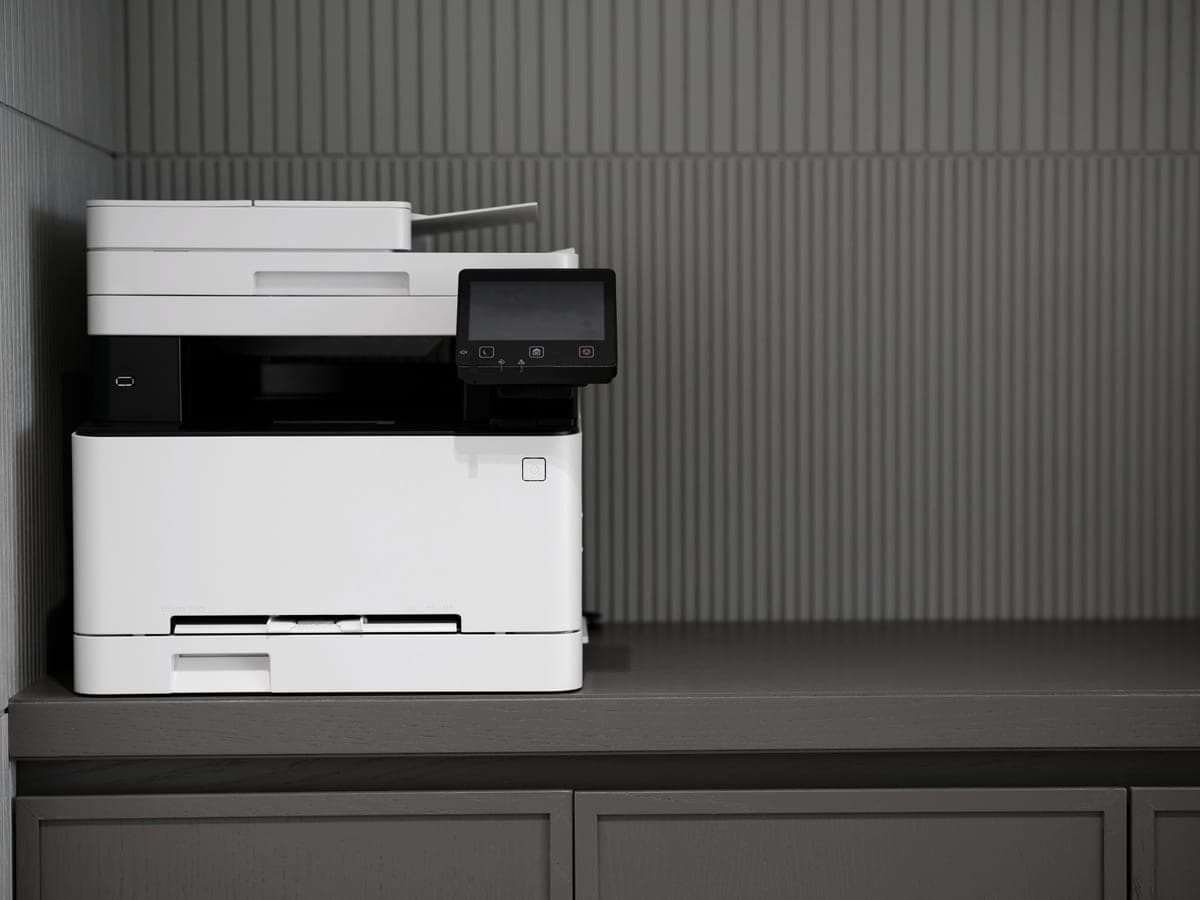
A modern printer on a minimalist office desk
Brother HL-L2460DWSame printing, thirty dollars less
Best if you do not scan~3.3¢

#ad — buy links are affiliate links and we may earn a commission at no cost to you. How this site is funded. We do not display live prices, so every button sends you to Amazon’s own page for the current one. Cost-per-page figures are arithmetic on supply prices we read on 27 September 2026 — here is the method.

A home office printer is judged differently from a household one. Speed matters because you are standing there. Duplexing matters because documents are multi-page. A feeder matters because signed paper has to be scanned. And reliability matters most, because a printer that fails at 4pm on a deadline has cost you more than any cartridge.

How we picked

We required automatic duplexing on every pick, and either a document feeder or a clear reason not to have one. We preferred wired Ethernet, because a printer that drops off Wi-Fi is the most common interruption in a home office and a cable eliminates it entirely.

Beyond that, the ranking splits by technology rather than running in a single line, because the correct answer genuinely depends on whether the office prints color. Presenting one ranked list would hide the decision that actually matters.

The one question

Does your work print color? If no, buy the mono laser: faster, cheaper to buy, and completely indifferent to a quiet fortnight. If yes, buy the tank printer, because the cost gap on color pages is roughly tenfold and nothing else in the comparison outweighs that.

The gap that decides it
Mono laserInk tank
Black page~3.3¢~0.4¢
Color pagenot available~1.1¢
Color laser, for comparisonbetween 12 and 15 cents a page—
Speedup to 36 pages a minutemodest
After three idle weeksprints normallymay need a head clean

Our figures are arithmetic on prices read 27 September 2026; the color laser range is Toner Buzz’s, quoted for context. On black text the technologies are within a few cents. On color they are not close.

The office features worth paying for

Automatic duplexing, always

Office documents are multi-page. A duplexer halves the paper on every one of them for the life of the machine and removes the most annoying manual step in printing. There is no volume at which this is not worth having.

A document feeder, if you scan signed paper

The difference between scanning a ten-page contract in one action and doing it ten times. If that is a monthly job, it justifies the model. If it happens twice a year, it does not.

Wired Ethernet, more than people think

Most complaints about a home office printer are network complaints wearing a printer costume. A cable does not drop off the network. It is the cheapest fix for the most common interruption in the working day.

Speed, above a threshold

Thirty-six pages a minute versus twenty is the difference between waiting and not waiting on a long document. Below about fifteen you will notice; above about thirty you will not.

The subscription pitch, and why it fits badly

Supply plans are marketed hardest at this buyer, because office volume makes the monthly number look reasonable. The mechanism to understand is that a plan bills for a page allowance, not for pages printed — so a quiet August is a month you paid for nothing, and a busy quarter is a month you exceed the plan.

Small-office printing is almost always lumpy, which is the worst possible fit for a flat allowance. Owning your supplies means the quiet month costs zero.

Specifications and running costs side by side, for the printers discussed on this page.
PrinterSupply typeMono per pageColor per pageAuto duplexFeederList price
Brother DCP-L2640DWToner~3.3¢mono onlyYesYes$210
Epson EcoTank ET-4800Ink bottles~0.4¢~1.1¢Not statedYesnot published
Epson EcoTank ET-3850Ink bottles~0.3¢~1.2¢YesYesnot published
Brother HL-L2460DWToner~3.3¢mono onlyYesNo$180

Cost-per-page figures are our own arithmetic: supply price divided by the manufacturer’s rated page yield, using prices read on 27 September 2026 and yields rated at the ISO 5% coverage standard. They are not measured by us and they are not current prices. Every input, and the working · run the numbers for your own printing

The picks in detail

Best for a home office overall

Brother DCP-L2640DW

The HL-L2460DW with a scanner and a 50-page feeder on top. For most home offices that need to scan, this is the sensible mono laser.

An office worker copying documents at a multifunction printer

Illustrative photograph of this kind of printer. We do not have this model in hand and this is not a photograph of the unit.

Check price on Amazon

#ad — we may earn a commission. How this site is funded. We do not show live prices; Amazon’s page is the price of record.

~3.3¢ per mono page

Based on a Brother TN830XL high-yield toner cartridge rated at 3,000 pages at $98.29, priced on 27 September 2026.

  • Brother TN830XL high-yield toner cartridge — rated 3,000 pages (ISO/IEC 19752), $98.29 at Brother USA, checked 27 September 2026

Yields are manufacturer-rated at the ISO 5% page-coverage standard, not measured by us, and real-world cost runs higher. Prices are not live: this is arithmetic on a price we read on the date shown, not a current price. How we calculate cost per page.

List price
$209.99 at Brother USA, checked 27 September 2026
Supply type
Toner cartridge
Print speed
Up to 36 pages per minute
Two-sided printing
Automatic
Document feeder
50-page automatic document feeder
Connectivity
Ethernet and dual-band wireless
Subscription
None required

What we like

  • 50-page document feeder, so scanning a stack is one action
  • Auto duplex printing at 36 pages per minute
  • Same TN830 toner family as the HL-L2460DW, with the same cost per page

What you give up

  • Mono only
  • Thirty dollars more than the print-only model for hardware you may not need
  • Toner is far dearer per page than bottle ink

For an office running on black text this is the machine. It gets through a forty-page contract quickly, duplexes it automatically, scans the signed copy in one pass through a fifty-page feeder, and connects over a cable so it does not vanish off the network mid-morning.

About 3.3 cents a page on high-yield toner, which is roughly eight times a tank printer’s figure. For text-only work at moderate volume it still comes out ahead on total cost, and it is far less bothered by a quiet week.

Specifications read from the manufacturer’s own product page on 27 September 2026. Full cost-to-run breakdown for the Brother DCP-L2640DW →

Best if your work prints color

Epson EcoTank ET-4800

The ET-2800's running cost with the office hardware bolted on: a document feeder, wired Ethernet and fax. Worth it only if you actually need one of those three.

A neat home office desk with a monitor and a window behind it

Illustrative photograph of this kind of printer. We do not have this model in hand and this is not a photograph of the unit.

Check price on Amazon

#ad — we may earn a commission. How this site is funded. We do not show live prices; Amazon’s page is the price of record.

~0.4¢ per mono page · ~1.1¢ per color page

Based on a Epson 522 black ink bottle rated at 4,500 pages at $17.99, priced on 27 September 2026.

The color figure adds one per-page cost for each of the three color channels, because an ISO color page draws from all of them.

  • Epson 522 black ink bottle — rated 4,500 pages (ISO/IEC 24712), $17.99 at Epson US, checked 27 September 2026
  • Epson 522 color ink bottle — rated 7,500 pages (ISO/IEC 24712), $17.99 at Epson US, checked 27 September 2026

Yields are manufacturer-rated at the ISO 5% page-coverage standard, not measured by us, and real-world cost runs higher. Prices are not live: this is arithmetic on a price we read on the date shown, not a current price. How we calculate cost per page.

List price
Not published where we checked on 27 September 2026
Supply type
Refillable ink bottles
Two-sided printing
Not stated on the spec page we read
Document feeder
Automatic document feeder
Connectivity
Wireless and Ethernet
Subscription
None required

What we like

  • Same 522 ink and therefore the same cost per page as the cheaper EcoTanks
  • Automatic document feeder for multi-page scanning and copying
  • Wired Ethernet, which is more reliable than Wi-Fi for a shared printer

What you give up

  • Epson did not publish a list price on its product page when we checked
  • You pay for the feeder and the fax whether or not you use them
  • Still an inkjet, so it wants occasional use

If proposals, marketing material or anything with a logo on it is part of your work, the economics invert completely. A color page here is about 1.1 of a cent; on a color laser, published figures put it at between 12 and 15 cents a page.

It pairs that with a document feeder, wired Ethernet and fax. Epson did not publish a list price on the page we read, so check the current price before committing.

Specifications read from the manufacturer’s own product page on 27 September 2026. Full cost-to-run breakdown for the Epson EcoTank ET-4800 →

Best all-round tank printer for an office

Epson EcoTank ET-3850

The most complete EcoTank for a home office: auto duplex, a document feeder and wired Ethernet on the cheaper 502 ink.

A person operating a multifunction printer and copier in an office

Illustrative photograph of this kind of printer. We do not have this model in hand and this is not a photograph of the unit.

Check price on Amazon

#ad — we may earn a commission. How this site is funded. We do not show live prices; Amazon’s page is the price of record.

~0.3¢ per mono page · ~1.2¢ per color page

Based on a Epson 502 black ink bottle rated at 7,500 pages at $24.99, priced on 27 September 2026.

The color figure adds one per-page cost for each of the three color channels, because an ISO color page draws from all of them.

  • Epson 502 black ink bottle — rated 7,500 pages (ISO/IEC 24712), $24.99 at Epson US, checked 27 September 2026
  • Epson 502 color ink bottle — rated 6,000 pages (ISO/IEC 24712), $16.99 at Epson US, checked 27 September 2026

Yields are manufacturer-rated at the ISO 5% page-coverage standard, not measured by us, and real-world cost runs higher. Prices are not live: this is arithmetic on a price we read on the date shown, not a current price. How we calculate cost per page.

List price
Not published where we checked on 27 September 2026
Supply type
Refillable ink bottles
Two-sided printing
Automatic
Document feeder
Automatic document feeder
Connectivity
Wireless and Ethernet
Subscription
None required

What we like

  • Auto duplex and a document feeder in one machine
  • Wired Ethernet as well as Wi-Fi
  • Same low 502 cost per page as the ET-2850

What you give up

  • Epson did not publish a list price on its product page when we checked
  • Bigger footprint than the entry-level EcoTanks
  • More printer than a household printing a few pages a week needs

Epson lists automatic duplexing, a document feeder and Ethernet together on this model, running on the cheaper 502 ink at about 0.3 of a cent a black page. On capability it is the most complete tank printer for office use we cover.

As with the ET-4800, no list price was published where we looked. That is why it sits third rather than higher.

Specifications read from the manufacturer’s own product page on 27 September 2026.

Best if you do not scan

Brother HL-L2460DW

If you print black text and nothing else, this is the printer to buy. It cannot dry out, it duplexes, and Brother does not block third-party toner.

A modern printer on a minimalist office desk

Illustrative photograph of this kind of printer. We do not have this model in hand and this is not a photograph of the unit.

Check price on Amazon

#ad — we may earn a commission. How this site is funded. We do not show live prices; Amazon’s page is the price of record.

~3.3¢ per mono page

Based on a Brother TN830XL high-yield toner cartridge rated at 3,000 pages at $98.29, priced on 27 September 2026.

  • Brother TN830XL high-yield toner cartridge — rated 3,000 pages (ISO/IEC 19752), $98.29 at Brother USA, checked 27 September 2026

Yields are manufacturer-rated at the ISO 5% page-coverage standard, not measured by us, and real-world cost runs higher. Prices are not live: this is arithmetic on a price we read on the date shown, not a current price. How we calculate cost per page.

List price
$179.99 at Brother USA, checked 27 September 2026
Supply type
Toner cartridge
Print speed
Up to 36 pages per minute
Two-sided printing
Automatic
Document feeder
None
Connectivity
Dual-band wireless (2.4 GHz / 5 GHz), Ethernet or USB
Subscription
None required

What we like

  • Toner does not dry out, so it is ideal if you print in occasional bursts
  • Automatic two-sided printing at 36 pages per minute
  • Brother has publicly denied blocking third-party toner with firmware

What you give up

  • Black only - no color at all
  • Cost per page is roughly ten times a tank printer's
  • The 700-page starter cartridge runs out fast; budget for a TN830XL

Identical print engine and toner to the DCP-L2640DW, without the scanner, for thirty dollars less at list price. If your paperwork arrives and leaves digitally, the scanner is hardware you will not touch.

Worth checking honestly though: most home offices scan something eventually, and thirty dollars is a low price for not having to photograph a contract with your phone.

Specifications read from the manufacturer’s own product page on 27 September 2026. Full cost-to-run breakdown for the Brother HL-L2460DW →

Questions people actually ask

What is the best printer for a home office?

The Brother DCP-L2640DW if your work is black text: 36 pages a minute, auto duplex, a 50-page feeder and about 3.3 cents a page. An Epson EcoTank with a document feeder instead if you print color, where a page costs about 1.1 of a cent rather than a dozen.

Is a laser or an inkjet better for a home office?

Laser for black text: faster, duplexes, and unaffected by quiet periods. Inkjet — specifically a refillable tank printer — if any real share of your printing is color, where the cost gap is roughly tenfold in its favor.

Do I need a document feeder?

If you scan signed paperwork monthly, yes. It turns a ten-action job into one. If you scan a couple of times a year, a flatbed is fine and a phone camera is often faster.

Are printer subscriptions worth it for business use?

Only if your monthly volume is steady and close to the allowance. Plans bill for the allowance rather than the pages you printed, so the seasonal or bursty printing most small offices do means paying for pages you never used.

How fast does a home office printer need to be?

Fast enough that a long document is not an event. Around thirty pages a minute is comfortably enough; below about fifteen you will notice the wait on anything substantial.

Sources