
This comparison gets searched because both machines sit in the same aisle and neither description makes the difference obvious. It resolves quickly once you say the thing the product pages do not: a thermal printer cannot print a document, and a laser printer cannot print a label without a sheet of label stock.
Laser or thermal: which should I buy?
Buy a thermal printer if you print shipping labels, name badges or barcodes and almost nothing else — it needs no ink, toner or ribbon. Buy a laser if you print documents at all. If you do both seriously, the honest answer is both machines, and it is cheaper than it sounds.
How we decided this
We compared the two on the only three things that separate them in practice: what each can physically print, what the consumable costs per unit printed, and how long the output survives. Everything else — speed, connectivity, footprint — is close enough at this price not to decide anything.
The cost figures are our own arithmetic on published prices and published quantities, as everywhere on this site, and the two are not directly comparable units. A laser figure is cents of toner per sheet of paper you supply. A thermal figure is cents per label, with the label included. We have kept them separate for that reason.
How the two technologies actually work
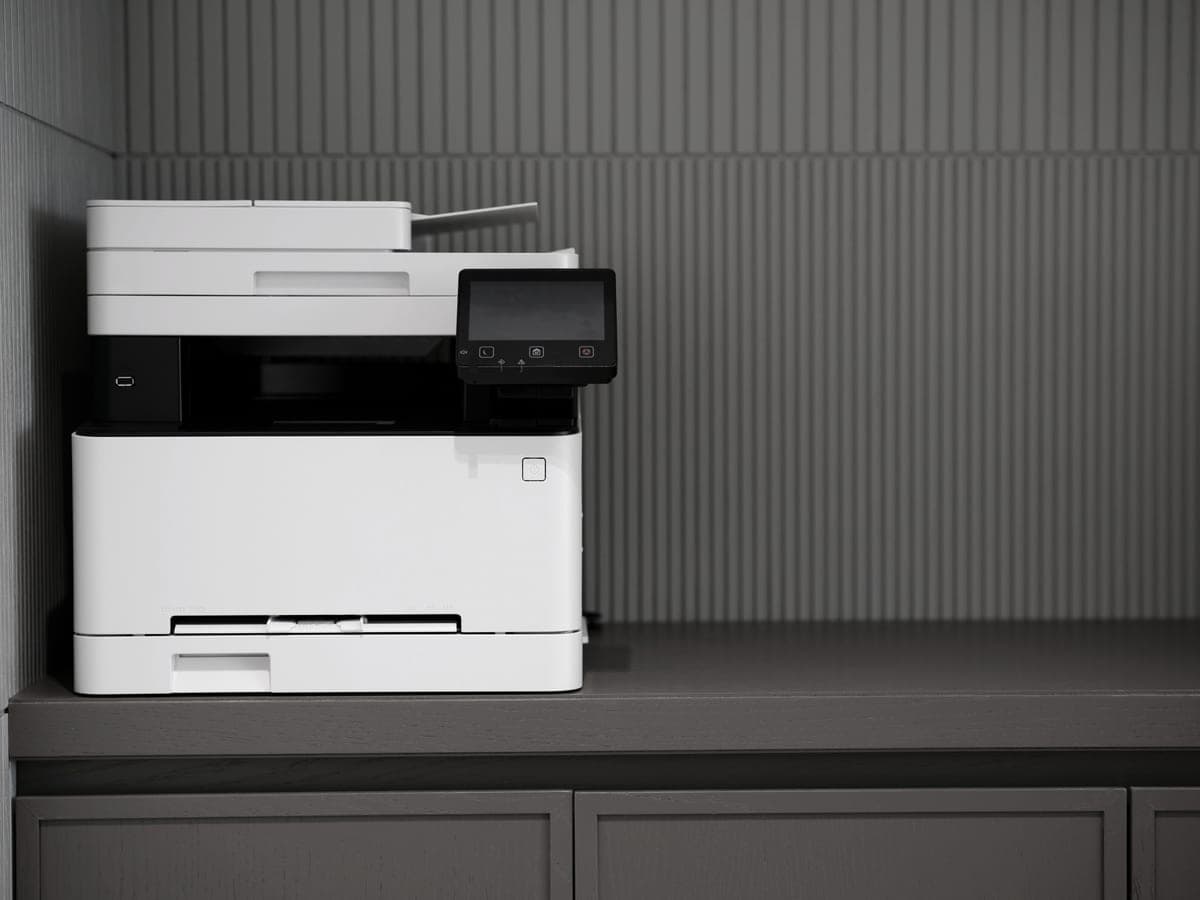
A laser charges a drum with a laser beam, attracts dry toner powder to the charged areas, presses it onto paper and fuses it with heat. The consumable is the powder; the paper is whatever you put in the tray.
Direct thermal has no consumable at all in that sense. The label stock is coated with a heat-sensitive dye, and the print head darkens it selectively. Brother puts it plainly on the QL-1110NWBc page: there are no expensive inks, toners or ribbons to replace. The catch is that the image lives in the paper, so the paper has to be special, and it costs accordingly.
The numbers, side by side
| Brother HL-L2460DW (laser) | Brother QL-1110NWBc (thermal) | |
|---|---|---|
| Printer price | $179.99 | $324.99 |
| Consumable | TN830XL toner cartridge | Brother DK label rolls |
| Cost per unit printed | ~3.3¢ of toner per sheet, paper extra | ~14¢ per DK-1247 shipping label, label included |
| Prints documents | Yes, letter and legal, two-sided | No |
| Prints shipping labels | Yes, on adhesive label sheets | Yes, one at a time |
| Maximum width | Letter and legal paper | 4 inches (102 mm) |
| Color | No — this model is mono | No |
| Output longevity | Fused toner, stable | Fades with heat and light |
Prices from Brother USA product pages, read 29 September 2026. The toner figure is our arithmetic on a $98.29 cartridge rated at 3,000 pages; the label figure is a $25.49 roll of 180 labels. The method.
The label looks expensive next to the page, and in one sense it is: 14 cents against 3.3 cents. But the 3.3-cent figure is toner only. Print that shipping label on a laser and you also buy a sheet of adhesive label stock, which we have not priced here and which is not free, and you get a partial sheet left over.
The thing a site like this has to say about DK rolls
Most of this site is about escaping proprietary consumables. So it would be dishonest to sell you a thermal printer as the machine with no ink trap without noting that Brother DK rolls are proprietary. You are not buying freedom from a consumable; you are moving the consumable from a cartridge into the paper.
That is a better deal in some ways — there is no chip to be locked out by a firmware update, and nothing dries out — and a worse one in others, because the roll has to be the right roll. Judge it on the 14-cent figure rather than on the marketing phrase “no ink required”.
The failure mode nobody mentions until it happens
Direct thermal print is not permanent. The image is a dye reaction in the label coating, and heat, light and humidity continue to affect it after printing. LabelValue states that printed direct thermal labels typically have a shelf life of 12 to 24 months, and that exposure to heat, light and humidity can cause labels to fade or turn yellow over time. LabelValue.
For a parcel that will be scanned in four days, this is irrelevant. For anything that has to be readable in three years — asset tags, archive boxes, product labels on slow-moving stock — it is disqualifying, and it is why thermal transfer printers with a ribbon exist as a separate category.
Fused laser toner has no equivalent problem. It is powder melted into the sheet.
What each simply cannot do
- A thermal label printer cannot print a document. The QL-1110NWBc prints up to 4 inches wide on a roll. There is no letter-size path, no duplexing and no plain paper.
- A laser cannot print on thermal stock — the fuser heat would develop the whole sheet. Laser labels mean adhesive label sheets, which are a different product.
- Neither of these two prints color. If you need color, that is a different comparison entirely — color laser against an ink tank.
The verdict
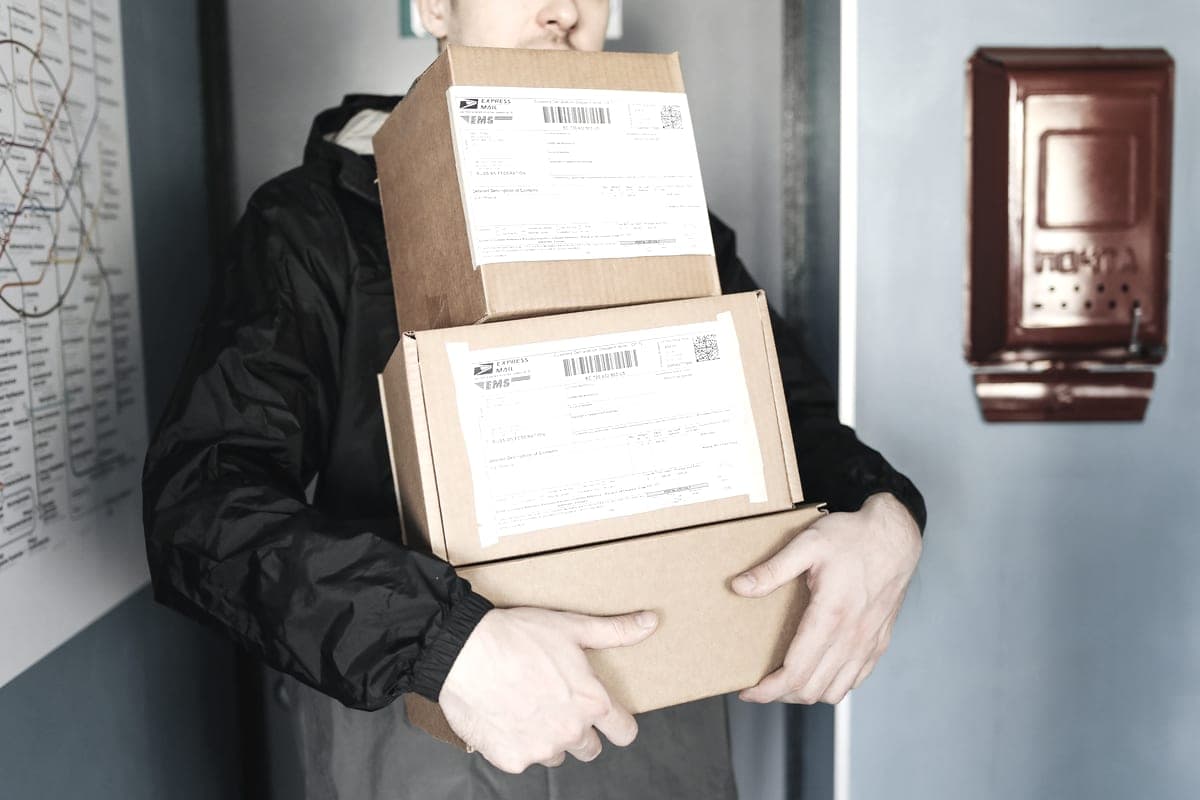
Buy a thermal label printer if you ship things. If you are printing more than a handful of shipping labels a week, the one-action workflow, the absence of any ink system and the freedom from partial label sheets justify the $324.99 quickly, and the 14-cent label is the honest price of that.
Buy a laser if you print documents, full stop. It will also print labels on adhesive sheets, imperfectly but adequately, and at $179.99 it is cheaper than the thermal printer to begin with.
Buy both if you run a small e-commerce operation. A $179.99 laser and a $324.99 label printer is roughly $505 of hardware that handles every printing job such a business has, permanently, with no subscription attached to either. That is the answer we would actually give someone, and it is the one the question rarely allows for.