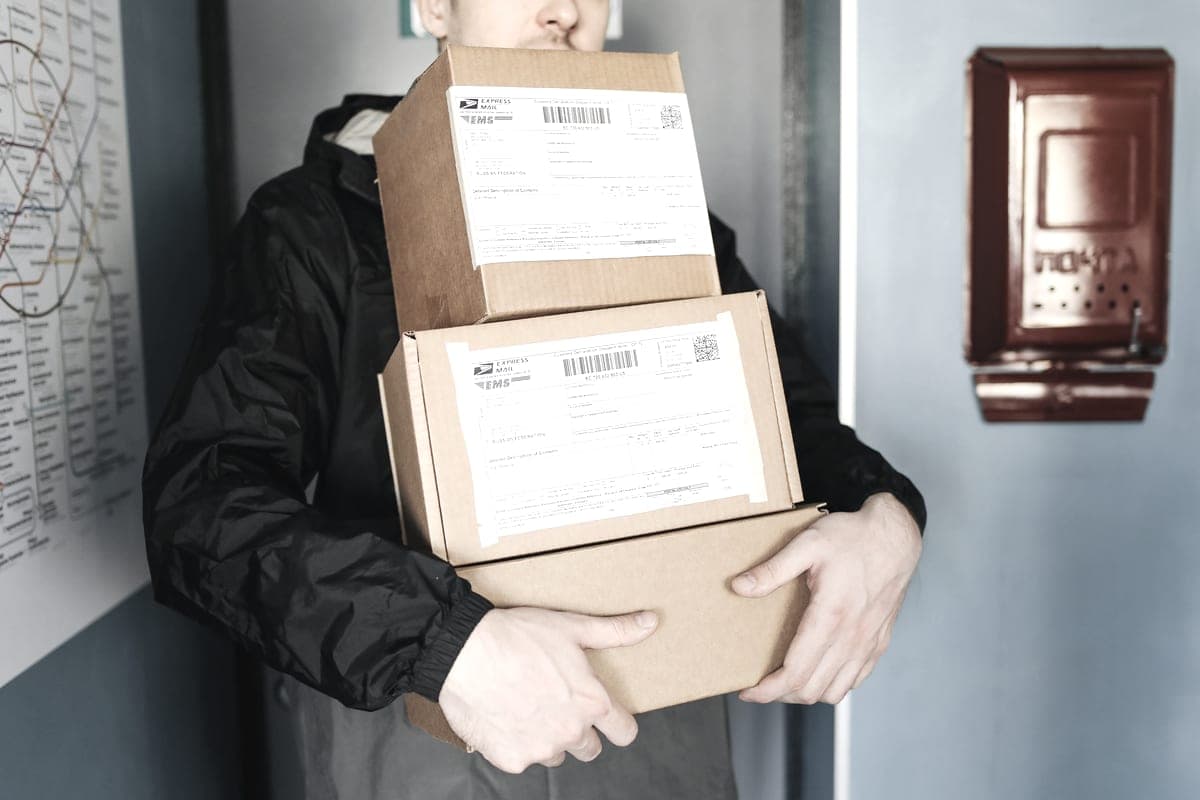
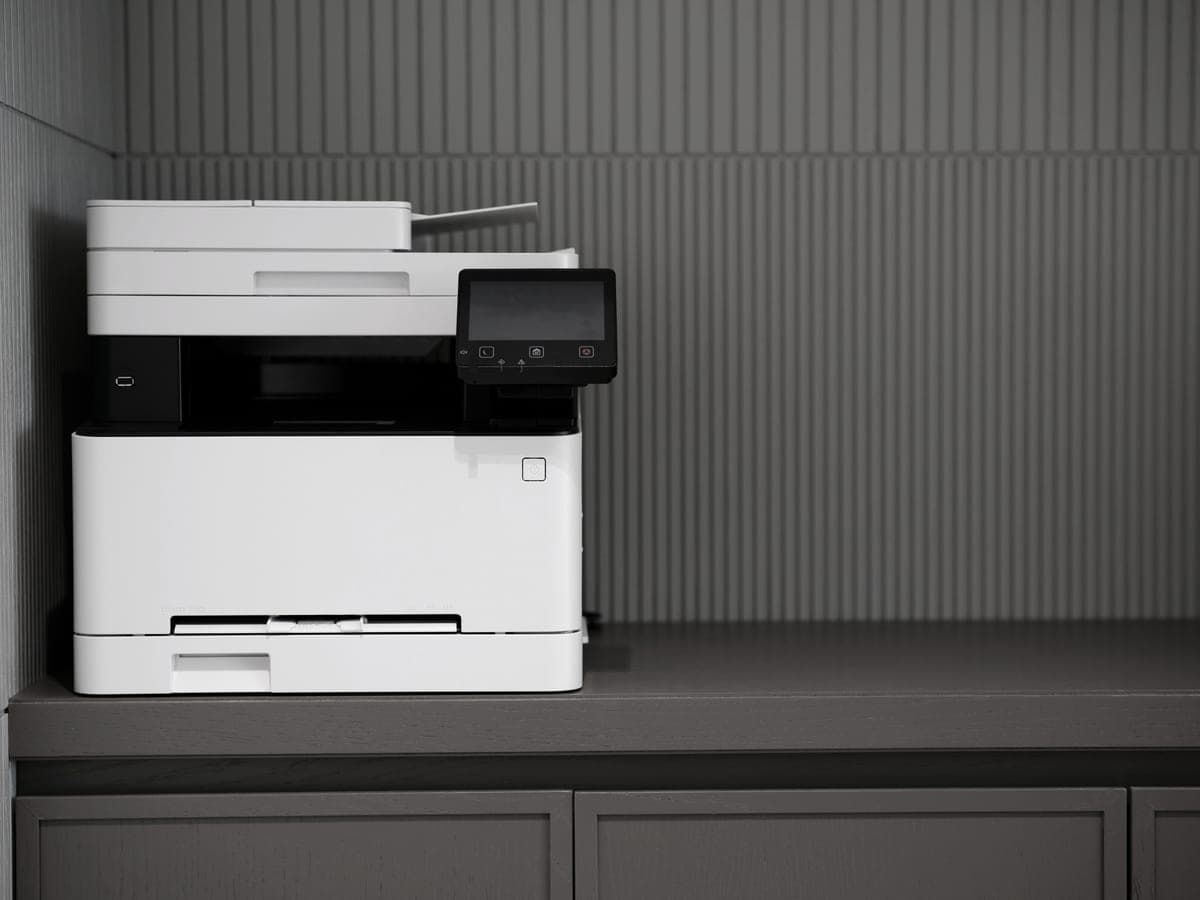
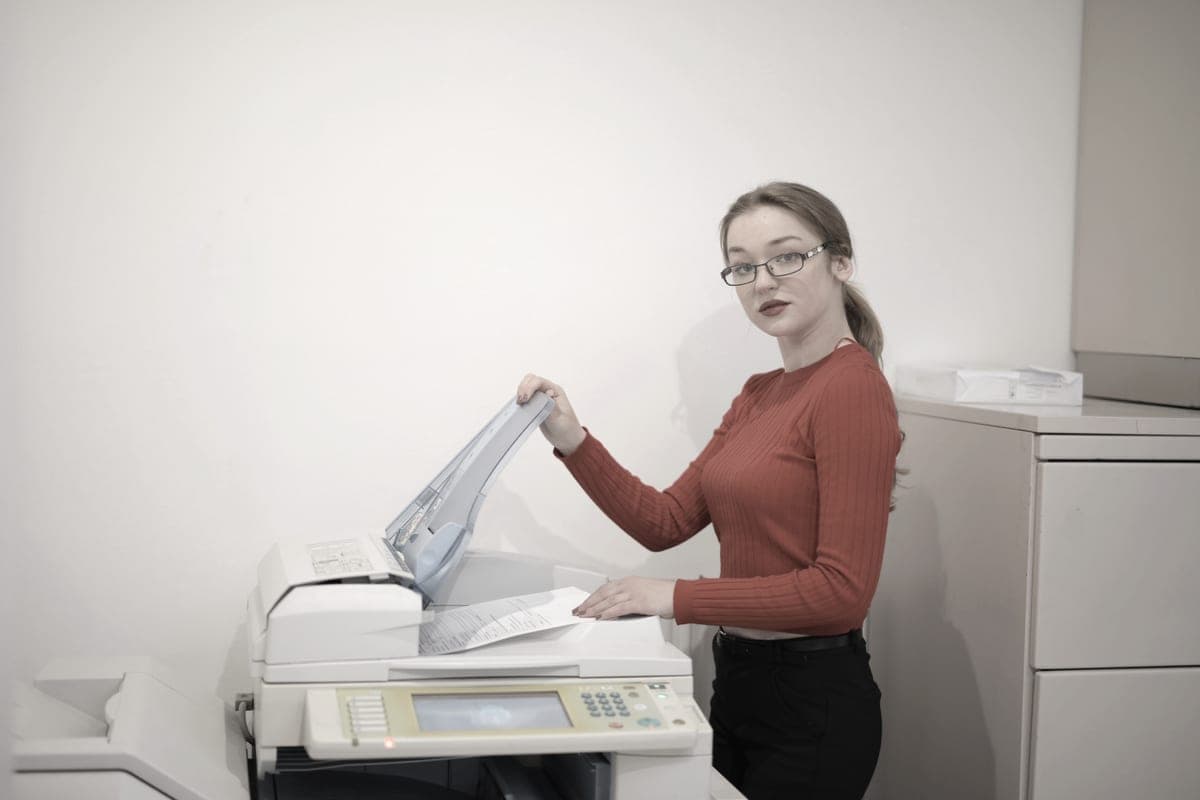
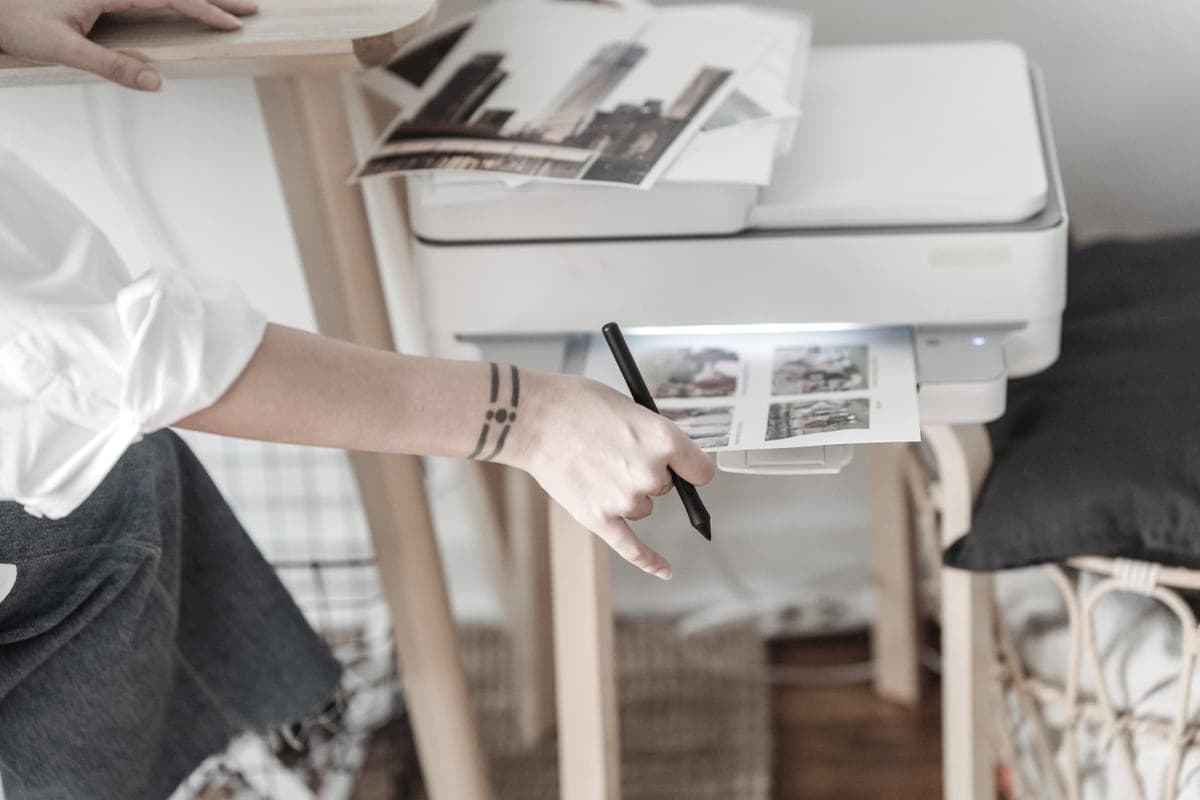
The answer is a thermal label printer if you ship often and a mono laser if you do not, and the crossover is lower than the label-printer marketing implies. Below is the cost per label on each, the part each one is bad at, and the volume where the dedicated machine starts to pay.
How we picked
We ranked on cost per label and on how many actions it takes to produce one, because at any real volume the second thing matters as much as the first. A label that needs peeling off a sheet, trimming and sticking is three operations; a thermal label is one.
We then weighted toward machines that are useful the rest of the week. A dedicated label printer does one job perfectly and nothing else at all, which is the right trade above a certain volume and the wrong one below it.
Two machines, two different costs
| Approach | Supply | Cost per label | Actions per label | Water resistant? |
|---|---|---|---|---|
| Brother QL-1110NWBc (direct thermal) | DK-1247 roll, 180 labels at $25.49 | ~14¢ | One - print and stick | Toner-free print fades with heat and light |
| Mono laser on 2-up label sheets | TN830XL, 3,000 pages at $98.29 | Under 2¢ of toner, plus the sheet | Three - print, peel, stick | Yes - toner is fused on |
| Ink tank printer on label sheets | 522 bottles | About 0.4¢ of ink a sheet, plus the sheet | Three - print, peel, stick | Dye ink is the least water resistant |
We do not publish a price for blank label sheets: they vary widely by brand and seller and we have not read a price we would stand behind. Thermal cost per label is our arithmetic on the DK-1247 roll price and label count we read. Water-resistance notes come from the manufacturers' own statements about each print method.
Read that table carefully, because the headline is counter-intuitive. The dedicated thermal printer has the highest cost per label of the three, at about 14 cents. What it sells you is not cheap labels — it is one action instead of three, and a label that is already the right size.
When a thermal label printer is worth $324.99
When the labor is the cost. Ten parcels a day on label sheets is ten prints, twenty peels and a trimmed sheet to discard; on a thermal printer it is ten presses. If you are shipping daily, the machine pays for itself in attention long before it does in money — and it will never pay for itself in money, because its labels cost more.
The second reason is reliability of size. A 4-inch thermal label matches what every carrier expects, so there is no scaling, no “fit to page”, and no label that prints at 94% and gets rejected at the counter. Anyone who has fought a 4-by-6 PDF on a letter-size sheet knows what that is worth.
When a mono laser is the better buy
Below roughly five parcels a week, almost always. The printer costs $145 less, the labels cost a fraction as much, the print is fused on and genuinely weatherproof, and the machine prints your documents the rest of the time. A dedicated label printer that sits idle six days a week is an expensive single-purpose object.
There is a durability argument too. Direct thermal print fades with heat and light — Brother says so itself — which is fine for a parcel in transit for three days and wrong for anything that sits in a warehouse or a car windscreen for a month. Toner does not fade.
Practical notes whichever you buy
- Set the carrier software to the right label size. Most shipping platforms offer both a 4-by-6 label and a letter-size sheet version of the same label. Picking the wrong one is the cause of nearly every scaling problem.
- Buy label sheets rated for your print method. Laser label sheets tolerate the fuser’s heat; inkjet sheets may not, and the failure mode is adhesive inside the printer.
- Keep the printer on the network, not on USB. Both the Brother QL and the lasers here publish Ethernet, which means the label printer works from a laptop, a phone or a tablet without being tethered to one machine. Our network laser picks.
- No subscription is needed for any of this. Every machine on this page is fed with supplies bought outright.
The honest crossover
We will not pretend to a precise number, because it depends on what your time is worth. The shape of it is clear though: under about five parcels a week, buy the laser; over about twenty a week, buy the thermal printer; in between, buy the laser and upgrade when peeling labels starts annoying you. That is not a cop-out, it is what the arithmetic says — the thermal machine never wins on cost, only on effort.
If you are shipping at volume and also printing packing slips, invoices and returns forms, the realistic setup is both: a thermal printer for labels and a cheap mono laser for paper. High-volume laser picks and what invoice printing costs.