Skip to content
Tank & Toner
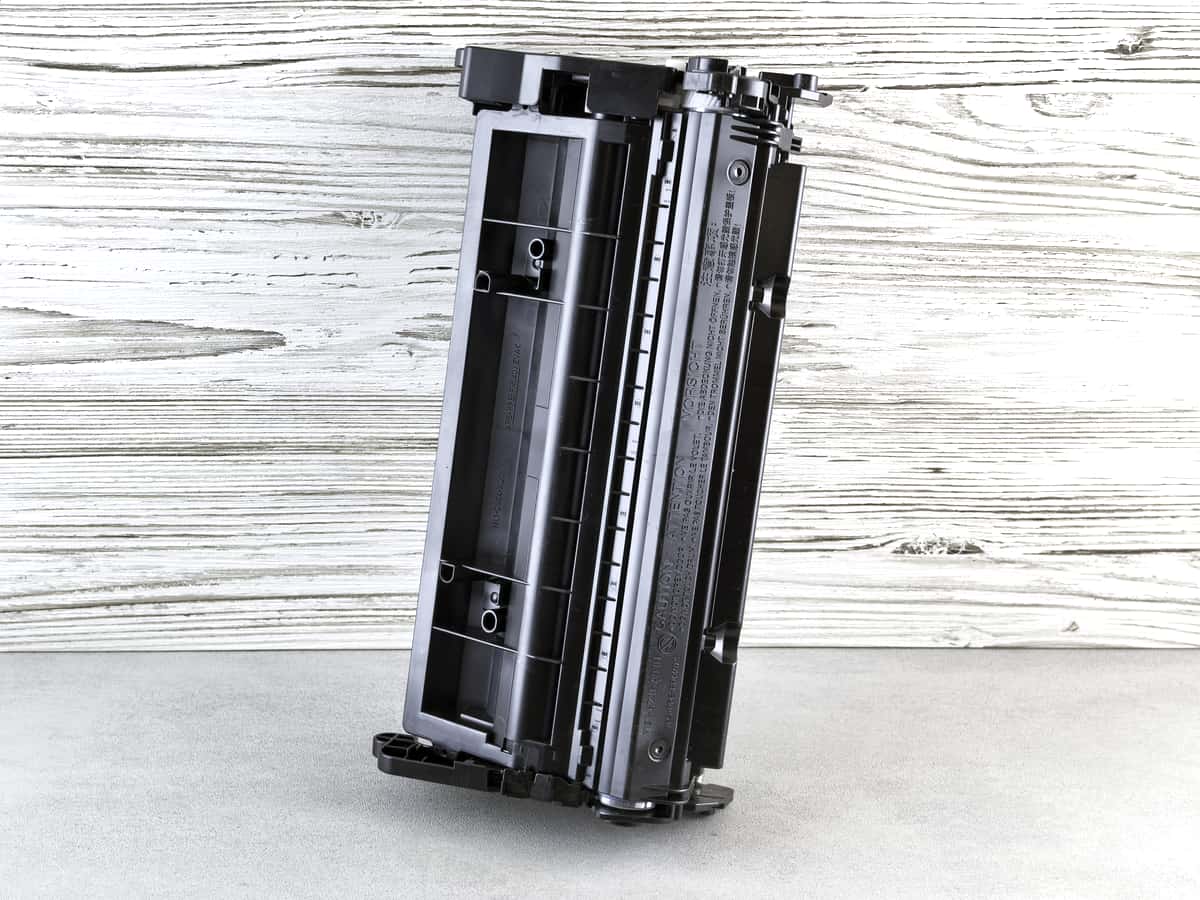
A black printer toner cartridge against a wooden background

Guides

Do laser printers dry out?

No. Toner is a dry powder with nothing to evaporate and no print head to clog, which is the single best reason to buy a laser if your printing is unpredictable.

By Ryder M. · Published September 27, 2026

Quick picks

Our ranked picks for do laser printers dry out?, with the cost per page beside each one. Tap a row to jump to the full write-up.

Our ranked picks for do laser printers dry out?, with the cost per page beside each one. Tap a row to jump to the full write-up.
#ProductBest forCost per pagePrice
1
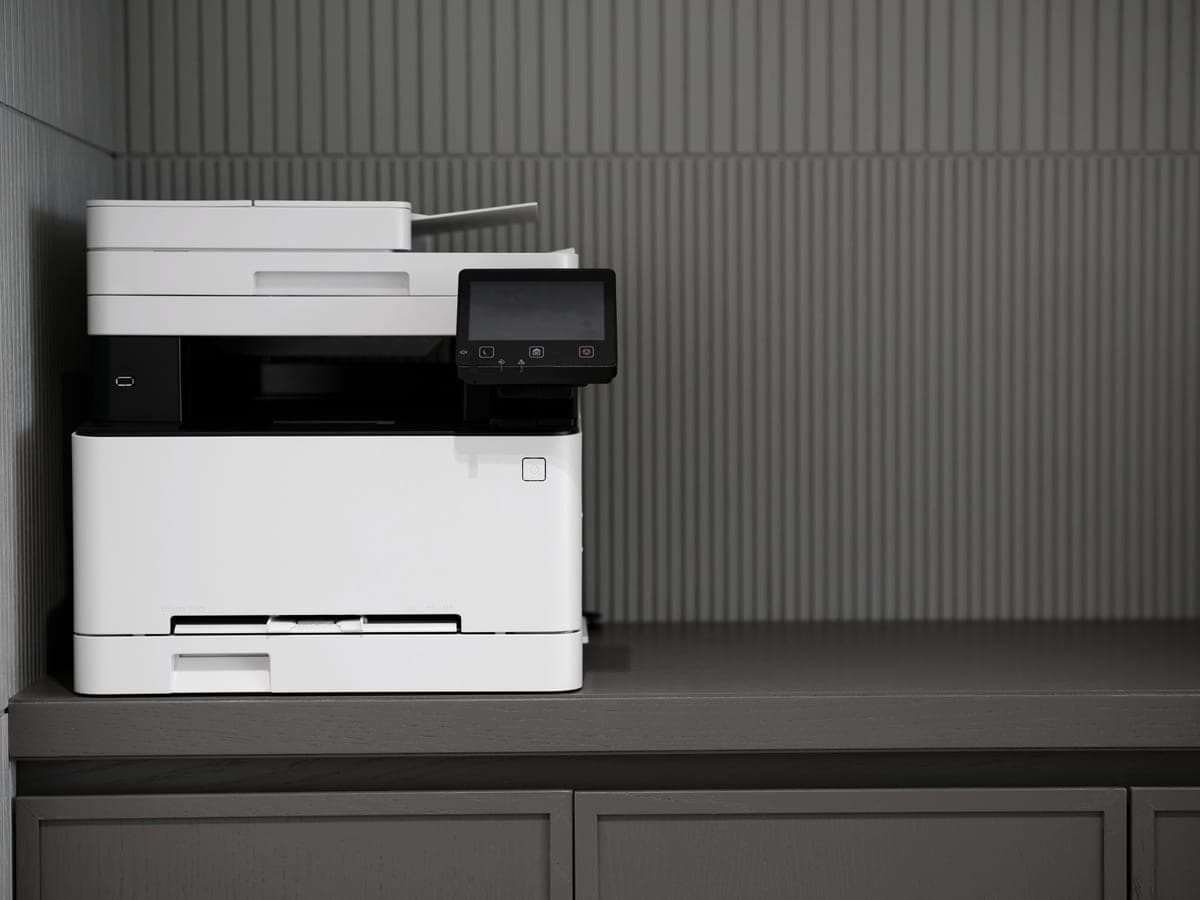
A modern printer on a minimalist office desk
Brother HL-L2460DWMono laser, duplexes, and works after any length of neglect
The printer this answer points to~3.3¢
2
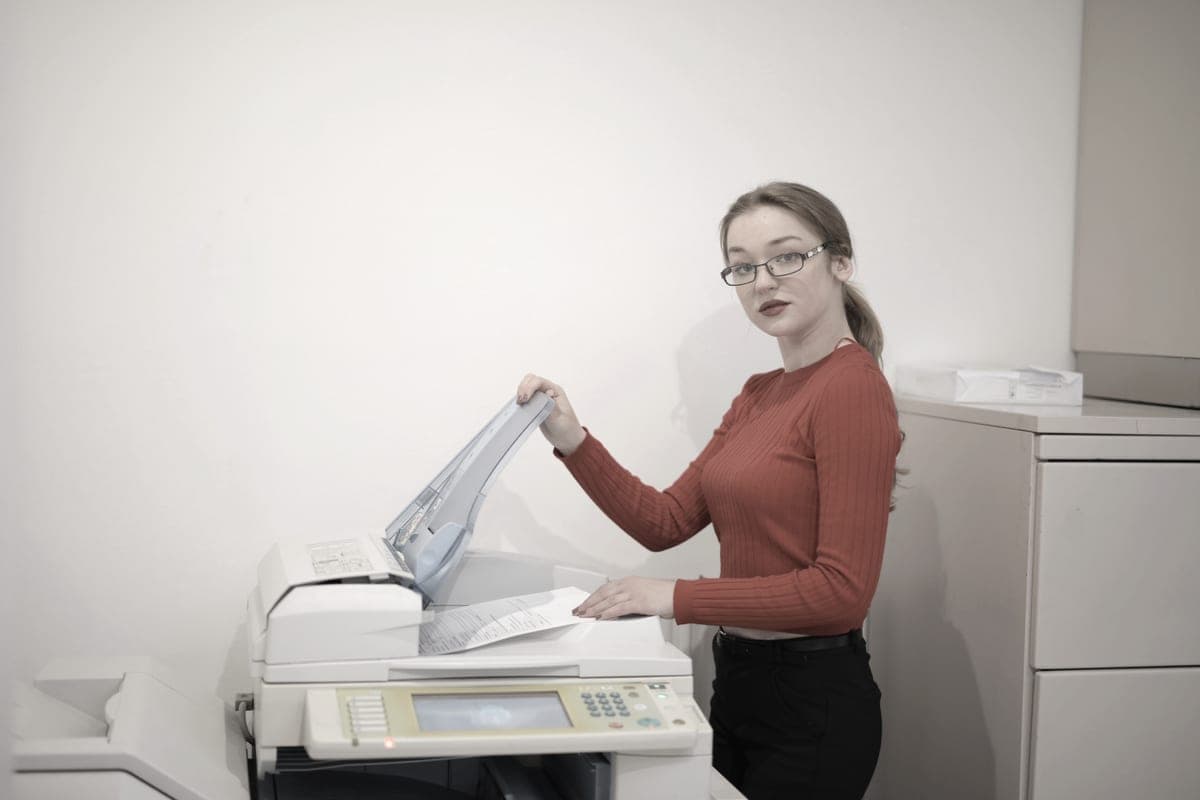
An office worker copying documents at a multifunction printer
Brother DCP-L2640DWSame reliability and toner, plus a 50-page feeder
If you also need to scan~3.3¢
3
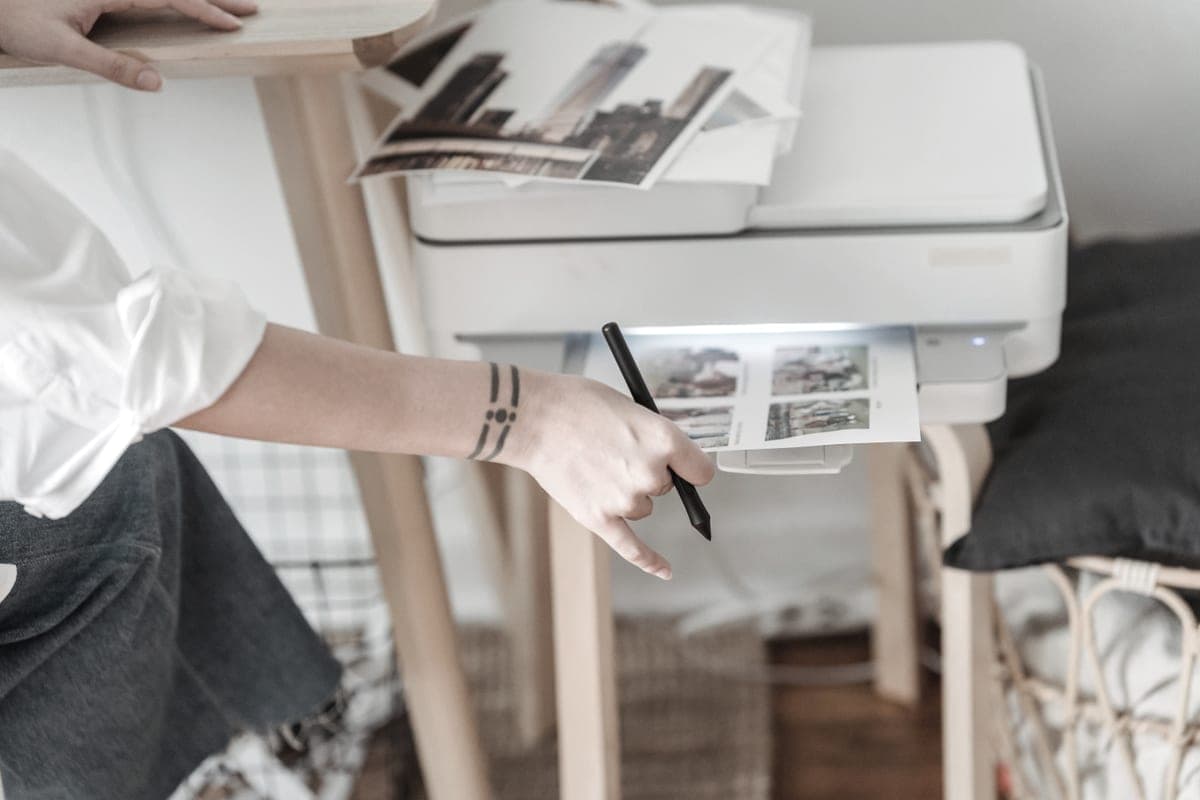
A person using a home inkjet printer at a desk beside printed sheets
Epson EcoTank ET-2800Color at about 1.1¢, with the maintenance obligation attached
If you need color and will use it~0.4¢

#ad — buy links are affiliate links and we may earn a commission at no cost to you. How this site is funded. We do not display live prices, so every button sends you to Amazon’s own page for the current one. Cost-per-page figures are arithmetic on supply prices we read on 27 September 2026 — here is the method.

Do laser printers dry out?

No. Toner is a dry plastic powder with no solvent to evaporate, and a laser has no print head with nozzles that could block. A laser left unused for months will print normally when you come back to it, which is the main reason to choose one over an inkjet.

This is the clearest yes-or-no answer on the site, and it decides more purchases than any cost figure. Below: why the answer is so definite, what genuinely can degrade over a long time, and why this matters more than cost per page for a lot of households.

Why a laser cannot dry out

Drying out requires something to dry. An inkjet contains liquid ink held at microscopic nozzles, and when the printer sits unused the solvent at the nozzle face evaporates, leaving material that can block it.

A laser has none of that. Toner is a fine plastic powder. It is charged electrostatically, attracted to a drum, transferred to paper, and melted by a hot fuser so it bonds. There is no liquid at any point, no nozzle to block, and nothing that evaporates. The printer is physically incapable of the failure mode people are asking about.

There is also no maintenance cycle quietly consuming supplies. An idle inkjet runs head cleans that use ink you never see on paper; an idle laser uses nothing at all.

What genuinely can happen over a long time

Nothing dries, but toner cartridges are not eternal. Over a period of years:

  • Toner can clump in extreme humidity. It is a powder, and powders can absorb moisture. Store spares somewhere cool and dry; a normal cupboard is fine.
  • Rubber rollers harden with age. This is the most likely genuine age-related fault on a long-idle laser, and it shows up as paper misfeeds rather than as a print-quality problem.
  • The drum has a page life — Brother rates the DR830 at approximately 15,000 pages — but that is a usage limit, not a time limit.
  • The first print after a long gap may be slightly uneven. Print one more page and it settles. Nothing to do with drying.

Unopened toner keeps for years. Manufacturers print best-before style dates on cartridges, and in practice they are conservative.

Why this question decides purchases

Because a printer that does not work when you need it has cost you more than any cartridge. The cost-per-page argument that runs through this entire site assumes the printer works; if it does not, the arithmetic is irrelevant.

The trade, stated plainly
Mono laserInk tank inkjet
Cost per black page~3.3¢~0.4¢
After four idle monthsPrints normallyMay need a head clean; can clog
Uses supplies while idleNoYes — automatic head cleaning
ColorNoYes, very cheaply
PhotographsNoYes

Cost figures are our arithmetic on prices read 27 September 2026. The second and third rows are why we recommend a laser to anyone who cannot promise regular use, despite the first row. The full comparison at several volumes.

So the rule we keep repeating: below roughly twenty to forty pages a month, or where printing arrives in unpredictable bursts, buy a laser. The ink saving you are giving up is a few dollars a year and the reliability you are buying is the whole point.

If you already have an inkjet

The problem is manageable rather than fatal:

  1. Print one page every couple of weeks, in color so every channel moves. On a tank printer that costs a fraction of a cent.
  2. Leave it plugged in and powered, so it can run its own maintenance.
  3. Do not leave the tanks or cartridges empty. Air in the lines is harder to recover from than low ink.
  4. Run a head clean after a long gap if output is streaky, and expect it to use ink.

Do color laser printers dry out? No, for exactly the same reason — all four toners are dry powders. A color laser is the only way to get color printing that tolerates months of disuse, which is the narrow case where a color laser makes sense.

Does toner expire? Not meaningfully. Unopened cartridges keep for years in a cool dry place. How long toner lasts.

Specifications and running costs side by side, for the printers discussed on this page.
PrinterSupply typeMono per pageColor per pageAuto duplexFeederList price
Brother HL-L2460DWToner~3.3¢mono onlyYesNo$180
Brother DCP-L2640DWToner~3.3¢mono onlyYesYes$210
Epson EcoTank ET-2800Ink bottles~0.4¢~1.1¢NoNo$240
Canon imageCLASS LBP6030wToner~6.1¢mono onlyNoNonot published

Cost-per-page figures are our own arithmetic: supply price divided by the manufacturer’s rated page yield, using prices read on 27 September 2026 and yields rated at the ISO 5% coverage standard. They are not measured by us and they are not current prices. Every input, and the working · run the numbers for your own printing

The picks in detail

The printer this answer points to

Brother HL-L2460DW

If you print black text and nothing else, this is the printer to buy. It cannot dry out, it duplexes, and Brother does not block third-party toner.

A modern printer on a minimalist office desk

Illustrative photograph of this kind of printer. We do not have this model in hand and this is not a photograph of the unit.

Check price on Amazon

#ad — we may earn a commission. How this site is funded. We do not show live prices; Amazon’s page is the price of record.

~3.3¢ per mono page

Based on a Brother TN830XL high-yield toner cartridge rated at 3,000 pages at $98.29, priced on 27 September 2026.

  • Brother TN830XL high-yield toner cartridge — rated 3,000 pages (ISO/IEC 19752), $98.29 at Brother USA, checked 27 September 2026

Yields are manufacturer-rated at the ISO 5% page-coverage standard, not measured by us, and real-world cost runs higher. Prices are not live: this is arithmetic on a price we read on the date shown, not a current price. How we calculate cost per page.

List price
$179.99 at Brother USA, checked 27 September 2026
Supply type
Toner cartridge
Print speed
Up to 36 pages per minute
Two-sided printing
Automatic
Document feeder
None
Connectivity
Dual-band wireless (2.4 GHz / 5 GHz), Ethernet or USB
Subscription
None required

What we like

  • Toner does not dry out, so it is ideal if you print in occasional bursts
  • Automatic two-sided printing at 36 pages per minute
  • Brother has publicly denied blocking third-party toner with firmware

What you give up

  • Black only - no color at all
  • Cost per page is roughly ten times a tank printer's
  • The 700-page starter cartridge runs out fast; budget for a TN830XL

If you looked this question up because your inkjet has let you down after a quiet spell, this is the printer that solves it. Toner cannot dry out; the machine works whether you last printed in March or in August.

About 3.3 cents a page, $179.99 at list, 36 pages a minute, automatic duplexing, and no color at all.

Specifications read from the manufacturer’s own product page on 27 September 2026. Full cost-to-run breakdown for the Brother HL-L2460DW →

If you also need to scan

Brother DCP-L2640DW

The HL-L2460DW with a scanner and a 50-page feeder on top. For most home offices that need to scan, this is the sensible mono laser.

An office worker copying documents at a multifunction printer

Illustrative photograph of this kind of printer. We do not have this model in hand and this is not a photograph of the unit.

Check price on Amazon

#ad — we may earn a commission. How this site is funded. We do not show live prices; Amazon’s page is the price of record.

~3.3¢ per mono page

Based on a Brother TN830XL high-yield toner cartridge rated at 3,000 pages at $98.29, priced on 27 September 2026.

  • Brother TN830XL high-yield toner cartridge — rated 3,000 pages (ISO/IEC 19752), $98.29 at Brother USA, checked 27 September 2026

Yields are manufacturer-rated at the ISO 5% page-coverage standard, not measured by us, and real-world cost runs higher. Prices are not live: this is arithmetic on a price we read on the date shown, not a current price. How we calculate cost per page.

List price
$209.99 at Brother USA, checked 27 September 2026
Supply type
Toner cartridge
Print speed
Up to 36 pages per minute
Two-sided printing
Automatic
Document feeder
50-page automatic document feeder
Connectivity
Ethernet and dual-band wireless
Subscription
None required

What we like

  • 50-page document feeder, so scanning a stack is one action
  • Auto duplex printing at 36 pages per minute
  • Same TN830 toner family as the HL-L2460DW, with the same cost per page

What you give up

  • Mono only
  • Thirty dollars more than the print-only model for hardware you may not need
  • Toner is far dearer per page than bottle ink

Identical engine and cartridge family with a flatbed scanner and a fifty-page automatic document feeder added, for thirty dollars more at list.

Same answer to the question in the title, and the same cost per page.

Specifications read from the manufacturer’s own product page on 27 September 2026. Full cost-to-run breakdown for the Brother DCP-L2640DW →

If you need color and will use it

Epson EcoTank ET-2800

The cheapest way to get genuinely low-cost color printing at home, as long as you can live without an auto duplexer or a document feeder.

A person using a home inkjet printer at a desk beside printed sheets

Illustrative photograph of this kind of printer. We do not have this model in hand and this is not a photograph of the unit.

Check price on Amazon

#ad — we may earn a commission. How this site is funded. We do not show live prices; Amazon’s page is the price of record.

~0.4¢ per mono page · ~1.1¢ per color page

Based on a Epson 522 black ink bottle rated at 4,500 pages at $17.99, priced on 27 September 2026.

The color figure adds one per-page cost for each of the three color channels, because an ISO color page draws from all of them.

  • Epson 522 black ink bottle — rated 4,500 pages (ISO/IEC 24712), $17.99 at Epson US, checked 27 September 2026
  • Epson 522 color ink bottle — rated 7,500 pages (ISO/IEC 24712), $17.99 at Epson US, checked 27 September 2026

Yields are manufacturer-rated at the ISO 5% page-coverage standard, not measured by us, and real-world cost runs higher. Prices are not live: this is arithmetic on a price we read on the date shown, not a current price. How we calculate cost per page.

List price
$239.99 at Epson US, checked 27 September 2026
Supply type
Refillable ink bottles
Two-sided printing
Manual only
Document feeder
None
Connectivity
Wireless
Subscription
None required

What we like

  • Among the lowest cost per page of any printer sold for home use
  • Refillable bottles, so no chipped cartridge can be locked out by firmware
  • Comes with enough ink in the box to last most households a long time

What you give up

  • No automatic two-sided printing, so paper costs twice what it needs to
  • Flatbed scanner only - no document feeder for multi-page scans
  • Inkjets still need to be used occasionally or the print head can clog

A laser cannot print color affordably, so if color is essential this is the honest alternative — with the condition this page exists to explain.

Print one page every couple of weeks. At 0.4 of a cent a page that maintenance is free, and it prevents nearly every clogged print head in this category.

Specifications read from the manufacturer’s own product page on 27 September 2026. Full cost-to-run breakdown for the Epson EcoTank ET-2800 →

Questions people actually ask

Do laser printers dry out if not used?

No. Toner is a dry powder with no solvent to evaporate and there is no print head to clog. A laser left unused for months prints normally when you return to it.

Do color laser printers dry out?

No, for the same reason — all four toners are dry powders. A color laser is the only way to get color printing that tolerates long idle periods, though it is expensive per color page.

Does toner go bad or expire?

Not in any practical sense. Unopened toner keeps for years in a cool, dry place. Extreme humidity can cause the powder to clump, so avoid storing spares somewhere damp.

What can go wrong with a laser printer left unused for a long time?

Rubber rollers hardening with age is the most likely genuine fault, and it shows up as paper misfeeds rather than print-quality problems. The first page after a very long gap may be slightly uneven; print another and it settles.

Should I buy a laser instead of an ink tank printer because of this?

If your printing is sporadic and mostly black text, yes. The ink saving you give up is a few dollars a year at that volume, and you are buying a machine that works every time. If you print color or print regularly, the tank printer wins.

Sources