Does toner expire?
Not in the way ink does. Toner is a dry plastic powder with no solvent to evaporate, so a sealed cartridge kept cool and dry stays usable for years. Manufacturers do print dates on the box, but those cover warranty and guaranteed yield rather than a point at which the powder stops working.
Why toner keeps and ink does not
Liquid ink is pigment or dye carried in a solvent. Leave it exposed and the solvent evaporates, the pigment settles, and what is left blocks a nozzle the width of a human hair. That is the whole reason an idle inkjet becomes a problem and a frequently used one does not.
Toner has no solvent. It is a finely ground thermoplastic that is picked up by static charge and fused to the page with heat. Nothing in a sealed cartridge is trying to dry, separate or harden. This is the same property that makes a laser the right choice for a printer that sits unused for weeks — do laser printers dry out.
What does age, and what to watch
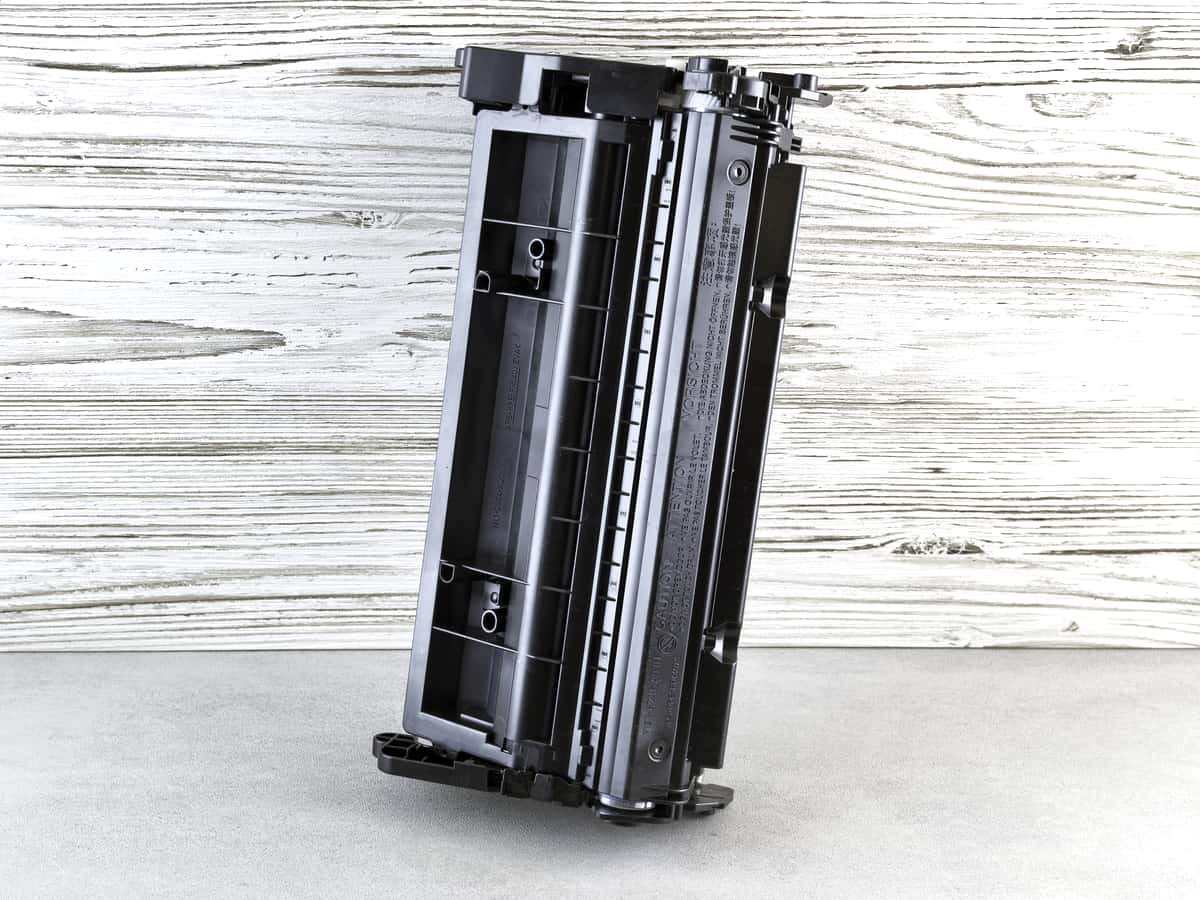
- The seal and the housing. Toner is only stable while it is sealed. A cartridge with a split seal or a cracked housing lets in moisture, and damp toner clumps and prints patchily.
- Humidity, not time. Toner is hygroscopic: it takes up moisture from the air. A dry cupboard is worth more than an early best-before date.
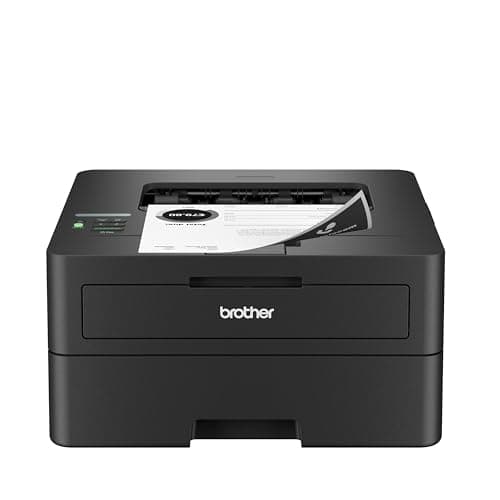
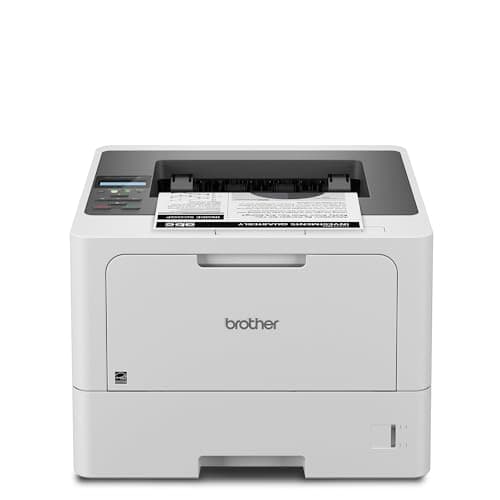
- Drums, where they are built in. On printers with a separate drum, like the Brother models above, the toner cartridge is just powder and the photosensitive drum is its own part. On an all-in-one cartridge the drum ages with the unit, and drums do degrade with light exposure and time.
- Warranty, not function. The date on the box is where the manufacturer stops guaranteeing yield and quality. Past it, a cartridge usually prints exactly as before — you simply have no claim if it does not.
What a genuinely spoiled cartridge looks like
You will not get a cartridge that simply refuses to work. What you get instead are print defects that look like a printer fault and are actually a supply that took on moisture or sat somewhere hot. Faded patches in otherwise solid black, a repeating smear down one side of the page, toner that rubs off under a fingertip after printing, or a sudden drop in pages per cartridge are the four to know.
Before blaming the powder, rule out the cheaper explanations: a drum at the end of its rated life produces repeating marks at fixed intervals, and a paper type set wrongly in the driver stops the fuser bonding the toner properly. Both are more common than spoiled toner, and both are fixed without buying anything. Which part is which.
How to store a spare cartridge
- Leave it in the sealed foil bag until the day you fit it. The bag is the moisture barrier, and it is also what keeps light off the drum on an all-in-one unit.
- Store it flat, the way it sits in the printer, so the powder is not packed into one end of the hopper.
- Keep it cool, dry and dark. A cupboard indoors; not a garage, not a loft, not a sunlit shelf. Heat is the one thing that can genuinely set a thermoplastic powder.
- If a cartridge has been out of its bag for a long time, rock it gently end to end a few times before fitting it to redistribute the powder.
Is stocking up worth it?
It is, mildly, and for reasons that have nothing to do with chemistry. A spare cartridge means a dead printer on a deadline is a two-minute problem rather than a two-day one, and it lets you buy high-yield supplies when they are cheap rather than when you are desperate. At 100 pages a month the TN830XL covers two and a half years of printing, so one spare is a long way from hoarding — three years of that toner costs $118.
What is not worth doing is buying a decade of toner for a printer that may not last a decade. Keep one spare of each supply, keep it sealed and dry, and let the printer tell you when it is needed. How long a cartridge actually lasts.