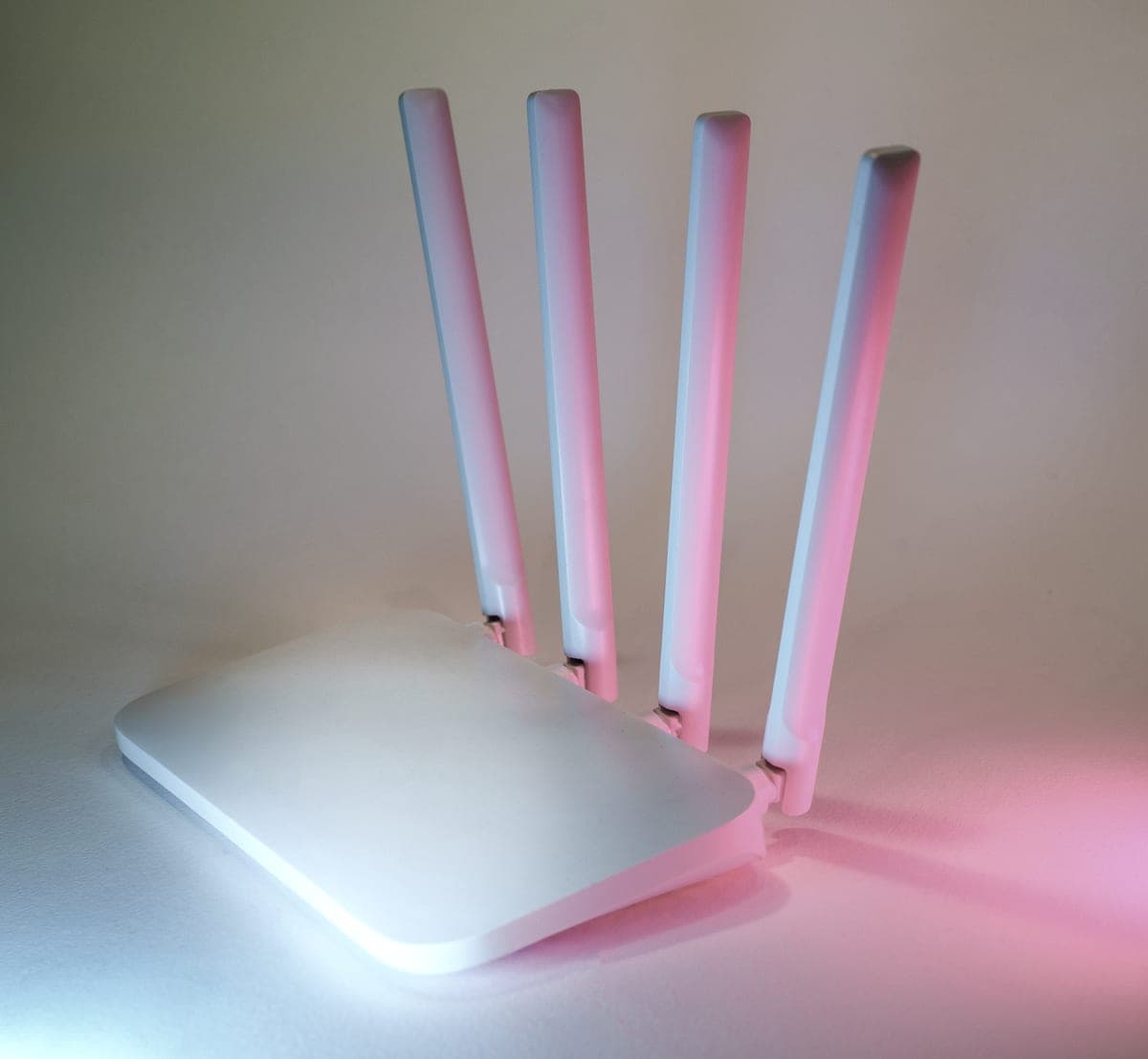

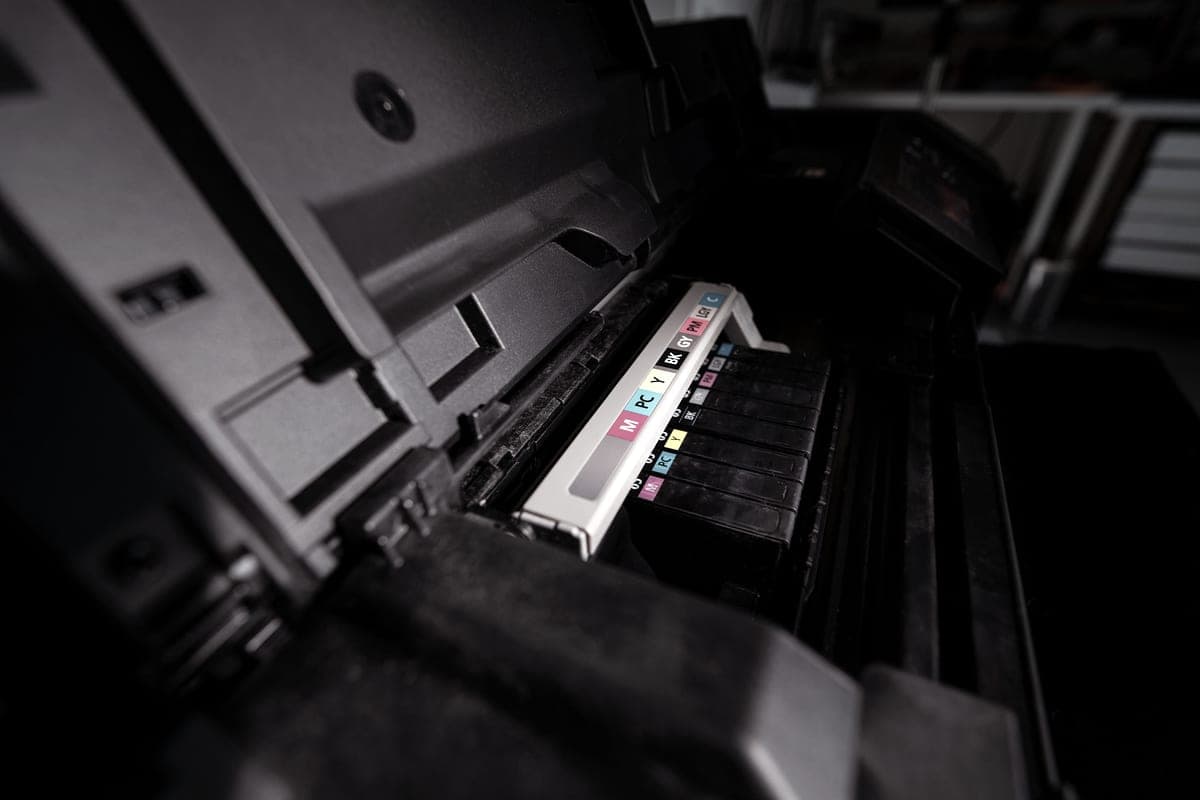

Searching for a wireless ink tank printer narrows the field by roughly nothing, because every refillable tank printer on sale is wireless. The questions that do narrow it are duller and more useful: is there a cable option, which mobile printing standards are actually named on the specification, and what does a page cost.
How we picked
We read the connectivity section of each manufacturer page rather than inferring. Where Epson or Canon named a mobile printing standard — AirPrint, Mopria, Epson Smart Panel — we have said so and named it. Where a page did not name one, we have not claimed it, even where the brand supports it elsewhere in the range.
We then ranked on cost per page from the bottle family, which on a tank printer is the only running cost that compounds, and finally on whether the model also has Ethernet.
The port that fixes the wireless problem
Wireless printers fail in a characteristic way: they worked yesterday, nobody changed anything, and the failure cannot be reproduced on demand. Usually the printer has slept on the radio, moved channel or been given a different address.
An Ethernet port removes all three at once. Of the tank printers here, the ET-4950 and the ET-4800 have one; the ET-2800, ET-2400 and G3270 do not. If the printer is going to live near the router and be shared, that port is worth more than any other difference on this page.
What is actually named on the spec sheet
| Printer | Wireless | Ethernet | Named on the page |
|---|---|---|---|
| Epson EcoTank ET-2800 | Yes | No | AirPrint, Epson Smart Panel app |
| Epson EcoTank ET-4950 | Yes | Yes | AirPrint, Mopria, Epson Smart Panel app |
| Epson EcoTank ET-2850 | Yes | No | Mopria Print Service, Mopria Scan, Epson Smart Panel app |
| Canon MegaTank G3270 | Yes | No | Not stated on the specification we could read |
We list only what the manufacturer's own page named on the date we read it. An absence here means we could not verify it, not that the feature is missing.
That table is more useful than it looks. AirPrint is what lets an iPhone print with nothing installed, and it is the one buyers most often assume rather than check. Apple states that an AirPrint-enabled printer needs no additional drivers or software, and that the device must be on the same Wi-Fi network as the printer. Apple Support.
Why a wireless printer “disappears”
- Guest networks. A phone on the guest network and a printer on the main one are, as far as the router is concerned, on different networks. This is the most common cause by a distance.
- Separately named bands. If your router publishes 2.4 GHz and 5 GHz under different names, put both devices on the same one.
- Client isolation. Sometimes called AP isolation. It exists to stop devices seeing each other, and it stops printing too.
None of those are printer faults, and all three look exactly like one. Check them before concluding the hardware is bad.
What wireless costs you: nothing
Wireless has no effect on the running cost, which on these machines is the only number that compounds. At 200 pages a month, three years of black ink is about $29 on 522 and $22 on Canon’s GI-21. Those are the figures that decide which of these to buy; the radio is the same on all of them.