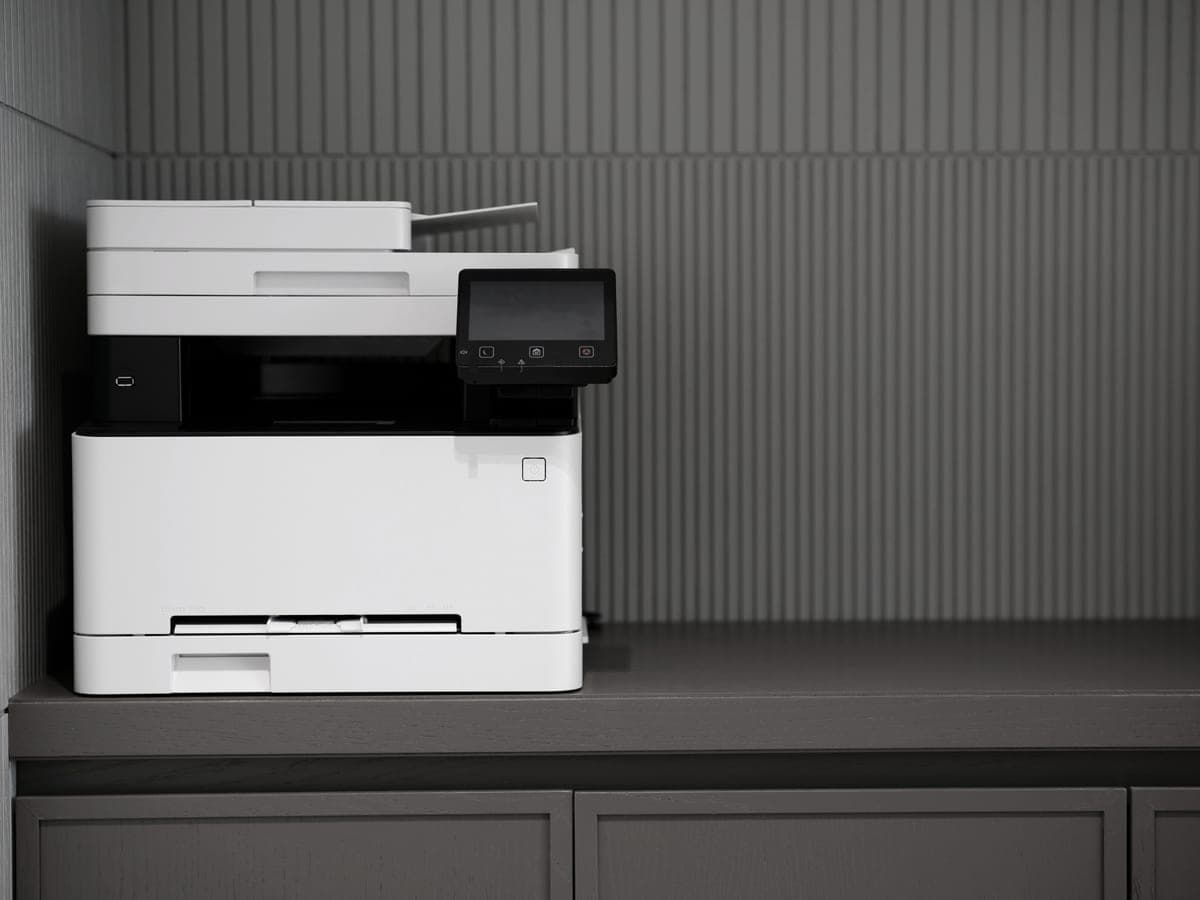

For cardstock, buy the Brother HL-L5210DW: it is the cheapest printer we cover that publishes a real 100-sheet multi-purpose tray, which is the feature that decides whether heavy stock is easy or a running battle. If you need the same thing in color, the HL-L3220CDW at $284.99; if you only print heavy sheets occasionally, the MFC-L2820DW and its single-sheet manual slot.
How we picked
We ranked on paper handling first, because that is the part that fails. A second paper source — a multi-purpose tray or at minimum a manual feed slot — came ahead of speed, scanning and price, since a printer with only one cassette means swapping stock in and out for every job.
Two honesty notes. Brother does not publish a maximum media weight on any of the product pages we read, so there is no gsm or pound figure on this page: we are not going to print a number we cannot source. And we have no units in hand, so nothing here is a report of feeding card through a machine — it is what each manufacturer publishes, plus arithmetic.
Why laser is the right technology for card
A laser fuses dry toner onto the surface of the sheet with heat. Nothing is absorbed, so the sheet does not swell, cockle or curl, and the print is dry the instant it lands in the tray. On an inkjet, heavy uncoated card can drink ink and spread it along the fibres, and a freshly printed sheet needs a moment before it can be stacked.
That is the case for laser on plain and uncoated card: invoices on heavy letterhead, business cards, index cards, tags, place cards, certificates. It is not the case for glossy photo card, where the coating is designed to receive liquid ink and a laser fuser can do nothing useful with it — and in some cases can damage it. Coated inkjet stock belongs in an inkjet.
The feature that actually matters is the second tray
- A multi-purpose tray (100 sheets on the HL-L5210DW and HL-L6210DW) holds a stack of card permanently, feeds it on a shorter, straighter path, and leaves the main cassette loaded with plain paper.
- A manual feed slot (one sheet, on the MFC-L2820DW) does the same job one sheet at a time. Fine for six cards, tedious for sixty.
- One cassette only — the HL-L2460DW, the DCP-L2640DW, the HL-L3220CDW and the Canon imageCLASS as published — means unloading your paper, loading the card, printing, and putting the paper back.
| Printer | Main tray | Second source | List price | Per page |
|---|---|---|---|---|
| Brother HL-L5210DW | 250 sheets | 100-sheet multi-purpose tray | $329.99 | ~1.9¢ |
| Brother HL-L6210DW | 520 sheets | 100-sheet multi-purpose tray | $349.99 | ~1.3¢ |
| Brother MFC-L2820DW | 250 sheets | Single-sheet manual feed slot | $279.99 | ~3.3¢ |
| Brother HL-L3220CDW | Not published | Not published | $284.99 | ~3.2¢ black |
| Brother HL-L2460DW | Not published | Not published | $179.99 | ~3.3¢ |
Paper sources exactly as published on each Brother product page, recorded in our registry on the dates shown there. Where Brother did not publish a tray specification we say so rather than assume one. Cost per page is our arithmetic on genuine cartridge prices and rated ISO yields.
Note what that table does not say. None of these pages gave us a media weight, and a second paper source is published on only three of the five. That is the whole shortlist for heavy stock, and it is why the $329.99 machine wins a page about cardstock over the $179.99 one.
Printing card without jamming it
- Use the second paper source if the printer has one. The straighter the path, the less the sheet has to bend, and bending is what jams.
- Set the media type in the print dialog to the heaviest card option the driver offers. On a laser this slows the sheet down and raises fuser temperature, which is what makes the toner stick to a dense surface.
- Feed a short stack rather than a full tray, and fan it first. Card sheets cling together more than paper does.
- Turn off automatic duplexing for heavy stock. The duplex path is the tightest route through the machine and the most likely place to crease a card.
- Let the output tray clear between runs. Warm card curls when it stacks under its own weight.
What these cost to run
Cardstock is expensive paper, so the printer being cheap to feed matters more than usual: the toner is a cost you control and the card is one you mostly do not. The spread across this page is wide. At 200 pages a month over three years the cartridge spend runs from $97 on the HL-L6210DW to $236 on the household toner family.
| Cartridge | Rated yield | Price we read | Per page |
|---|---|---|---|
| Brother TN830XL high-yield toner cartridge | 3,000 pages | $98.29 | ~3.3¢ |
| Brother TN830 standard-yield toner cartridge | 1,200 pages | $60.99 | ~5.1¢ |
| Brother TN229XL black high-yield toner cartridge | 3,000 pages | $96.29 | ~3.2¢ |
| Canon 125 black toner cartridge | 1,600 pages | $96.95 | ~6.1¢ |
Yields are manufacturer-rated (ISO/IEC 19752 for mono, 19798 for color); prices read on 27 September 2026 from the sources at the foot of this page. Our arithmetic is supply price divided by rated yield — the method.
That difference is the real argument for buying up into the business range if you print at all regularly, quite apart from the tray. Our two-tray picks go into the tray question on its own, and the calculator will take your own volume.