Skip to content
Tank & Toner
A home network router on a shelf beside books

Laser

Best network laser printers

An Ethernet port does two underrated things: it survives a weak Wi-Fi signal, and it lets a printer serve a whole household while never touching the internet.

By Ryder M. · Published October 7, 2026

Quick picks

Our ranked picks for best network laser printers, with the cost per page beside each one. Tap a row to jump to the full write-up.

Our ranked picks for best network laser printers, with the cost per page beside each one. Tap a row to jump to the full write-up.
#ProductBest forCost per pagePrice
1
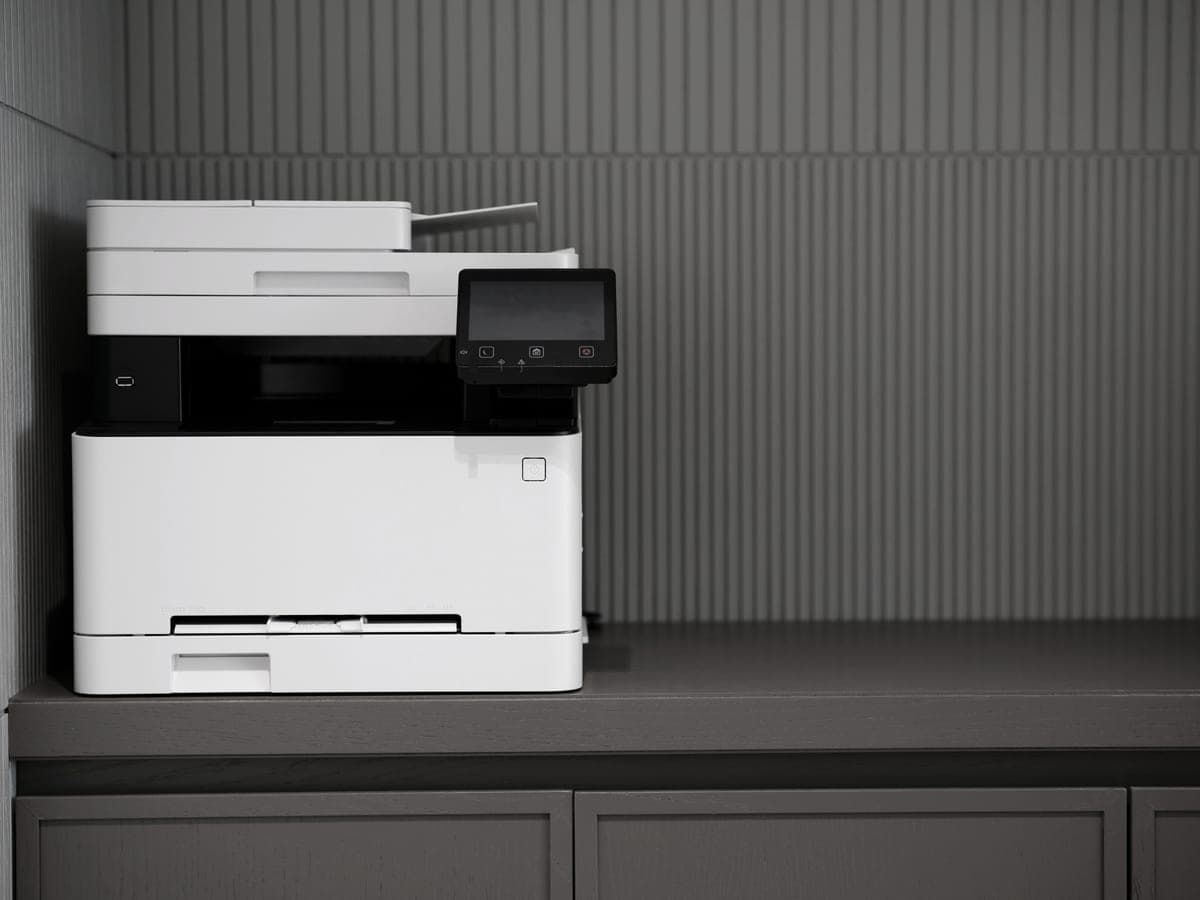
A modern printer on a minimalist office desk
Brother HL-L2460DWEthernet and dual-band Wi-Fi at $179.99, about 3.3¢ a page
Best network laser for most homes~3.3¢
2
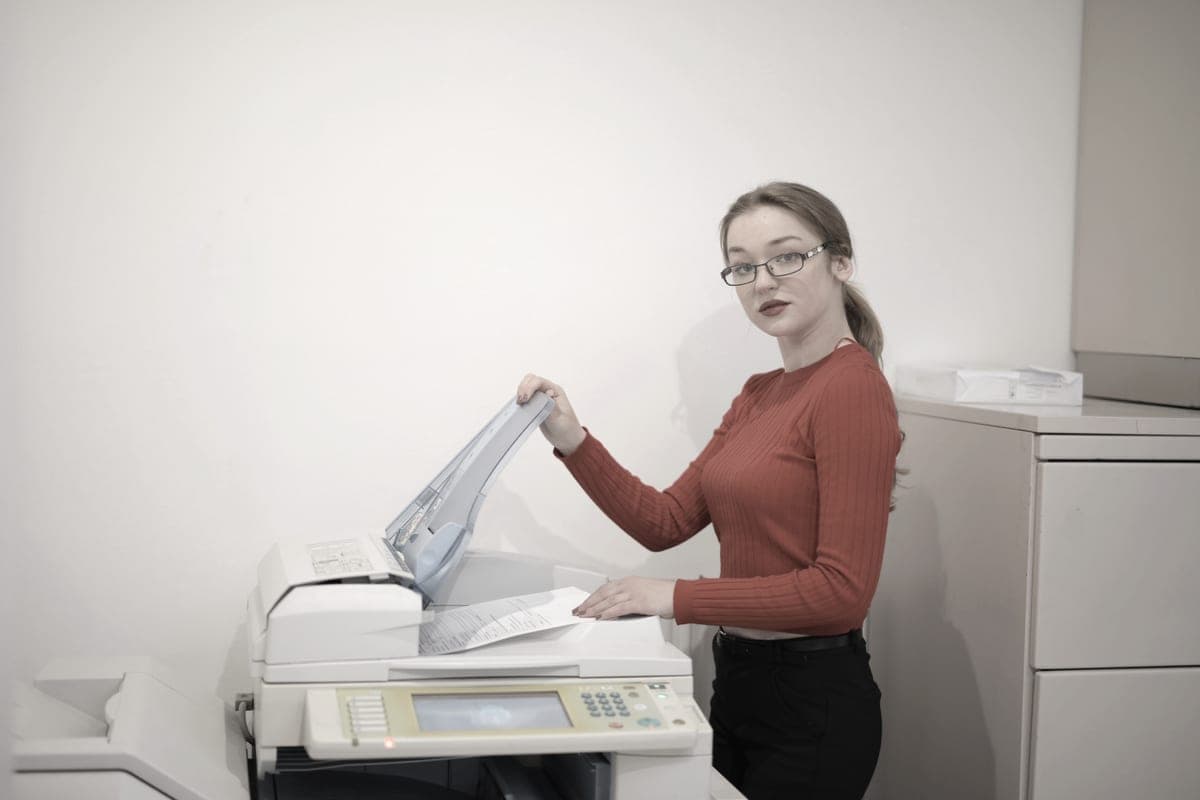
An office worker copying documents at a multifunction printer
Brother DCP-L2640DWEthernet, dual-band Wi-Fi, 50-page feeder, $209.99
Best networked all-in-one~3.3¢
3
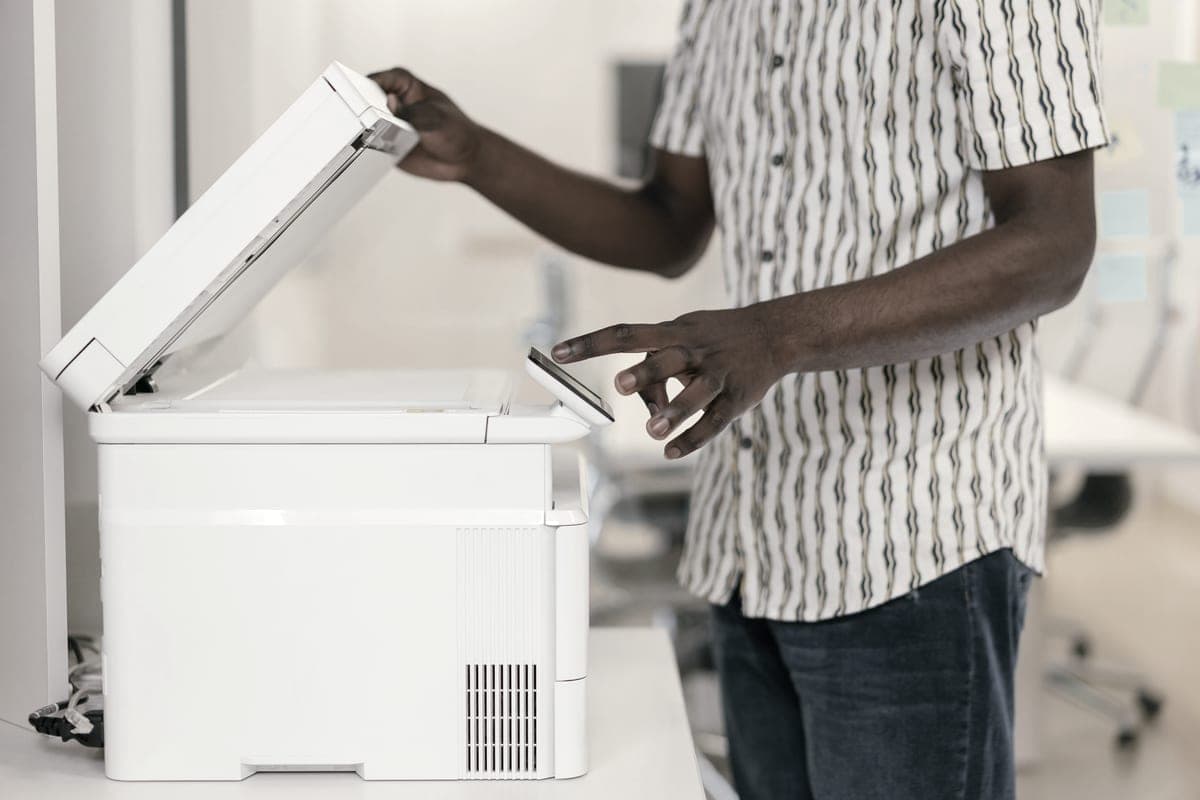
A person operating a multifunction printer and copier in an office
Brother HL-L6210DWGigabit Ethernet, 50 ppm, about 1.3¢ a page
Best for a busy network~1.3¢
4
A modern printer on a minimalist office desk
Brother HL-L5210DWGigabit Ethernet, 48 ppm, about 1.9¢ a page, $329.99
Best balance for a shared office~1.9¢

#ad — buy links are affiliate links and we may earn a commission at no cost to you. How this site is funded. We do not display live prices, so every button sends you to Amazon’s own page for the current one. Cost-per-page figures are arithmetic on supply prices we read on 27 September 2026 — here is the method.

Wi-Fi is how most home printers are connected and a cable is how most of them should be. A wired port removes the single most common printer complaint — the printer that is offline again — and it makes something else possible that Wi-Fi does not: a printer on your network that has no route to the internet at all.

How we picked

A published Ethernet port was the entry requirement; everything without one was excluded regardless of how good it is. Beyond that we ranked on cost per page from the cartridge each printer takes, then on whether the machine scans, then on paper capacity for the shared case.

Every pick here also publishes dual-band wireless, so the cable is an option rather than an obligation. Nothing on this page needs an app or an account in order to print.

What a wired port actually buys you

  • It does not drop. A printer in a hallway cupboard behind two walls is the classic bad Wi-Fi location, and it is also where printers live. A cable does not care.
  • A fixed address. Wired printers are easier to pin to one IP, which is what stops the “printer not found” cycle after a router restart.
  • No internet required. On a wired printer you can decline every cloud feature and still print from every device in the house. The printer joins your network, not the internet. How that works in practice.
  • Faster to set up. No password, no WPS button, no app. Plug it in and the printer appears.
Published connectivity on the lasers we cover
PrinterEthernetWirelessScanningPer page
Brother HL-L2460DWYesDual-band 2.4 / 5 GHzNone~3.3¢
Brother DCP-L2640DWYesDual-bandFlatbed + 50-page ADF~3.3¢
Brother MFC-L2820DWYesDual-band 2.4 / 5 GHzFlatbed + 50-page ADF~3.3¢
Brother HL-L5210DWGigabitDual-band 2.4 / 5 GHzNone~1.9¢
Brother HL-L6210DWGigabitDual-band 2.4 / 5 GHzNone~1.3¢
Canon imageCLASS LBP6030wNo - wireless onlyWirelessNone~6.1¢

Connectivity as published on each model's manufacturer specification page, recorded in our registry. Cost per page is our arithmetic on genuine supply prices and manufacturer-rated ISO yields.

The pattern is worth noting: on the lasers we cover, Ethernet is standard across the Brother range including the $179.99 entry model, and absent on the Canon. If a wired port is a requirement, the shortlist is short.

Does Gigabit Ethernet matter?

Barely, for printing. A print job is small by modern network standards and 100-megabit Ethernet has never been the bottleneck — the printer’s own rendering and paper handling are. Brother publishes Gigabit on the HL-L5210DW and HL-L6210DW and plain Ethernet further down the range, and you would not notice the difference on a document.

Buy those two machines for their cartridges and their trays, which are real advantages, rather than for the port speed. The cost-per-page case is laid out in best laser printers for high volume.

Setting up a printer several people share

  1. Connect the printer by cable to a router or switch port and let it take an address. Note the address from the printer’s own front panel.
  2. Reserve that address in your router’s DHCP settings so it never changes. This single step prevents most “printer offline” problems.
  3. Install the manufacturer’s driver on each computer and add the printer by that address rather than by discovery. Discovery is convenient and fragile; an address is neither.
  4. For phones, leave the printer’s AirPrint and Mopria support enabled. Both work over a wired printer on the same network with nothing installed on the phone.
  5. If you want the printer to have no internet access, block its address at the router. Printing, scanning and copying all continue to work.

What these cost to run

Networking is free; the cartridge is not. The spread across this page is more than twofold, from about 1.3 cents a page on the HL-L6210DW to about 3.3 cents on the entry models, and the Canon that has no Ethernet is also the dearest to run at about 6.1 cents.

The cartridges behind the figures on this page
CartridgeRated yieldPrice we readPer page
Brother TN830XL high-yield toner cartridge3,000 pages$98.29~3.3¢
Brother TN830 standard-yield toner cartridge1,200 pages$60.99~5.1¢
Brother TN229XL black high-yield toner cartridge3,000 pages$96.29~3.2¢
Canon 125 black toner cartridge1,600 pages$96.95~6.1¢

Yields are manufacturer-rated (ISO/IEC 19752 for mono, 19798 for color); prices read on 27 September 2026 from the sources at the foot of this page. Our arithmetic is supply price divided by rated yield — the method.

At a few dozen pages a month those differences do not matter and you should buy the $179.99 machine. At a few hundred they matter a great deal — put your own volume in.

Specifications and running costs side by side, for the printers discussed on this page.
PrinterSupply typeMono per pageColor per pageAuto duplexFeederList price
Brother HL-L2460DWToner~3.3¢mono onlyYesNo$180
Brother DCP-L2640DWToner~3.3¢mono onlyYesYes$210
Brother HL-L6210DWToner~1.3¢mono onlyYesNo$350
Brother HL-L5210DWToner~1.9¢mono onlyYesNo$330

Cost-per-page figures are our own arithmetic: supply price divided by the manufacturer’s rated page yield, using prices read on 27 September 2026 and yields rated at the ISO 5% coverage standard. They are not measured by us and they are not current prices. Every input, and the working · run the numbers for your own printing

The picks in detail

Best network laser for most homes

Brother HL-L2460DW

If you print black text and nothing else, this is the printer to buy. It cannot dry out, it duplexes, and Brother does not block third-party toner.

A modern printer on a minimalist office desk

Illustrative photograph of this kind of printer. We do not have this model in hand and this is not a photograph of the unit.

Check price on Amazon

#ad — we may earn a commission. How this site is funded. We do not show live prices; Amazon’s page is the price of record.

~3.3¢ per mono page

Based on a Brother TN830XL high-yield toner cartridge rated at 3,000 pages at $98.29, priced on 27 September 2026.

  • Brother TN830XL high-yield toner cartridge — rated 3,000 pages (ISO/IEC 19752), $98.29 at Brother USA, checked 27 September 2026

Yields are manufacturer-rated at the ISO 5% page-coverage standard, not measured by us, and real-world cost runs higher. Prices are not live: this is arithmetic on a price we read on the date shown, not a current price. How we calculate cost per page.

List price
$179.99 at Brother USA, checked 27 September 2026
Supply type
Toner cartridge
Print speed
Up to 36 pages per minute
Two-sided printing
Automatic
Document feeder
None
Connectivity
Dual-band wireless (2.4 GHz / 5 GHz), Ethernet or USB
Subscription
None required

What we like

  • Toner does not dry out, so it is ideal if you print in occasional bursts
  • Automatic two-sided printing at 36 pages per minute
  • Brother has publicly denied blocking third-party toner with firmware

What you give up

  • Black only - no color at all
  • Cost per page is roughly ten times a tank printer's
  • The 700-page starter cartridge runs out fast; budget for a TN830XL

Brother publishes dual-band wireless on 2.4 and 5 GHz, Ethernet and USB on this machine at a $179.99 list price. That combination is unusual at the price: most cheap printers give you one radio and no port.

Up to 36 pages a minute and automatic duplexing, about 3.3 cents a page on the TN830XL. Mono only and no scanner. Plug it into a switch, add it by IP address, and it will outlast three routers.

Specifications read from the manufacturer’s own product page on 27 September 2026. Full cost-to-run breakdown for the Brother HL-L2460DW →

Best networked all-in-one

Brother DCP-L2640DW

The HL-L2460DW with a scanner and a 50-page feeder on top. For most home offices that need to scan, this is the sensible mono laser.

An office worker copying documents at a multifunction printer

Illustrative photograph of this kind of printer. We do not have this model in hand and this is not a photograph of the unit.

Check price on Amazon

#ad — we may earn a commission. How this site is funded. We do not show live prices; Amazon’s page is the price of record.

~3.3¢ per mono page

Based on a Brother TN830XL high-yield toner cartridge rated at 3,000 pages at $98.29, priced on 27 September 2026.

  • Brother TN830XL high-yield toner cartridge — rated 3,000 pages (ISO/IEC 19752), $98.29 at Brother USA, checked 27 September 2026

Yields are manufacturer-rated at the ISO 5% page-coverage standard, not measured by us, and real-world cost runs higher. Prices are not live: this is arithmetic on a price we read on the date shown, not a current price. How we calculate cost per page.

List price
$209.99 at Brother USA, checked 27 September 2026
Supply type
Toner cartridge
Print speed
Up to 36 pages per minute
Two-sided printing
Automatic
Document feeder
50-page automatic document feeder
Connectivity
Ethernet and dual-band wireless
Subscription
None required

What we like

  • 50-page document feeder, so scanning a stack is one action
  • Auto duplex printing at 36 pages per minute
  • Same TN830 toner family as the HL-L2460DW, with the same cost per page

What you give up

  • Mono only
  • Thirty dollars more than the print-only model for hardware you may not need
  • Toner is far dearer per page than bottle ink

The same networking on a machine that scans. Brother publishes Ethernet and dual-band wireless, a flatbed scanner with a 50-page automatic document feeder, and automatic duplex printing, at a $209.99 list price.

Network scanning is the feature people forget to check for: with the driver installed, any computer on the network can pull a scan without anyone walking to the printer. About 3.3 cents a page.

Specifications read from the manufacturer’s own product page on 27 September 2026. Full cost-to-run breakdown for the Brother DCP-L2640DW →

Best for a busy network

Brother HL-L6210DW

The lowest cost per page of any laser on this site, because it takes an 18,000-page cartridge. It is also the only model here with a 520-sheet main tray.

A person operating a multifunction printer and copier in an office

Illustrative photograph of this kind of printer. We do not have this model in hand and this is not a photograph of the unit.

Check price on Amazon

#ad — we may earn a commission. How this site is funded. We do not show live prices; Amazon’s page is the price of record.

~1.3¢ per mono page

Based on a Brother TN920UXXL ultra high-yield toner cartridge rated at 18,000 pages at $241.49, priced on 29 September 2026.

  • Brother TN920UXXL ultra high-yield toner cartridge — rated 18,000 pages (ISO/IEC 19752), $241.49 at Brother USA, checked 29 September 2026

Yields are manufacturer-rated at the ISO 5% page-coverage standard, not measured by us, and real-world cost runs higher. Prices are not live: this is arithmetic on a price we read on the date shown, not a current price. How we calculate cost per page.

List price
$349.99 at Brother USA, checked 29 September 2026
Supply type
Toner cartridge
Print speed
Up to 50 pages per minute
Two-sided printing
Automatic
Document feeder
None
Connectivity
Gigabit Ethernet, dual-band wireless (2.4 GHz / 5 GHz) and Hi-Speed USB 2.0
Subscription
None required

What we like

  • TN920UXXL toner is the cheapest per page of any cartridge we have priced
  • 520-sheet main tray plus a 100-sheet multi-purpose tray, so two paper stocks stay loaded
  • 50 pages a minute with auto duplex and Gigabit Ethernet

What you give up

  • Print only - no scanner or feeder
  • Brother publishes a higher headline capacity figure than the two trays alone account for, so read the tray specification before you assume a third tray is included
  • Nearly twice the price of a household mono laser before toner

Gigabit Ethernet rather than 100-megabit, which matters less than the marketing suggests for print jobs and more than nothing on a network that also moves scans and large PDFs. Brother lists it at $349.99.

Up to 50 pages a minute, automatic duplexing, 620 sheets of standard paper capacity, and the cheapest toner page on this site at about 1.3 cents on the TN920UXXL. The pick for a printer several people share.

Specifications read from the manufacturer’s own product page on 29 September 2026.

Best balance for a shared office

Brother HL-L5210DW

The cheapest way onto Brother's business toner family, which is the real reason to buy it: the cartridge is roughly half the cost per page of the household models.

A modern printer on a minimalist office desk

Illustrative photograph of this kind of printer. We do not have this model in hand and this is not a photograph of the unit.

Check price on Amazon

#ad — we may earn a commission. How this site is funded. We do not show live prices; Amazon’s page is the price of record.

~1.9¢ per mono page

Based on a Brother TN920XXL super high-yield toner cartridge rated at 11,000 pages at $204.29, priced on 29 September 2026.

  • Brother TN920XXL super high-yield toner cartridge — rated 11,000 pages (ISO/IEC 19752), $204.29 at Brother USA, checked 29 September 2026

Yields are manufacturer-rated at the ISO 5% page-coverage standard, not measured by us, and real-world cost runs higher. Prices are not live: this is arithmetic on a price we read on the date shown, not a current price. How we calculate cost per page.

List price
$329.99 at Brother USA, checked 29 September 2026
Supply type
Toner cartridge
Print speed
Up to 48 pages per minute
Two-sided printing
Automatic
Document feeder
None
Connectivity
Gigabit Ethernet, dual-band wireless (2.4 GHz / 5 GHz) and Hi-Speed USB 2.0
Subscription
None required

What we like

  • TN920XXL toner works out at roughly half the cost per page of the household TN830XL
  • A genuine second paper source - a 100-sheet multi-purpose tray, not a one-sheet slot
  • 48 pages a minute with auto duplex and Gigabit Ethernet

What you give up

  • Print only - no scanner, no copier, no fax
  • $150 more than the HL-L2460DW before you buy any toner
  • A replacement cartridge is a $200-plus purchase, even though each page is cheaper

Gigabit Ethernet, dual-band wireless and Hi-Speed USB, up to 48 pages a minute, automatic duplexing, and 350 standard sheets expandable to 1,390. $329.99 at list price.

About 1.9 cents a page on the TN920XXL, rated at 11,000 pages. Twenty dollars cheaper than the HL-L6210DW and the right pick below about 400 pages a month.

Specifications read from the manufacturer’s own product page on 29 September 2026.

Questions people actually ask

What is the best network laser printer?

For most homes the Brother HL-L2460DW, which publishes Ethernet and dual-band wireless at a $179.99 list price. For a printer several people share heavily, the HL-L6210DW with Gigabit Ethernet and about 1.3 cents a page.

Is Ethernet better than Wi-Fi for a printer?

More reliable, yes. A cable does not drop, is easier to pin to a fixed address, and lets you block the printer from the internet while still printing from every device in the house.

Can several computers share one network printer?

Yes. A networked printer is a shared device by design - install the driver on each computer and add the printer by its IP address. No host computer needs to be switched on, unlike a USB-shared printer.

Do I need Gigabit Ethernet on a printer?

No. Print jobs are small and 100-megabit Ethernet has never been the limiting factor. Buy the Gigabit models for their high-yield cartridges and larger paper trays instead.

Can a wired printer still print from a phone?

Yes, over AirPrint on Apple devices and Mopria on Android, as long as the phone is on the same network. The printer being wired makes no difference to the phone.

Which laser printers do not have Ethernet?

Of the machines we cover, the Canon imageCLASS LBP6030w is wireless only on the specification we read. Every Brother laser here publishes an Ethernet port, including the cheapest.

Sources