
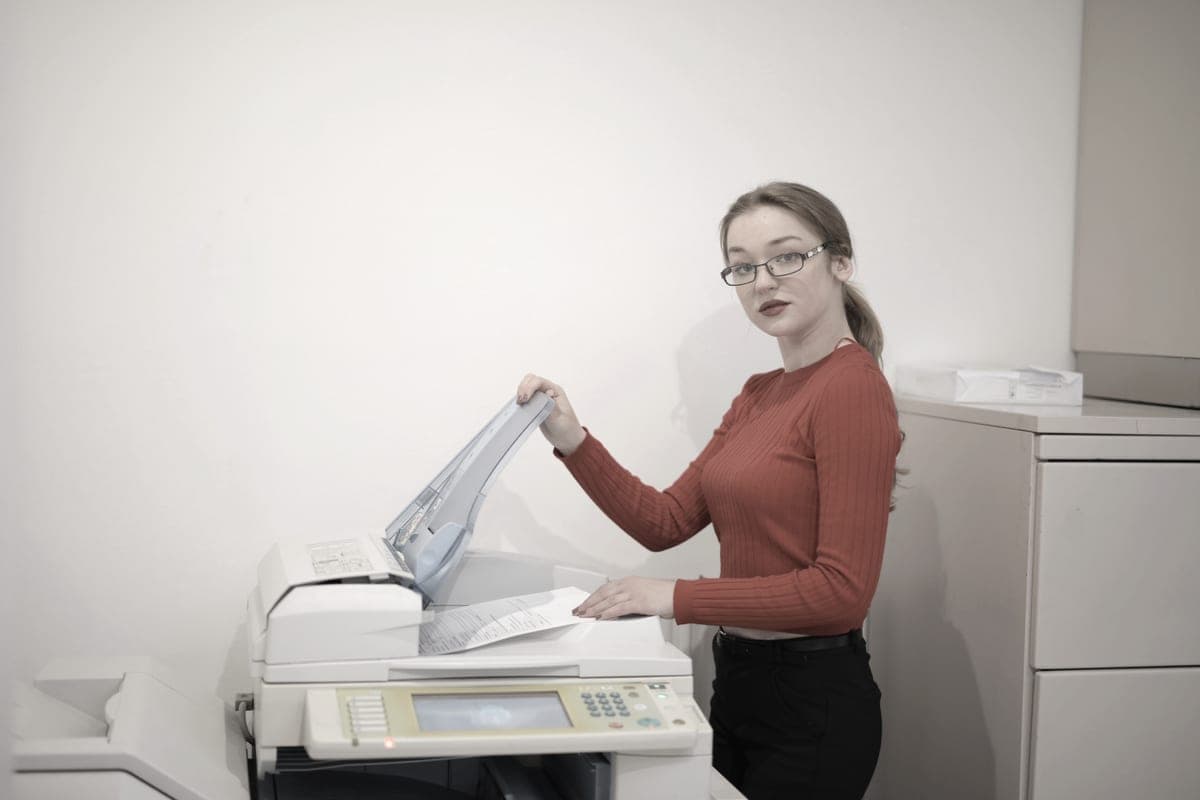
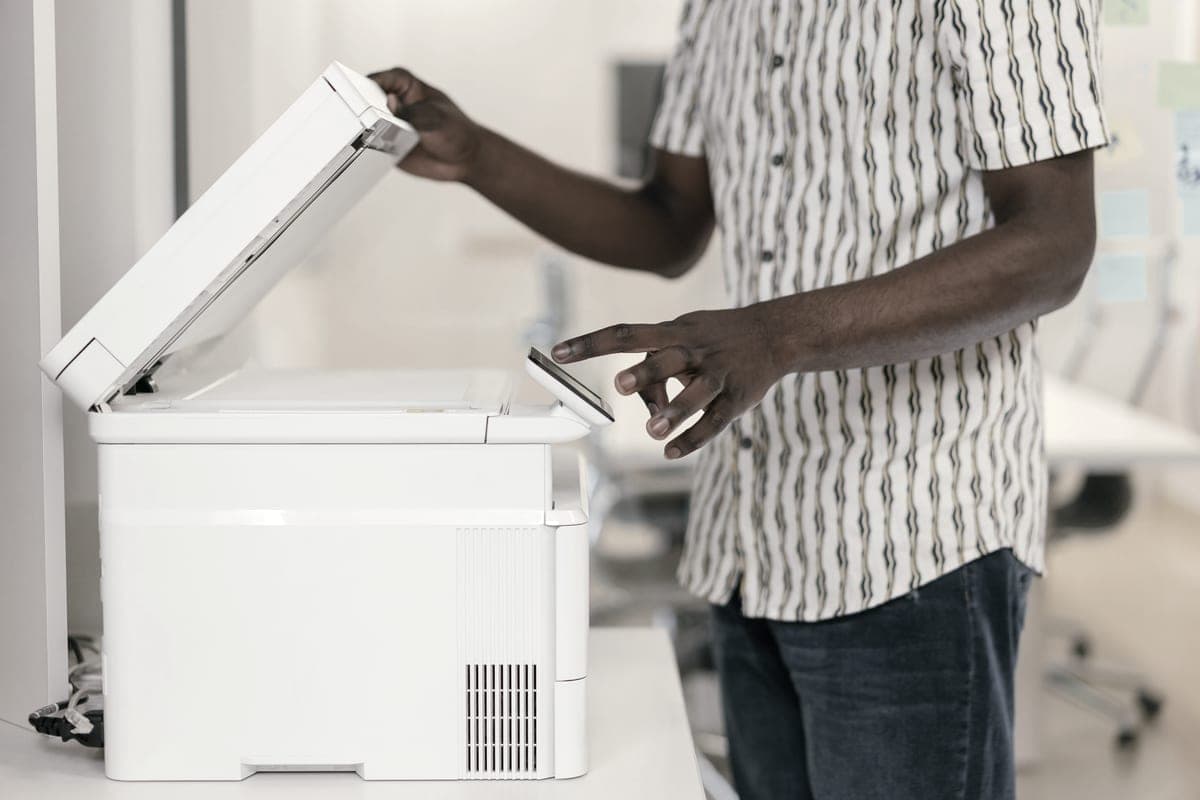
A home office printer is judged on different things from a household one. Speed matters because you are waiting for it. Duplexing matters because you print multi-page documents. A document feeder matters because you scan signed paper. And cost per page matters more, because the volume is higher.
How we picked
Office use changes the weighting. Throughput matters because you are standing there waiting; duplexing matters because office documents are multi-page; a document feeder matters because signed paper has to be scanned. So we required automatic duplexing or a feeder on every pick, and preferred models offering wired Ethernet.
Cost per page still decided the order within that set, and the single biggest factor was whether the office prints color — which is why this page recommends different technologies rather than ranking one list.
The decision, in one question
Does your office print color? If no, buy the mono laser and stop reading. If yes, buy the tank printer. That single question settles it more reliably than any spec comparison, because the cost difference between technologies on color pages is an order of magnitude and the cost difference on black pages is not big enough to override reliability and speed.
| Technology | Black page | Color page |
|---|---|---|
| Bottle-fed ink (Epson 522) | ~0.4¢ | ~1.1¢ |
| Mono laser (Brother TN830XL) | ~3.3¢ | no color |
| Color laser | around 5 to 8 cents a page | between 12 and 15 cents a page |
The first two rows are our arithmetic on prices read 27 September 2026. The color laser row is Toner Buzz’s published range, quoted for context and not measured by us. On black text the technologies are within a few cents; on color they are not close.
Which office features earn their keep
Automatic duplexing: always
Office documents are multi-page. A duplexer halves the paper on every one of them for the life of the printer, and removes the most irritating manual step in home printing. This is the one feature we argue for unconditionally.
Document feeder: if you scan signed paper
Contracts, forms, receipts for expenses. If any of that is monthly, a fifty-page feeder changes the job from a sequence of lid lifts into a single action. If you genuinely scan twice a year, skip it.
Wired Ethernet: underrated
Most complaints about a shared office printer are Wi-Fi complaints in disguise — the printer drops off the network, somebody restarts it, everybody blames the printer. A cable eliminates the failure mode. All three picks here offer it.
Speed: only above a threshold
Thirty-six pages a minute versus twenty is the difference between waiting and not waiting on a long document. Below about fifteen pages a minute you will notice; above about thirty you will not.
The subscription trap in an office context
Supply plans are marketed hardest at exactly this buyer, because office volume makes the monthly numbers look reasonable. The thing to understand is that a plan charges by the page allowance rather than by pages printed, so a quiet month is a month you paid for nothing. Owning your supplies means a quiet month costs you zero.
If you are already on a plan and reconsidering, read how to cancel first — particularly the part about plan cartridges stopping work when the plan ends, which is the one genuinely nasty surprise in this category.