Skip to content
Tank & Toner
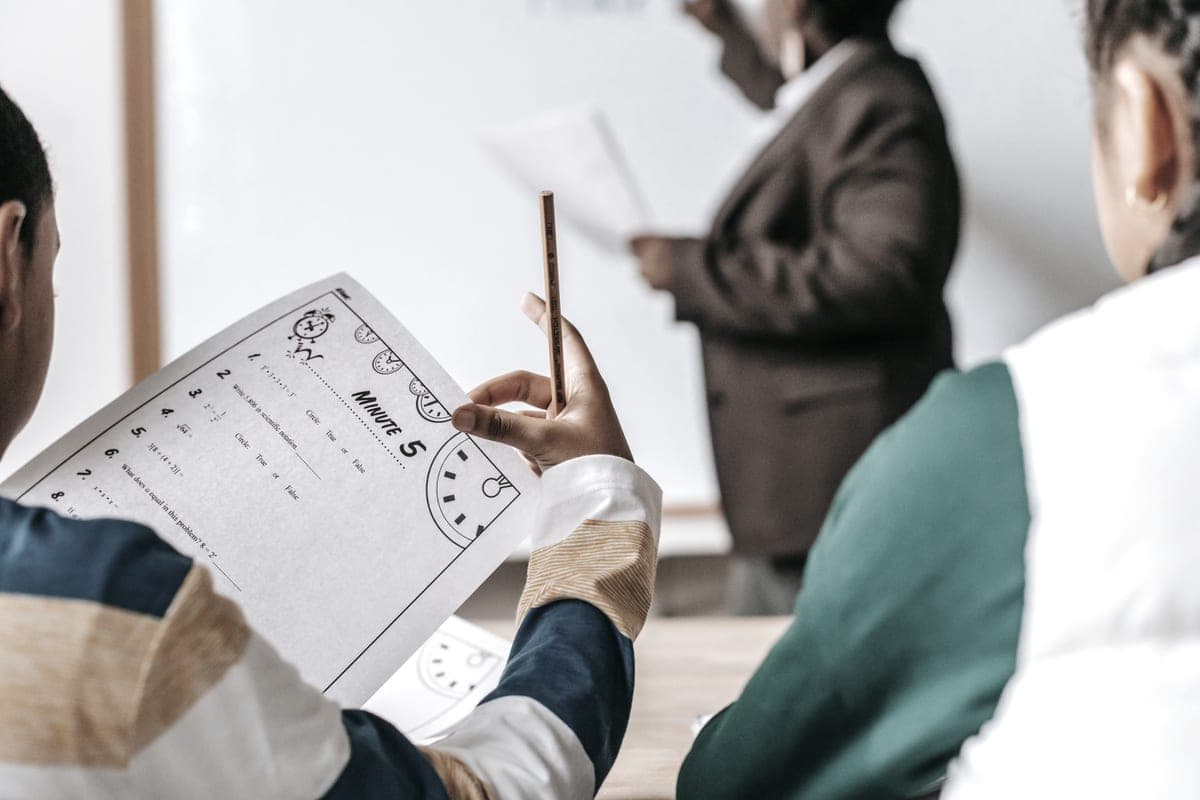
A teacher standing beside pupils seated at their desks in a classroom

Ink Tank

Best printers for teachers

A teacher prints small-office volumes on a household budget, and then stops completely for ten weeks. Almost no printer guide accounts for either half of that, and both change the recommendation.

By Ryder M. · Published October 1, 2026

Quick picks

Our ranked picks for best printers for teachers, with the cost per page beside each one. Tap a row to jump to the full write-up.

Our ranked picks for best printers for teachers, with the cost per page beside each one. Tap a row to jump to the full write-up.
#ProductBest forCost per pagePrice
1
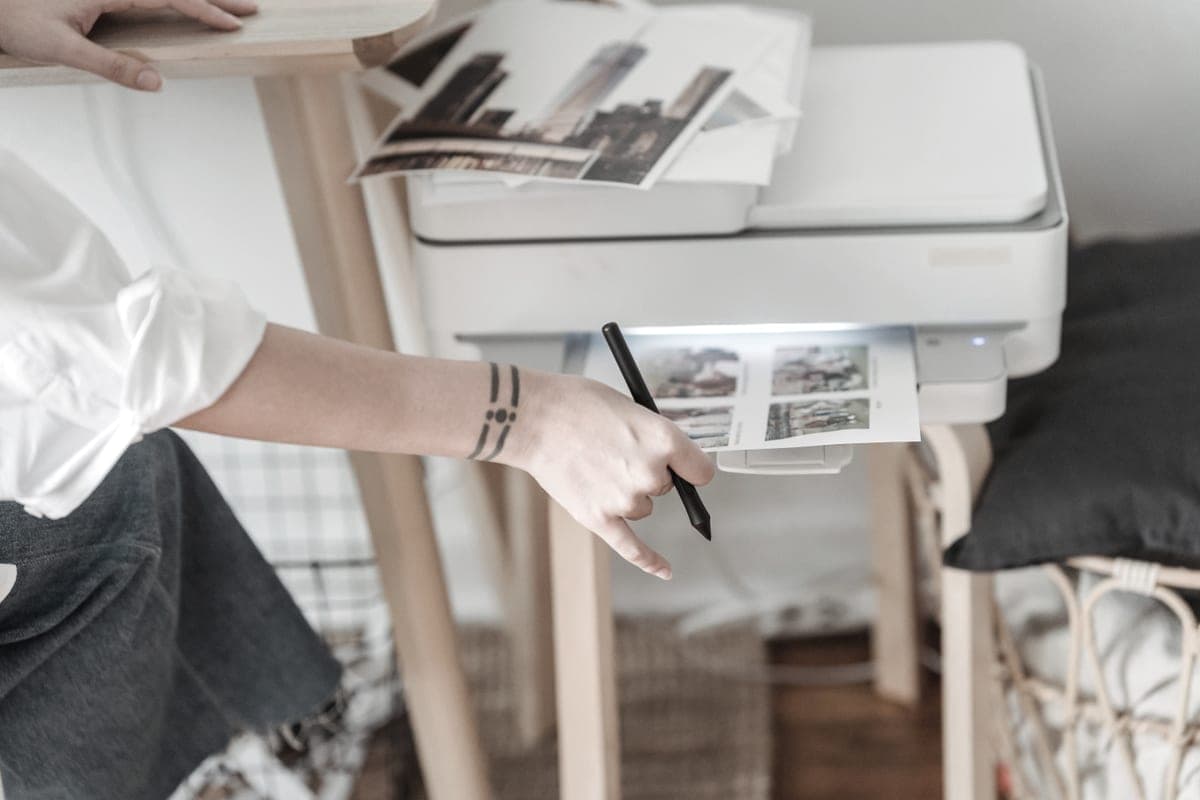
A person using a home inkjet printer at a desk beside printed sheets
Epson EcoTank ET-2800Color worksheets at about 1.1¢ a page, not 20¢
Best for most teachers~0.4¢
2
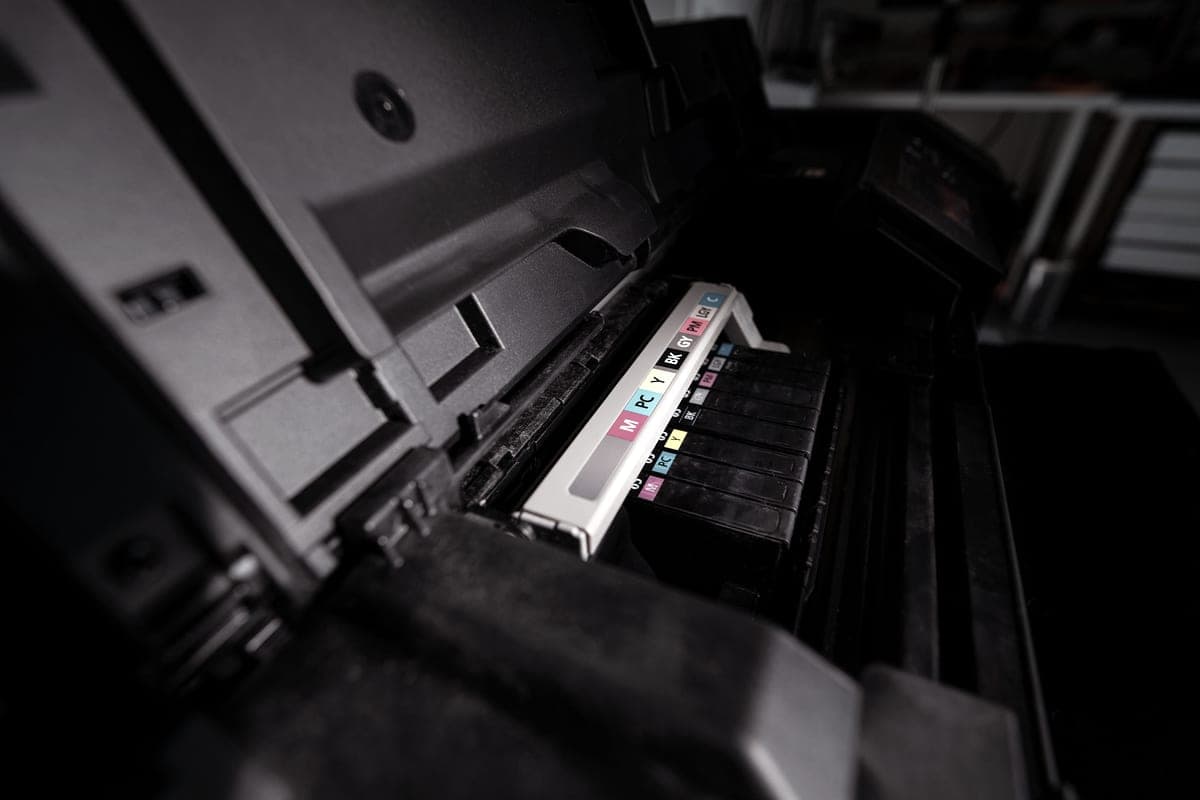
An open inkjet printer with its color ink reservoirs visible
Canon PIXMA MegaTank G3270About 0.3¢ mono and 0.8¢ color, with pigment black
Cheapest to run, and the ink survives a backpack~0.3¢
3
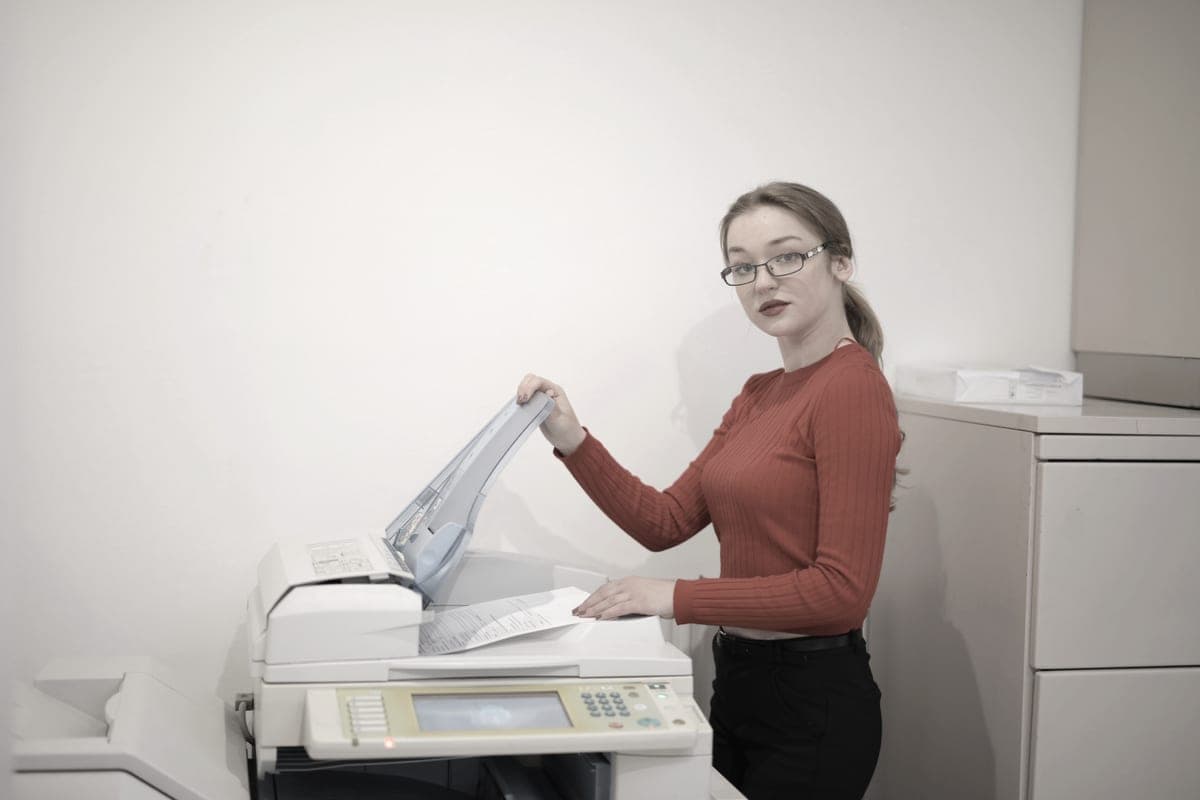
An office worker copying documents at a multifunction printer
Brother MFC-L2820DW$279.99, flatbed plus a 50-page feeder, duplex, cannot dry out
Best for a classroom that copies all day~3.3¢
4
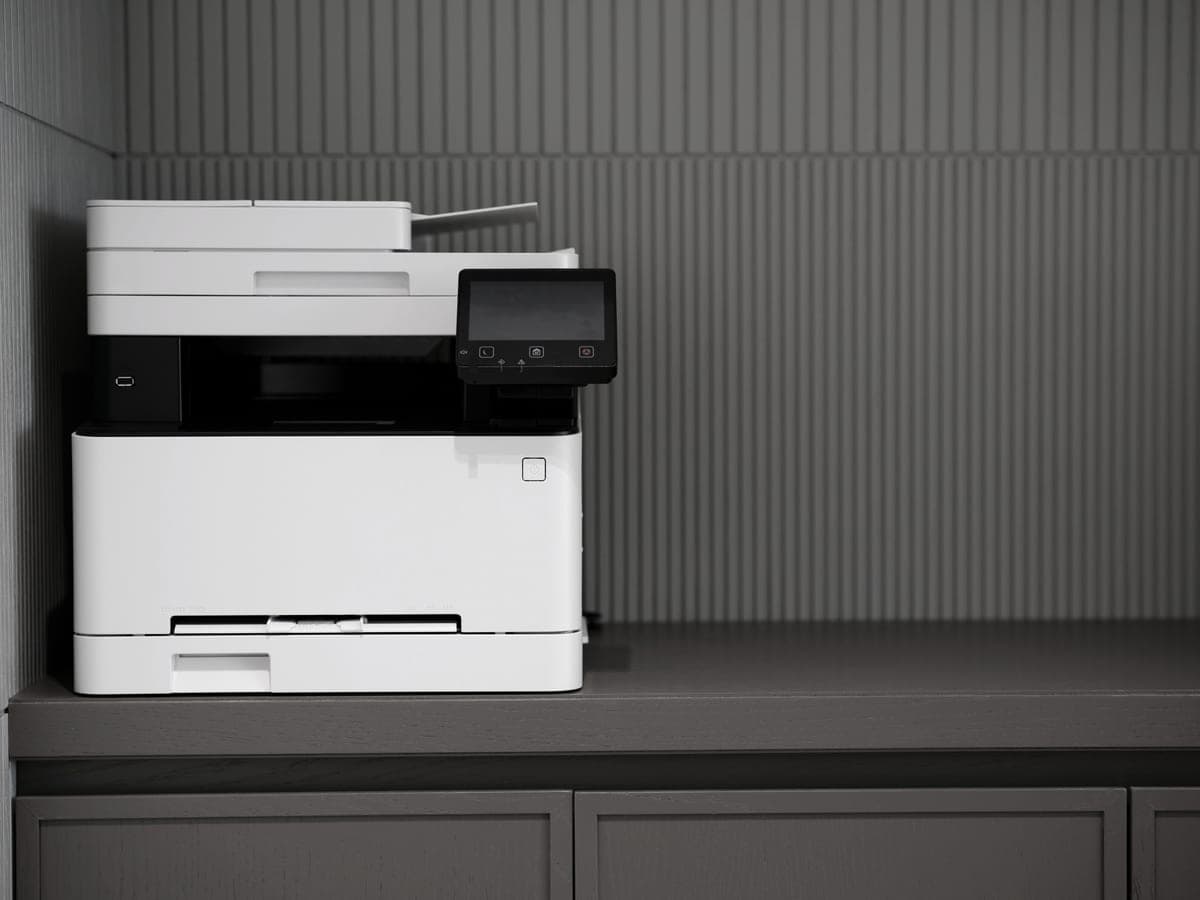
A modern printer on a minimalist office desk
Brother HL-L2460DW$179.99, duplexes, mono, and nothing to dry out
Cheapest way to survive the summer~3.3¢

#ad — buy links are affiliate links and we may earn a commission at no cost to you. How this site is funded. We do not display live prices, so every button sends you to Amazon’s own page for the current one. Cost-per-page figures are arithmetic on supply prices we read on 27 September 2026 — here is the method.

Teaching is the only household printing job that behaves like an office. A class set is not one page, it is twenty-eight. Then the whole thing stops dead for ten weeks. Every printer recommendation for teachers we could find ignores both facts and recommends whatever it recommends to everyone else.

What printer should a teacher buy?

A refillable ink tank printer if you print color class sets, because color costs about 1.1 cents a page instead of roughly twenty. A mono laser if you print black text and the machine will sit unused all summer, because toner cannot dry out. The volume is what makes a tank printer worth it; the summer break is what sometimes makes a laser the safer buy anyway.

How we picked

We started from the volume, because it is the thing that separates this buyer from every other one on this site. Then we applied four filters in order.

  • Cost per page at class-set volume. Computed from the largest genuine supply each printer takes, divided by the manufacturer’s rated yield. At 500-plus pages a month the supply cost overtakes the printer price inside the first year, so this is filter one and nothing else comes close.
  • Color, honestly assessed. Not “does it print color” — every one of these does except the two mono lasers — but what a color page costs when you need twenty-eight of them.
  • A flatbed, not just a feeder. Teachers copy out of bound workbooks. A sheet feeder physically cannot do that, and guides that treat a document feeder as the better scanner have the job backwards.
  • No subscription, ever. A supplies plan bills a monthly allowance. A teacher works ten months and prints in nine of them. The shape is wrong, and we come back to that below.

We did not filter on print speed. The slowest machine here still outruns the staffroom queue, and pages per minute is the specification most often sold to teachers in place of a cheaper supply.

The number that changes everything

Work it out rather than guessing. A class of twenty-eight, a worksheet or reading sheet twice a week, thirty-six teaching weeks: that is roughly two thousand pages a year from one class alone, before you count mark schemes, letters home, display material, cover work and the things you print twice because the first version had a typo.

Call it 500 pages in a busy month. Here is what three years of supplies costs at that rate, on each of the four machines, using nothing but our own arithmetic on published prices and rated yields.

Three years of black supplies at three teaching volumes
Pages a monthEpson 522 inkCanon GI-21 inkBrother TN830XL toner
200 — a light secondary load$29$22$236
500 — one class, two sheets a week$72$54$590
1,000 — several classes, or a homeschool$144$108$1179

Supplies only, black pages only. Paper, drum replacement and electricity are excluded. Our arithmetic is supply price divided by the manufacturer’s rated page yield at the ISO 5% coverage standard, using prices read on the dates in our sources. The method in full.

At 1,000 pages a month the toner bill over three years is larger than any printer on this page costs to buy, several times over. That is the entire financial case for a tank printer in this job, and it gets stronger every year you keep teaching.

Color: a grade-level question, not a preference

Early years and elementary teaching is full of color. Sorting activities, phonics cards, labeled diagrams, reward charts, anything a five-year-old is meant to engage with. Secondary teaching is overwhelmingly black text, and the occasional color page can wait for the school copier.

That single distinction decides which half of this page applies to you. If you print color class sets, a tank printer is not a nice-to-have: at roughly about 20 cents a page on cartridges against about 1.1 cents on bottles, color is either affordable or it is not, and the printer decides which.

What a 28-copy color class set costs in ink, on our figures
SupplyPer color pageOne class set of 28Two sets a week, one term
Epson 522 bottles (ET-2800)~1.1¢about $0.31about $7.39
Canon GI-21 bottles (G3270)~0.8¢about $0.22about $5.38
Published figure for cartridge inkjet color (Toner Buzz)about 20 cents a pageabout $5.60about $134.40

The first two rows are our arithmetic on bottle prices and Epson’s and Canon’s rated yields; one term is taken as twelve weeks. The third row is Toner Buzz’s published range for cartridge inkjet printing, not our measurement, carried here for scale only.

Why we are not pushing two-sided printing at you

Everywhere else on this site we argue hard for automatic two-sided printing, because on a tank printer the paper costs more than the ink and duplexing halves the paper. For class sets that argument partly collapses, and it is worth saying so plainly.

A worksheet a child has to write on wants one side. A sheet that gets glued into an exercise book wants one side. A reading passage you want visible next to the questions wants one side. Duplexing a class set of worksheets produces a stack of paper that is cheaper and worse.

Where it genuinely pays is on the long documents a teacher also prints: schemes of work, revision packs, reports, policy documents, booklets. If that is a real part of your week, the two Brother machines here duplex and the two tank printers do not — the tank printers that do duplex covers that route, at a price.

The summer problem, taken seriously

This is the honest risk in recommending a tank printer to a teacher, and we are not going to bury it. An inkjet prints by pushing liquid through very fine nozzles. Leave it unused for eight to ten weeks in a warm room and the ink at the nozzle plate can dry enough to need a head cleaning cycle, and head cleaning spends ink.

A laser has no equivalent failure. Toner is a dry powder with nothing to evaporate, which is why half this page is lasers despite the cost per page.

If you buy a tank printer anyway, and most teachers should, the mitigation is unglamorous:

  • Print one color page a week over the break. A calendar reminder is the whole technique, and it costs a fraction of a cent.
  • Leave the printer powered at the wall rather than switched off, so it can run its own maintenance cycle.
  • Keep it out of a hot, sunny room. A staffroom window ledge in July is the worst possible location.
  • Do not drain the tanks to empty before the break. Ink in the lines is doing a job.

We argue this out at length, with the volumes at which each wins, in the page where we argue against tank printers.

A supplies plan is the wrong shape for a teaching year

This matters more for teachers than for almost anyone, and it is the reason this site exists. A printer supplies subscription bills a monthly page allowance. You pay in July. You pay in August. You print nothing in either month, and the allowance does not care.

Worse, in term time the shape inverts: a teacher’s printing is spiky — a quiet fortnight, then a hundred and eighty pages before a parents’ evening — and an allowance priced for the average either wastes money most months or runs over in the months that matter.

There is also the mechanism people discover too late. Plan cartridges typically belong to the service rather than to you, and can stop working when the plan ends. Buying supplies versus renting them, and what happens when a canceled plan stops your printer. Every printer on this page refills or reloads from supplies you buy outright and own.

Homeschool: the same arithmetic, different calendar

Homeschooling families land on this page looking for the same thing, and the volume math is identical or higher — curriculum pages, workbooks, lapbooks and printables add up faster than a single classroom does, and there is no school copier to fall back on.

Two differences worth naming. First, the idle gap moves: if you school year-round, the summer problem above largely disappears and a tank printer becomes the straightforward answer. Second, you are usually printing for a handful of children rather than twenty-eight, so a single page is a single page — which makes color far more affordable and makes the cheapest-per-page machine the obvious buy.

What about the school copier?

Use it. It is faster, it is already paid for, and it collates. The home printer is for the evening and the weekend, for the thing you finished at nine o’clock that is needed at nine the next morning, and for the terms when the department photocopying budget has run out in May.

Which is a useful way to size the purchase. You are not replacing a commercial copier, so do not buy a machine priced as though you were. You are buying something that makes a class set at home without the ink cost making you think twice, and all four printers here do that for under $300 at list.

So which one

  • Early years or elementary, color constantly: the EcoTank ET-2800, and set the summer reminder.
  • Highest volume, and the prints get handled: the Canon MegaTank G3270, for the lowest cost per page here and the pigment black.
  • You copy out of workbooks all week and want zero maintenance: the Brother MFC-L2820DW, accepting mono only.
  • Secondary, black text, and you will not think about it again: the Brother HL-L2460DW, and buy the high-yield cartridge with it.
Specifications and running costs side by side, for the printers discussed on this page.
PrinterSupply typeMono per pageColor per pageAuto duplexFeederList price
Epson EcoTank ET-2800Ink bottles~0.4¢~1.1¢NoNo$240
Canon PIXMA MegaTank G3270Ink bottles~0.3¢~0.8¢Not statedNo$249
Brother MFC-L2820DWToner~3.3¢mono onlyYesYes$280
Brother HL-L2460DWToner~3.3¢mono onlyYesNo$180

Cost-per-page figures are our own arithmetic: supply price divided by the manufacturer’s rated page yield, using prices read on 27 September 2026 and yields rated at the ISO 5% coverage standard. They are not measured by us and they are not current prices. Every input, and the working · run the numbers for your own printing

The picks in detail

Best for most teachers

Epson EcoTank ET-2800

The cheapest way to get genuinely low-cost color printing at home, as long as you can live without an auto duplexer or a document feeder.

A person using a home inkjet printer at a desk beside printed sheets

Illustrative photograph of this kind of printer. We do not have this model in hand and this is not a photograph of the unit.

Check price on Amazon

#ad — we may earn a commission. How this site is funded. We do not show live prices; Amazon’s page is the price of record.

~0.4¢ per mono page · ~1.1¢ per color page

Based on a Epson 522 black ink bottle rated at 4,500 pages at $17.99, priced on 27 September 2026.

The color figure adds one per-page cost for each of the three color channels, because an ISO color page draws from all of them.

  • Epson 522 black ink bottle — rated 4,500 pages (ISO/IEC 24712), $17.99 at Epson US, checked 27 September 2026
  • Epson 522 color ink bottle — rated 7,500 pages (ISO/IEC 24712), $17.99 at Epson US, checked 27 September 2026

Yields are manufacturer-rated at the ISO 5% page-coverage standard, not measured by us, and real-world cost runs higher. Prices are not live: this is arithmetic on a price we read on the date shown, not a current price. How we calculate cost per page.

List price
$239.99 at Epson US, checked 27 September 2026
Supply type
Refillable ink bottles
Two-sided printing
Manual only
Document feeder
None
Connectivity
Wireless
Subscription
None required

What we like

  • Among the lowest cost per page of any printer sold for home use
  • Refillable bottles, so no chipped cartridge can be locked out by firmware
  • Comes with enough ink in the box to last most households a long time

What you give up

  • No automatic two-sided printing, so paper costs twice what it needs to
  • Flatbed scanner only - no document feeder for multi-page scans
  • Inkjets still need to be used occasionally or the print head can clog

For a teacher who prints in color — and most primary and elementary teachers do, constantly — this is the machine. A color page costs about 1.1 cents on 522 ink by our arithmetic. Published industry figures put cartridge inkjet color at about 20 cents a page, per Toner Buzz. That is the difference between printing a color class set and photocopying it in grayscale because color is too expensive.

It has a flatbed scanner, which is the right scanner for a teacher: you copy pages out of workbooks and binders, and a sheet feeder cannot take a bound book. Epson names AirPrint on its own product page, so printing from a school iPad needs nothing installed.

Honest cons. No automatic two-sided printing and no document feeder. It is an inkjet, so the ten-week summer gap is a real risk — see the section on that below. And on the day we checked, Epson’s own store listed it out of stock while Best Buy and Staples both had it at $239.99, so buy it from a retailer rather than the manufacturer.

Specifications read from the manufacturer’s own product page on 27 September 2026. Full cost-to-run breakdown for the Epson EcoTank ET-2800 →

Cheapest to run, and the ink survives a backpack

Canon PIXMA MegaTank G3270

The cheapest cost per page of any printer we cover, and the pigment black is the reason to pick it over an EcoTank if your prints get handled.

An open inkjet printer with its color ink reservoirs visible

Illustrative photograph of this kind of printer. We do not have this model in hand and this is not a photograph of the unit.

Check price on Amazon

#ad — we may earn a commission. How this site is funded. We do not show live prices; Amazon’s page is the price of record.

~0.3¢ per mono page · ~0.8¢ per color page

Based on a Canon GI-21 pigment black ink bottle rated at 6,000 pages at $17.99, priced on 27 September 2026.

The color figure adds one per-page cost for each of the three color channels, because an ISO color page draws from all of them.

  • Canon GI-21 pigment black ink bottle — rated 6,000 pages (ISO/IEC 24712 (Canon default print mode)), $17.99 at Target, checked 27 September 2026
  • Canon GI-21 color ink bottle — rated 7,700 pages (ISO/IEC 24712 (Canon default print mode)), $12.99 at Target, checked 27 September 2026

Yields are manufacturer-rated at the ISO 5% page-coverage standard, not measured by us, and real-world cost runs higher. Prices are not live: this is arithmetic on a price we read on the date shown, not a current price. How we calculate cost per page.

List price
$248.99 at Office Depot, checked 27 September 2026
Supply type
Refillable ink bottles
Two-sided printing
Not stated on the spec page we read
Document feeder
None
Connectivity
Wireless
Subscription
None required

What we like

  • Lowest cost per page of any model on this site, mono and color
  • Pigment black ink smudges less on plain paper
  • Large 170 mL bottles, so refills are infrequent

What you give up

  • Canon's own store would not show us a price, so ours is a retailer listing
  • No document feeder
  • Canon's headline yields assume its default print mode, not draft mode

The lowest cost per page of any printer on this site: roughly 0.3 of a cent black and 0.8 of a cent color, on 170 mL GI-21 bottles. At class-set volumes that gap against every other machine here compounds into real money inside one school year.

The specification that matters for a teacher specifically is the pigment black. Pigment sits on the paper surface rather than soaking in, so it resists water and smudging better than a dye black. Worksheets get folded into backpacks, highlighted, rained on and handed back. Pigment survives that better, and no printer guide written for general buyers ever mentions it.

Honest cons. No document feeder, and Canon’s specification page did not state automatic duplexing, so we do not claim it. Canon’s own store would not serve us a price, so the list figure on this page is a retailer listing read in September — it is widely discounted well below that now, which is exactly why you should check the current price rather than trust any number we print.

Specifications read from the manufacturer’s own product page on 27 September 2026. Full cost-to-run breakdown for the Canon PIXMA MegaTank G3270 →

Best for a classroom that copies all day

Brother MFC-L2820DW

The small-office version of Brother's household mono laser: same cheap TN830 toner, but with a fifty-page feeder, fax and a scanner bolted on.

An office worker copying documents at a multifunction printer

Illustrative photograph of this kind of printer. We do not have this model in hand and this is not a photograph of the unit.

Check price on Amazon

#ad — we may earn a commission. How this site is funded. We do not show live prices; Amazon’s page is the price of record.

~3.3¢ per mono page

Based on a Brother TN830XL high-yield toner cartridge rated at 3,000 pages at $98.29, priced on 27 September 2026.

  • Brother TN830XL high-yield toner cartridge — rated 3,000 pages (ISO/IEC 19752), $98.29 at Brother USA, checked 27 September 2026

Yields are manufacturer-rated at the ISO 5% page-coverage standard, not measured by us, and real-world cost runs higher. Prices are not live: this is arithmetic on a price we read on the date shown, not a current price. How we calculate cost per page.

List price
$279.99 at Brother USA, checked 29 September 2026
Supply type
Toner cartridge
Print speed
Up to 34 pages per minute
Two-sided printing
Automatic
Document feeder
50-page automatic document feeder
Connectivity
Ethernet, dual-band wireless (2.4 GHz / 5 GHz) and Hi-Speed USB 2.0
Subscription
None required

What we like

  • Fifty-page document feeder and auto duplex at 34 pages a minute
  • Runs the same TN830XL toner as Brother's cheaper models, so no cost-per-page penalty for the extra hardware
  • Ethernet as well as dual-band Wi-Fi, which matters when several people share it

What you give up

  • Mono only - no color at all
  • Seventy dollars more than the DCP-L2640DW, and the difference is mostly the fax
  • The ADF scans one side only, so double-sided originals still need flipping

Brother lists a flatbed scanner with a fifty-page automatic document feeder, automatic two-sided printing, 34 pages a minute, Ethernet alongside dual-band Wi-Fi, and AirPrint. For a teacher whose week involves copying from workbooks and scanning stacks of marked paper, that is both scanners in one machine.

It is also immune to the thing that kills inkjets in this job. Toner is a dry powder, so a ten-week summer break does nothing to it. You come back in August and it prints first time. Why that is true.

Honest cons. Mono only — no color at all, which rules it out for most early-years teaching. It costs about 3.3 cents a page against a fraction of a cent for bottle ink, roughly eight times as much. And Brother publishes that its feeder scans one side only, so double-sided originals still need turning over.

Specifications read from the manufacturer’s own product page on 29 September 2026.

Cheapest way to survive the summer

Brother HL-L2460DW

If you print black text and nothing else, this is the printer to buy. It cannot dry out, it duplexes, and Brother does not block third-party toner.

A modern printer on a minimalist office desk

Illustrative photograph of this kind of printer. We do not have this model in hand and this is not a photograph of the unit.

Check price on Amazon

#ad — we may earn a commission. How this site is funded. We do not show live prices; Amazon’s page is the price of record.

~3.3¢ per mono page

Based on a Brother TN830XL high-yield toner cartridge rated at 3,000 pages at $98.29, priced on 27 September 2026.

  • Brother TN830XL high-yield toner cartridge — rated 3,000 pages (ISO/IEC 19752), $98.29 at Brother USA, checked 27 September 2026

Yields are manufacturer-rated at the ISO 5% page-coverage standard, not measured by us, and real-world cost runs higher. Prices are not live: this is arithmetic on a price we read on the date shown, not a current price. How we calculate cost per page.

List price
$179.99 at Brother USA, checked 27 September 2026
Supply type
Toner cartridge
Print speed
Up to 36 pages per minute
Two-sided printing
Automatic
Document feeder
None
Connectivity
Dual-band wireless (2.4 GHz / 5 GHz), Ethernet or USB
Subscription
None required

What we like

  • Toner does not dry out, so it is ideal if you print in occasional bursts
  • Automatic two-sided printing at 36 pages per minute
  • Brother has publicly denied blocking third-party toner with firmware

What you give up

  • Black only - no color at all
  • Cost per page is roughly ten times a tank printer's
  • The 700-page starter cartridge runs out fast; budget for a TN830XL

The cheapest machine on this page and the most reliable one for the shape of a teaching year. $179.99 at Brother’s list price, 36 pages a minute, automatic two-sided printing, dual-band Wi-Fi and Ethernet, and about 3.3 cents a page on high-yield toner.

Buy this one if your printing is secondary-school text rather than early-years color: worksheets, reading passages, mark schemes, cover work. It will sit untouched from June to August and print on demand in September, which no inkjet on this page can promise.

Honest cons. No color, no scanner, no copier. The starter cartridge is rated at only 700 pages, so a teacher will exhaust it in about three weeks of class sets and should budget for a high-yield TN830XL immediately. Toner is dramatically dearer per page than ink at these volumes.

Specifications read from the manufacturer’s own product page on 27 September 2026. Full cost-to-run breakdown for the Brother HL-L2460DW →

Questions people actually ask

What is the best printer for teachers?

For color class sets, the Epson EcoTank ET-2800 — color costs about 1.1 cents a page on refillable 522 bottles rather than roughly twenty on cartridges. For black text with a long summer break, the Brother HL-L2460DW at $179.99, because toner cannot dry out.

Should a teacher buy an ink tank printer or a laser printer?

Ink tank if you print color, or more than a few hundred pages a month — the supply saving over three years exceeds the printer price. Laser if your printing is black text and the machine will be unused for the whole summer, because an idle inkjet can need a head cleaning cycle.

How much does it cost a teacher to print a class set?

On our arithmetic, a 28-copy color class set costs roughly $0.31 in ink on an EcoTank using 522 bottles. Toner Buzz publishes about 20 cents a page for cartridge inkjet color, which would put the same class set near $5.60.

Will an ink tank printer dry out over the summer holidays?

It can. Eight to ten weeks unused is long enough for ink at the nozzles to need a cleaning cycle, which itself spends ink. Printing one page a week over the break and leaving the printer powered at the wall is the standard mitigation. A laser has no equivalent problem.

Do teachers need a document feeder or a flatbed scanner?

A flatbed, primarily — it is the only way to copy a page out of a bound workbook. A feeder helps when you scan stacks of loose marked paper. The Brother MFC-L2820DW has both; the two tank printers here have a flatbed only.

Is a printer subscription worth it for a teacher?

The shape is wrong for the job. A plan bills a monthly allowance across a twelve-month year while you print in nine of them, and spiky term-time printing either wastes the allowance or overruns it. Plan cartridges also typically belong to the service and can stop working when the plan ends.

Sources