The MFC-L2820DW is the printer people buy once they have worked out what they actually need: a stack of paper scanned in one action, both sides of a sheet printed without being asked twice, and a supply they can buy from anyone, at a price they can read before they commit. It costs $279.99 and it asks nothing of you every month.
Cost to run
Brother names four black cartridges for this printer: the standard TN830, the high-yield TN830XL, a value high-yield TN830V and a twin pack of TN830XLs. We have confirmed a price and a rated yield for the first two, so those are the only two we put a number against.
The Brother TN830XL high-yield toner cartridge is rated at 3,000 pages at ISO/IEC 19752 and was $98.29 on Brother’s own store when we read it — about 3.3¢ a page. The standard Brother TN830 standard-yield toner cartridge is rated at 1,200 pages at $60.99, which works out at about 5.1¢.
Buying the small cartridge because it is cheaper on the shelf costs you roughly fifty percent more for every page you print. It is the single most expensive mistake available on this printer, and it is made in a shop, in about four seconds, by people who have otherwise researched carefully.
| If you print | Toner over 3 years | Total with the printer |
|---|---|---|
| 25 pages a month | $29 | $309 |
| 100 pages a month | $118 | $398 |
| 300 pages a month | $354 | $634 |
Supplies only in the middle column; sticker price plus supplies in the right one. Mono pages at the manufacturer’s rated yield and the supply price we read on 27 September 2026. Real cost runs higher because rated yields assume 5% page coverage. The full method.
Read the right-hand column rather than the headline cost per page. At 25 pages a month this machine is cheap to own and expensive per page, and the per-page figure barely matters because the total is small. At 300 pages a month the toner has overtaken the printer and a bottle-fed tank machine starts to make a real argument. Put your own volume in.
What the fifty-page feeder does, and what it does not
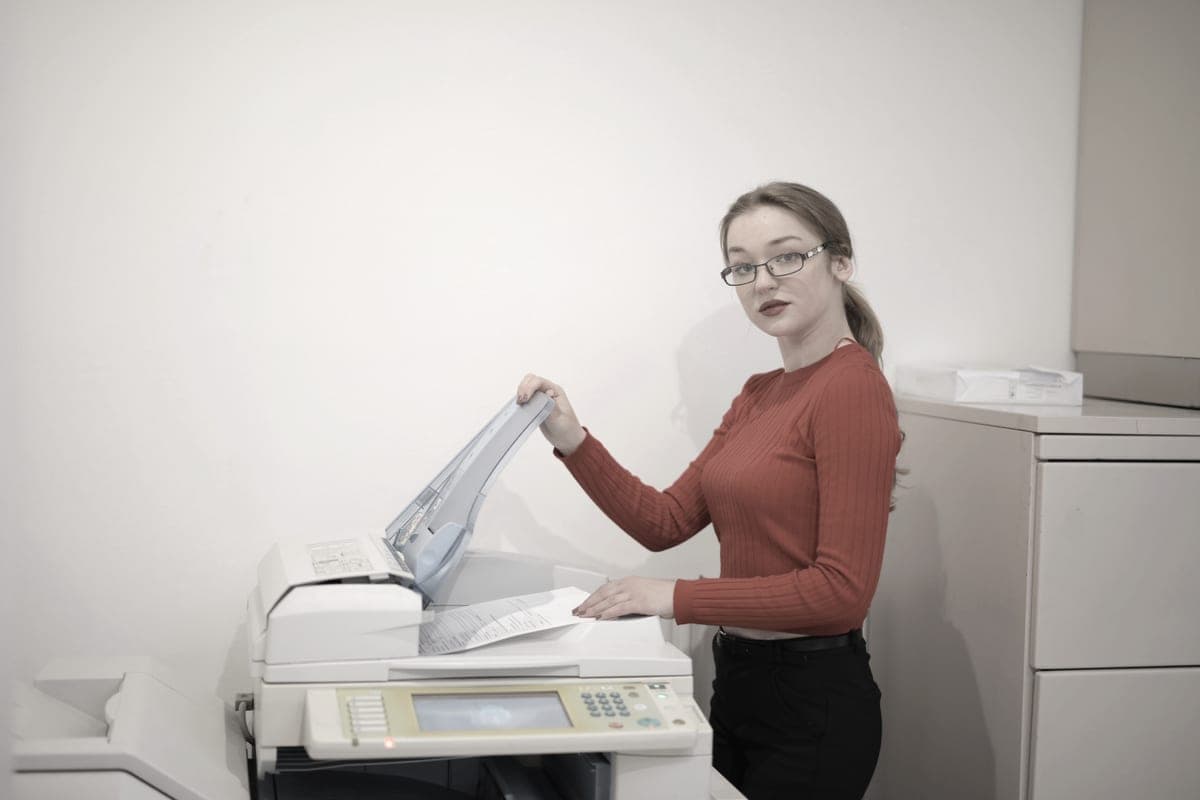
The feeder is the reason to buy this model over a print-only laser. Fifty sheets go in the top, and a twelve-page contract becomes one action instead of twelve lid-lifts. For anyone who scans school forms, invoices, receipts or signed paperwork in batches, that is the whole purchase justified.
Brother publishes that the scanning is simplex only — one side per pass. A double-sided original still means feeding the stack, turning the whole pile over, and feeding it again. That is better than a flatbed and worse than the word automatic suggests, and it is worth knowing before you buy rather than after. Duplex printing is automatic; duplex scanning is not.
If scanning both sides in one pass is genuinely your workflow, this is the wrong machine and the honest answer is a more expensive one. Our laser all-in-one roundup sets out what that costs.
The starter cartridge, stated plainly
Brother ships this printer with a starter black toner rated at 700 pages. That is printed on the specification sheet, so it is disclosed rather than hidden — but it does mean the first cartridge purchase arrives sooner than the 3,000-page headline implies. Budget for a TN830XL in the first year and nothing about this printer will surprise you.
There is a second consumable most roundups never mention. The DR830 drum unit is rated around 15,000 pages and is replaced separately from the toner. Most households will never reach it. Anyone printing a few hundred pages a month should count it into the sum, because it is a real line item that arrives years in. The difference between a drum and a toner cartridge is worth five minutes before you buy any laser.
The subscription question
Nothing about this printer requires a plan. Brother sells an optional Refresh EZ Print subscription that ships toner automatically, and the printer prints perfectly normally without ever being enrolled. That is a different arrangement from a printer that stops working when a plan lapses, and the distinction is the reason this site exists. How automatic toner plans actually work.
The adjacent question is third-party toner. Brother is the brand most often recommended by people who want to buy compatible supplies, and in early 2025 that reputation was publicly challenged: allegations circulated that firmware updates were disabling third-party cartridges. Brother denied it directly, stating that its firmware updates do not block the use of third-party ink in its machines, while noting that it performs a genuine-supply check during troubleshooting and cannot guarantee print quality with other supplies.
We report that as what it is — a documented dispute, not a settled fact. The full account, with sources. If a cast-iron guarantee of supply choice is what you are buying, a bottle-fed tank printer is the only design that gives it to you, because there is no chip in a bottle of ink.
Paper handling, networking, and the fax nobody mentions
Brother publishes a 250-sheet main tray plus a single-sheet manual feed slot. The slot is more useful than it sounds: it is where envelopes, letterhead and the occasional sheet of heavier stock go, without unloading the tray and reloading it afterwards. A quarter-ream in the tray is about a month of ordinary household printing, or a week of a small office’s.
On the network side you get Ethernet as well as dual-band Wi-Fi on 2.4 and 5 GHz, which is the specification that matters when more than one person shares the machine. A printer on a cable does not drop off the network when the router reshuffles, and a 5 GHz connection does not fight with every other device in the house. AirPrint, Mopria, Wi-Fi Direct and Brother Mobile Connect are all named on Brother’s page, so phones and Macs print without installing anything. Printing from a phone is the part most buyers test first and research last.
Then there is the fax: a 33.6K modem with 400 pages of memory. It is the reason this model costs more than the DCP-L2640DW and the reason most buyers should not choose it. Faxing survives in exactly three places — medical offices, some legal work and a handful of government forms — and if none of those is your life, the seventy dollars is better spent on toner. If one of them is, the keypad and the modem are worth more than any cost-per-page figure on this page.
Who should buy something else
- You never fax and never need a keypad. The DCP-L2640DW is the same engine, the same toner and the same fifty-page feeder for $209.99. For most home offices that is the better buy, and the seventy dollars is better spent on a TN830XL.
- You never scan. The HL-L2460DW is the print-only version at $179.99, with the same cost per page.
- You print in color. This machine is mono only, with no color mode to switch on. A color laser is a different budget and a different cost per page, and a tank printer is usually the cheaper way to get color.
- You print a few hundred pages a month. Above roughly a hundred pages a month the eight-fold per-page gap to a refillable tank printer becomes real money, and the comparison turns.