

Skip to content
Tank & Toner
A silver laptop open on a white desk

Laser

Best laser printers for Mac

Brother states plainly that Mac printer drivers are not provided and macOS printing requires AirPrint. That one sentence decides this page, and almost nobody mentions it.

By Ryder M. · Published September 29, 2026

Quick picks

Our ranked picks for best laser printers for mac, with the cost per page beside each one. Tap a row to jump to the full write-up.

Our ranked picks for best laser printers for mac, with the cost per page beside each one. Tap a row to jump to the full write-up.
#ProductBest forCost per pagePrice
1
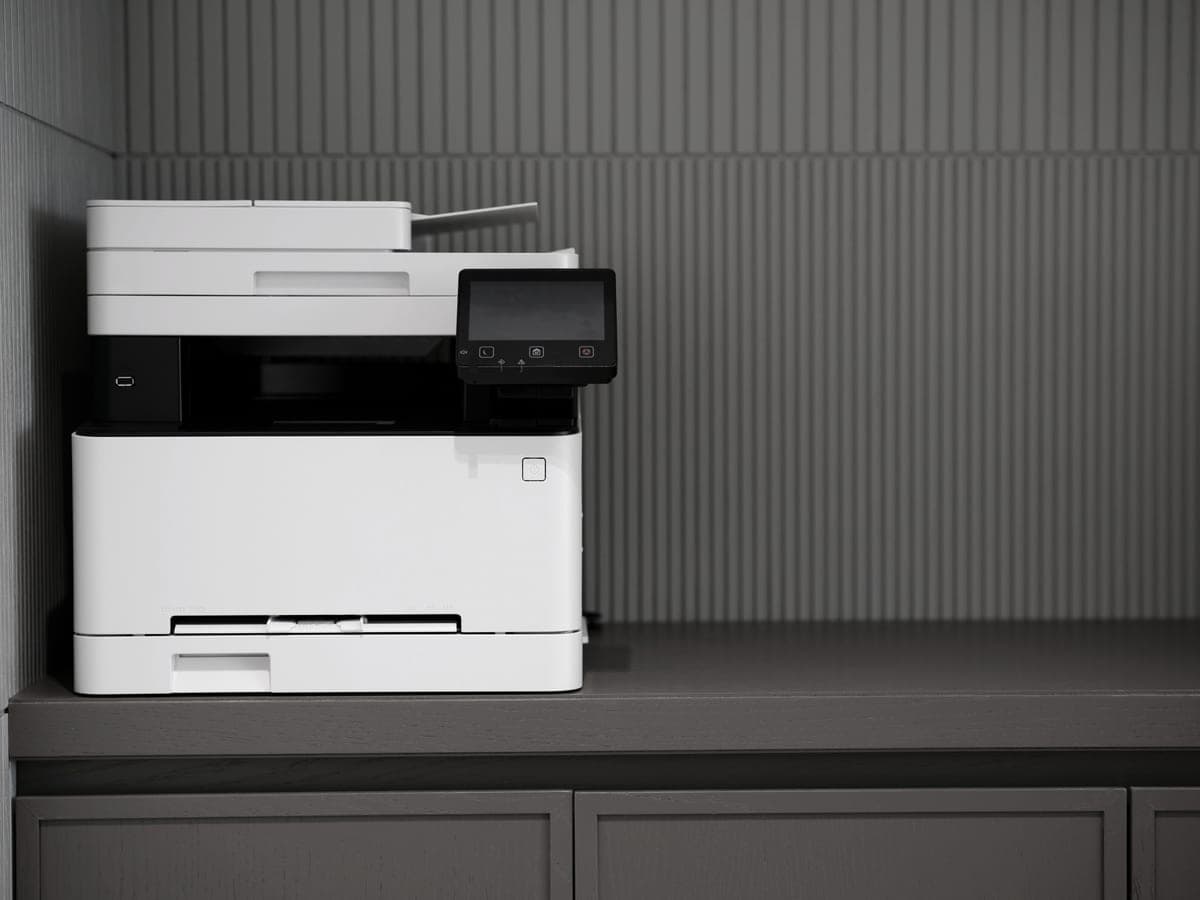
A modern printer on a minimalist office desk
Brother HL-L2460DWAirPrint, auto duplex, $179.99, no driver to install
Best laser for a Mac overall~3.3¢
2
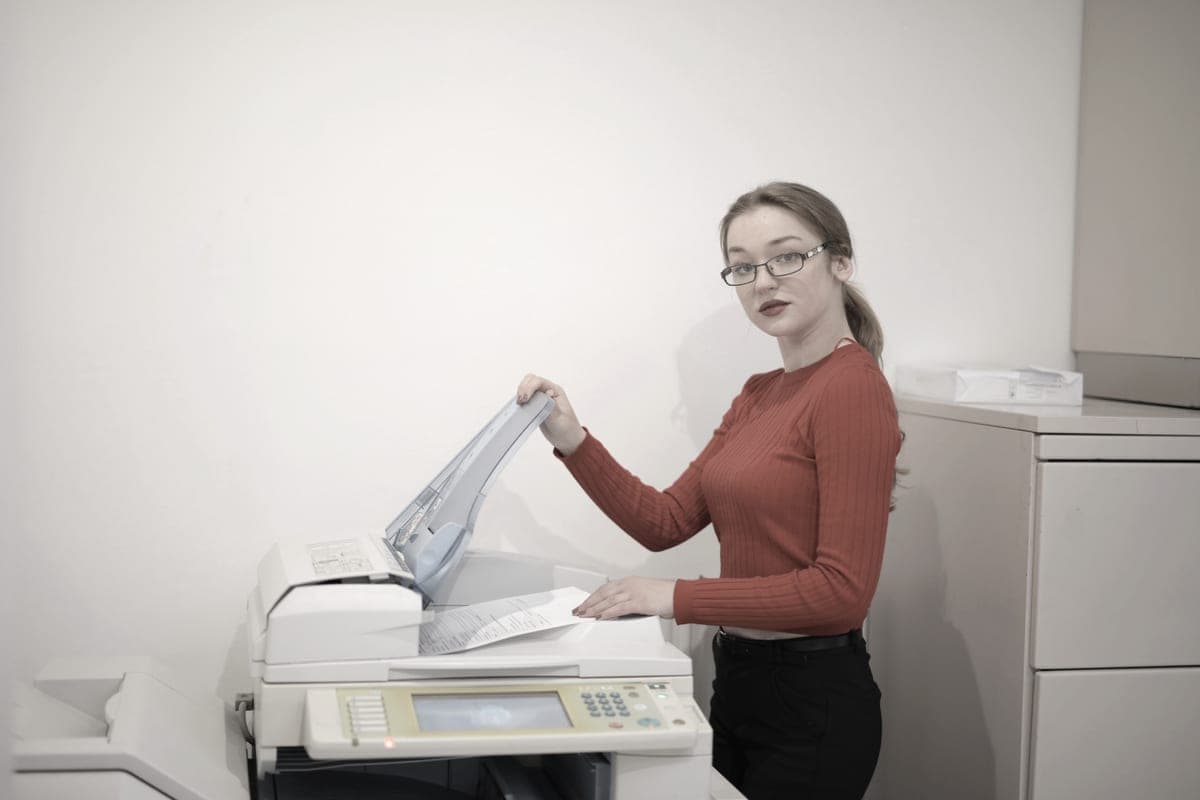
An office worker copying documents at a multifunction printer
Brother DCP-L2640DWSame AirPrint path, plus a flatbed and a 50-page feeder
Best for a Mac that also scans~3.3¢
3
An open magazine on a white table, showing full-color print output
Brother HL-L3220CDW$284.99, AirPrint, four separate toner cartridges
Best color laser for a Mac~3.2¢

#ad — buy links are affiliate links and we may earn a commission at no cost to you. How this site is funded. We do not display live prices, so every button sends you to Amazon’s own page for the current one. Cost-per-page figures are arithmetic on supply prices we read on 27 September 2026 — here is the method.

Most “best printer for Mac” lists are the same list as everyone else’s with the word Mac inserted. There is a real difference, though, and it is on the manufacturer’s own specification page: Brother says that printing from macOS requires AirPrint, because Mac printer drivers are not provided.

How we picked

We read the macOS line on each manufacturer specification page rather than assuming compatibility. Every printer recommended here has AirPrint named on the maker’s own page, which is what removes the driver question entirely.

Where a manufacturer did not publish AirPrint support on the specification we could read, we have not claimed it. That is why the Canon mono laser covered elsewhere on this site is absent from this page: its specification source does not state AirPrint, and we do not publish a capability we could not verify.

After that the ordinary filters apply — cost per page, automatic duplexing, and whether the cartridge is one you would willingly buy twice.

What AirPrint actually means on a Mac

Apple describes AirPrint as something that helps you create full-quality printed output from an iPhone, iPad, Mac or Apple Vision Pro without needing to download or install drivers, and states plainly that to use an AirPrint-enabled printer you do not need to install additional drivers or other software. The one requirement Apple publishes is that your device is connected to the same Wi-Fi network as the printer. Apple’s own page.

For a Mac buyer this converts the printer question into a compatibility question. You are no longer asking whether the manufacturer maintains a macOS driver for the version you are on. You are asking whether AirPrint is on the box.

What you give up without a driver

AirPrint exposes a standard set of options: paper size, copies, duplex, color or grayscale, and quality where the printer reports it. What it does not expose is the manufacturer-specific extras that a full driver traditionally carried — toner-save modes, stored print jobs, secure print with a PIN, tray selection by media type on machines that have several trays.

For a household or a one-room office this is nothing. If you were planning to rely on a specific vendor feature — secure release printing, for instance — check that it survives the AirPrint path before you buy the machine for it.

Scanning is a separate question

AirPrint is a printing standard. Scanning from a Mac uses a different mechanism and a different piece of software, and the two are frequently conflated in printer reviews. If the reason you want an all-in-one is Mac-side scanning rather than printing, treat the scanner as its own purchase decision and check the workflow on the manufacturer’s support pages for the exact model.

Both all-in-ones here carry a fifty-page automatic document feeder, which is the hardware half of the problem solved regardless of which software drives it.

Laser or tank, for a Mac?

The platform does not change the economics. A mono laser is about 3.3 cents a page; a refillable tank printer is about 0.4 of a cent. Under roughly forty pages a month the laser is still cheaper to own because the purchase price dominates; above it, the tank pulls away. The arithmetic, and the tank printers with AirPrint on Epson’s own page.

Specifications and running costs side by side, for the printers discussed on this page.
PrinterSupply typeMono per pageColor per pageAuto duplexFeederList price
Brother HL-L2460DWToner~3.3¢mono onlyYesNo$180
Brother DCP-L2640DWToner~3.3¢mono onlyYesYes$210
Brother HL-L3220CDWToner~3.2¢not publishedYesNo$285
Brother MFC-L2820DWToner~3.3¢mono onlyYesYes$280

Cost-per-page figures are our own arithmetic: supply price divided by the manufacturer’s rated page yield, using prices read on 27 September 2026 and yields rated at the ISO 5% coverage standard. They are not measured by us and they are not current prices. Every input, and the working · run the numbers for your own printing

The picks in detail

Best laser for a Mac overall

Brother HL-L2460DW

If you print black text and nothing else, this is the printer to buy. It cannot dry out, it duplexes, and Brother does not block third-party toner.

A modern printer on a minimalist office desk

Illustrative photograph of this kind of printer. We do not have this model in hand and this is not a photograph of the unit.

Check price on Amazon

#ad — we may earn a commission. How this site is funded. We do not show live prices; Amazon’s page is the price of record.

~3.3¢ per mono page

Based on a Brother TN830XL high-yield toner cartridge rated at 3,000 pages at $98.29, priced on 27 September 2026.

  • Brother TN830XL high-yield toner cartridge — rated 3,000 pages (ISO/IEC 19752), $98.29 at Brother USA, checked 27 September 2026

Yields are manufacturer-rated at the ISO 5% page-coverage standard, not measured by us, and real-world cost runs higher. Prices are not live: this is arithmetic on a price we read on the date shown, not a current price. How we calculate cost per page.

List price
$179.99 at Brother USA, checked 27 September 2026
Supply type
Toner cartridge
Print speed
Up to 36 pages per minute
Two-sided printing
Automatic
Document feeder
None
Connectivity
Dual-band wireless (2.4 GHz / 5 GHz), Ethernet or USB
Subscription
None required

What we like

  • Toner does not dry out, so it is ideal if you print in occasional bursts
  • Automatic two-sided printing at 36 pages per minute
  • Brother has publicly denied blocking third-party toner with firmware

What you give up

  • Black only - no color at all
  • Cost per page is roughly ten times a tank printer's
  • The 700-page starter cartridge runs out fast; budget for a TN830XL

Brother lists AirPrint, Mopria, Wi-Fi Direct and Brother Mobile Connect on this model, and states that printing via macOS requires AirPrint because Mac printer drivers are not provided. In practice that means you add the printer in System Settings and it works — no download, no installer, no kernel extension to approve.

You get automatic two-sided printing, 36 pages a minute and about 3.3 cents a page on high-yield toner. For a Mac household that prints black text, there is very little reason to look further.

Specifications read from the manufacturer’s own product page on 27 September 2026. Full cost-to-run breakdown for the Brother HL-L2460DW →

Best for a Mac that also scans

Brother DCP-L2640DW

The HL-L2460DW with a scanner and a 50-page feeder on top. For most home offices that need to scan, this is the sensible mono laser.

An office worker copying documents at a multifunction printer

Illustrative photograph of this kind of printer. We do not have this model in hand and this is not a photograph of the unit.

Check price on Amazon

#ad — we may earn a commission. How this site is funded. We do not show live prices; Amazon’s page is the price of record.

~3.3¢ per mono page

Based on a Brother TN830XL high-yield toner cartridge rated at 3,000 pages at $98.29, priced on 27 September 2026.

  • Brother TN830XL high-yield toner cartridge — rated 3,000 pages (ISO/IEC 19752), $98.29 at Brother USA, checked 27 September 2026

Yields are manufacturer-rated at the ISO 5% page-coverage standard, not measured by us, and real-world cost runs higher. Prices are not live: this is arithmetic on a price we read on the date shown, not a current price. How we calculate cost per page.

List price
$209.99 at Brother USA, checked 27 September 2026
Supply type
Toner cartridge
Print speed
Up to 36 pages per minute
Two-sided printing
Automatic
Document feeder
50-page automatic document feeder
Connectivity
Ethernet and dual-band wireless
Subscription
None required

What we like

  • 50-page document feeder, so scanning a stack is one action
  • Auto duplex printing at 36 pages per minute
  • Same TN830 toner family as the HL-L2460DW, with the same cost per page

What you give up

  • Mono only
  • Thirty dollars more than the print-only model for hardware you may not need
  • Toner is far dearer per page than bottle ink

The same print engine and the same driverless path from macOS, with a flatbed scanner and a fifty-page document feeder added for $209.99 at list.

Worth knowing before you buy: AirPrint covers printing. Scanning from a Mac is a separate mechanism — macOS can drive many network scanners directly, and Brother also publishes its own scanning software. If scanning from the Mac is the reason you are buying, check that specific workflow rather than assuming AirPrint covers it.

Specifications read from the manufacturer’s own product page on 27 September 2026. Full cost-to-run breakdown for the Brother DCP-L2640DW →

Best color laser for a Mac

Brother HL-L3220CDW

A color laser that will not dry out between jobs. Buy it for occasional color that has to be crisp, not for cheap color - a tank printer wins on cost by a wide margin.

An open magazine on a white table, showing full-color print output

Illustrative photograph of this kind of printer. We do not have this model in hand and this is not a photograph of the unit.

Check price on Amazon

#ad — we may earn a commission. How this site is funded. We do not show live prices; Amazon’s page is the price of record.

~3.2¢ per mono page

Based on a Brother TN229XL black high-yield toner cartridge rated at 3,000 pages at $96.29, priced on 27 September 2026.

  • Brother TN229XL black high-yield toner cartridge — rated 3,000 pages (ISO/IEC 19798), $96.29 at Brother USA, checked 27 September 2026

Yields are manufacturer-rated at the ISO 5% page-coverage standard, not measured by us, and real-world cost runs higher. Prices are not live: this is arithmetic on a price we read on the date shown, not a current price. How we calculate cost per page.

List price
$284.99 at Brother USA, checked 27 September 2026
Supply type
Toner cartridge
Print speed
Up to 19 pages per minute in black and in color
Two-sided printing
Automatic
Document feeder
None
Connectivity
Wireless
Subscription
None required

What we like

  • Color laser output does not dry out during long idle spells
  • Auto duplex printing
  • Four separate cartridges, so one exhausted color does not mean replacing the set

What you give up

  • Color toner is expensive per page next to any ink tank printer
  • Four cartridges to replace instead of one
  • Slower than the mono lasers at 19 pages per minute

Brother publishes the same macOS position on this model: AirPrint, and no Mac printer drivers. Color output that does not dry out between jobs, auto duplex, and four separate cartridges so one exhausted color does not mean buying the set.

It is expensive per page in color. If your Mac is producing color work regularly rather than occasionally, a refillable tank printer is a fundamentally cheaper machine to feed — the tank printers for a Mac.

Specifications read from the manufacturer’s own product page on 27 September 2026.

Questions people actually ask

What is the best laser printer for a Mac?

The Brother HL-L2460DW at $179.99 for most Macs: Brother lists AirPrint on the model, so macOS needs no driver, and it duplexes at 36 pages a minute for about 3.3 cents a page. The DCP-L2640DW is the same printer with a scanner and a fifty-page feeder for $209.99.

Do Brother printers work with macOS?

Yes, through AirPrint. Brother states on its own specification pages that printing via macOS requires AirPrint and that Mac printer drivers are not provided, so you add the printer in System Settings rather than installing software.

Do I need to install a driver for an AirPrint printer on a Mac?

No. Apple states that to use an AirPrint-enabled printer you do not need to install additional drivers or other software, and that your device must be on the same Wi-Fi network as the printer.

What does AirPrint not let me do?

It exposes standard print options — paper size, copies, duplex, color or grayscale. Manufacturer-specific extras such as toner-save modes, secure release printing or per-tray media selection were driver features and may not survive the AirPrint path. Check before buying a printer for one of them.

Can I scan to a Mac over AirPrint?

AirPrint is a printing standard; scanning uses a separate mechanism and separate software. If Mac-side scanning is why you want an all-in-one, verify the workflow for the specific model on the manufacturer’s support pages rather than assuming AirPrint covers it.

Sources