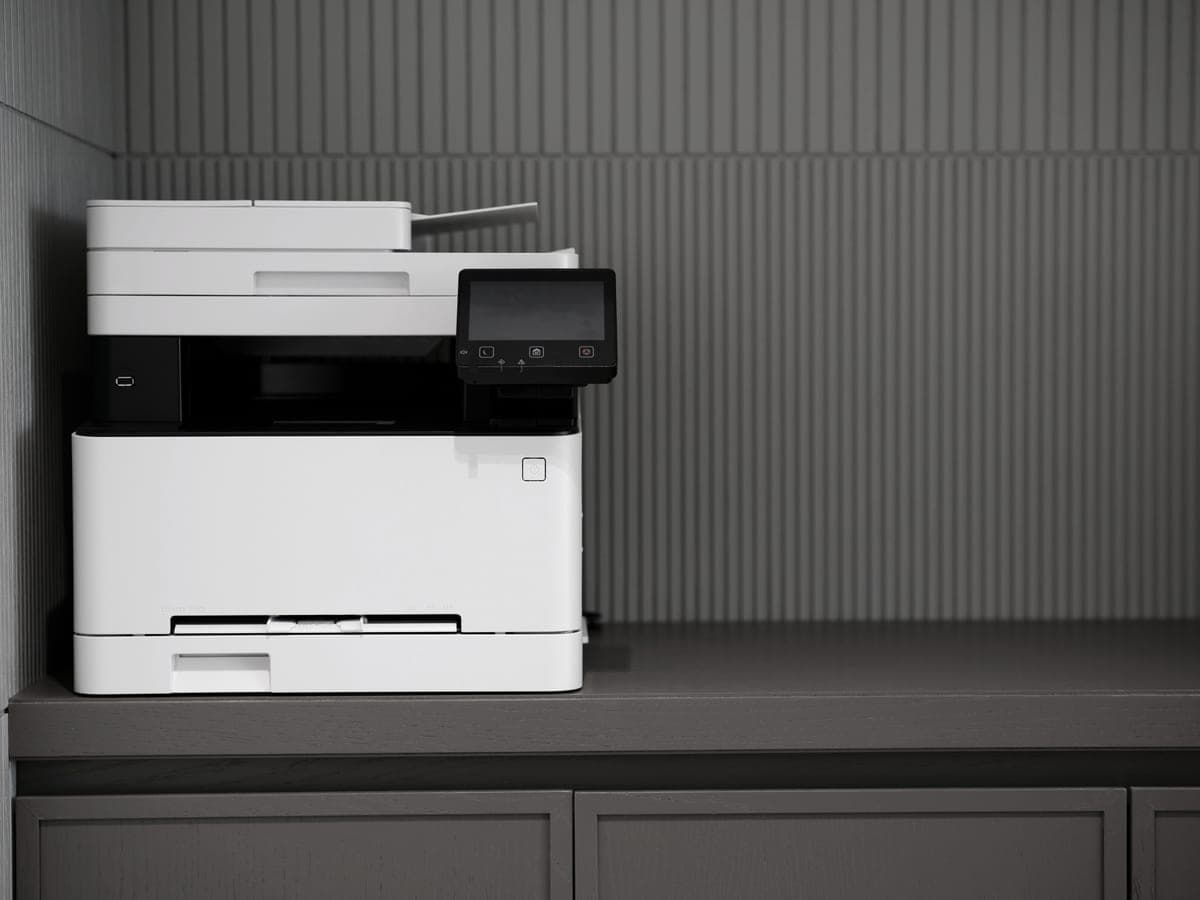
For printing from a phone, buy a printer that publishes AirPrint and Mopria: the Brother MFC-L2820DW at $279.99 is the best of them, the HL-L2460DW at $179.99 is the cheapest, and the Epson EcoTank ET-4950 is the one to pick if the phone is sending color. All three print from a phone with nothing installed on it and no account anywhere.
How we picked
The requirement was published support for the printing built into the phone you already own — AirPrint on iOS, Mopria on Android — rather than a manufacturer app. An app is a fine optional extra; needing one, and needing an account inside it, is how a printer becomes a service you are signed up to.
After that, the usual test: a cost per page we can calculate from a genuine supply price and a rated yield, and no subscription requirement. Where a manufacturer did not publish mobile support for a model, we have written that rather than assumed it.
AirPrint and Mopria, in one paragraph
AirPrint is Apple printing standard, built into iOS, iPadOS and macOS. Mopria is the equivalent on Android, built into recent versions of the operating system. Both work the same way: the phone finds a compatible printer on the same network and prints to it directly, with no driver, no app and no account. A printer that supports them is a printer your phone can simply use.
What AirPrint and Mopria are not is a cloud service. Nothing leaves your network, which is why this is also the way to print from a phone to a printer that has no internet access at all. How to run a printer with no internet.
| Printer | Published mobile support | Color | List price | Per mono page |
|---|---|---|---|---|
| Brother MFC-L2820DW | AirPrint, Mopria, Wi-Fi Direct, Brother Mobile Connect | No | $279.99 | ~3.3¢ |
| Brother HL-L2460DW | AirPrint, Mopria | No | $179.99 | ~3.3¢ |
| Epson EcoTank ET-4950 | AirPrint, Mopria, Epson Smart Panel | Yes | $499.99 | ~0.3¢ |
| Epson EcoTank ET-2800 | Not stated on the page we read | Yes | $239.99 | ~0.4¢ |
| Canon PIXMA MegaTank G3270 | Not stated on the page we read | Yes | $248.99 | ~0.3¢ |
Mobile support exactly as named on each manufacturer own specification page, recorded in our registry. A blank is not evidence a printer lacks AirPrint - it means the page we read did not say so, and we do not print what we cannot source.
Why an app is the wrong way in
- It is an account. Most printer apps want you signed in before they will print, which turns a device you own into a service you are a member of.
- It is a funnel. The app is where the supplies subscription is sold, repeatedly. HP Instant Ink lives in the HP app; Brother and Epson both market plans in theirs.
- It can change. An app that updates can add a sign-in wall to something that worked yesterday. AirPrint and Mopria are standards built into your phone and cannot be altered by a printer manufacturer.
- Guests cannot use it. Nobody installs a printer app to print one page at somebody house. With AirPrint or Wi-Fi Direct they just print.
Printing phone photos
A phone photo on plain paper looks like a phone photo on plain paper, whatever printer you own. If photographs are the reason you want to print from your phone, two things matter more than mobile support: photo paper, and a printer with an ink set built for images. On a cartridge printer that is where the costs become absurd; on a tank printer it is a few cents.
Our photo tank picks cover that case, including Epson six-color ET-8550. For everyday phone printing — tickets, forms, confirmations, homework — a mono laser is the cheaper and more reliable tool and nothing on this page changes that.
Setting it up so it keeps working
- Put the printer on the same network as the phones. AirPrint and Mopria discovery does not cross between a guest network and the main one.
- If the printer has an Ethernet port, use it. A wired printer is a printer that is still there next month. Why that matters.
- Reserve the printer address in your router so discovery does not break after a restart.
- On a dual-band router, remember that some printers join only the 2.4 GHz band. All three picks here publish dual-band support, which avoids the problem entirely.
- Decline the cloud sign-in during setup. Printing from a phone over your own network needs no account at all.
What phone printing costs
Nothing extra — a page printed from a phone costs exactly what the same page costs from a laptop. The spread is in the printer: at 100 pages a month over three years, that is $118 of toner on either Brother against $12 of ink on the ET-4950, before paper.
Which keeps the decision where it belongs: buy for the pages you print, not for the device you print from. Run your own numbers.