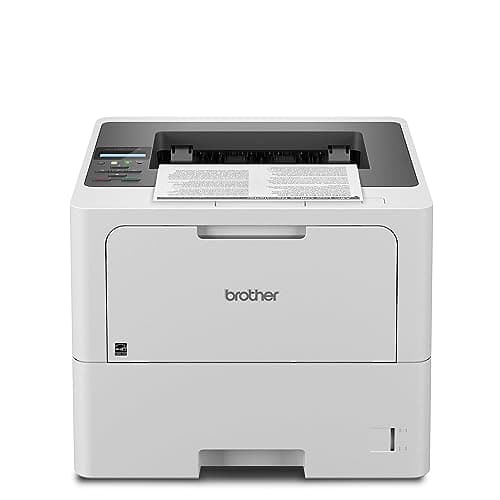
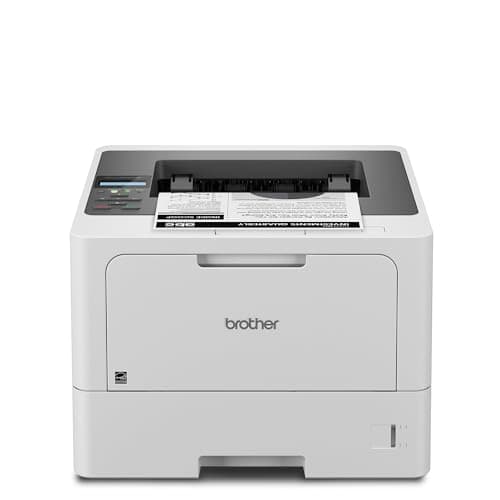
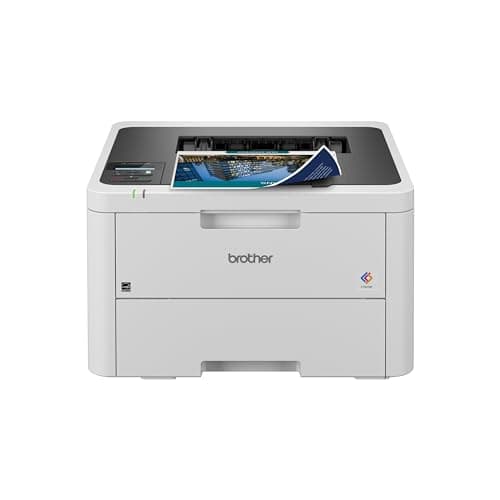
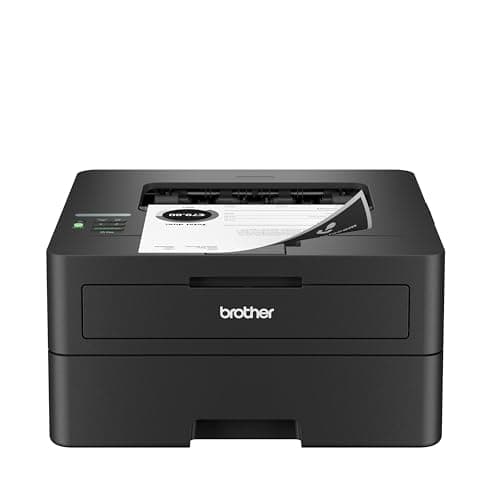
The heavy duty laser to buy is the Brother HL-L6210DW: Brother rates it for up to 8,000 pages a month with a duty cycle of up to 125,000 pages and 620 sheets of paper on board, which is three times the household models on every one of those numbers. If your real volume is in the low thousands, the HL-L5210DW is the better buy at up to 5,000 pages a month. The budget pick is the HL-L2460DW at up to 2,500 pages a month — and for a lot of readers that is genuinely enough.
What makes a laser printer heavy duty?
Two published numbers, not a description. The recommended monthly print volume is what the manufacturer says the machine is built to do every month; the duty cycle is an absolute maximum it can physically pass in a month. Across Brother’s range the recommended figure runs from 2,500 pages on household models to 8,000 on the HL-L6210DW, and the duty cycle from 35,000 to 125,000. Buy on the recommended figure and treat the duty cycle as a ceiling you never approach.
How we picked
This page deliberately does not rank on cost per page — we have a page for that, and ranking a heavy duty roundup on supply cost produces the same order every time. These are the four questions we asked instead.
- What monthly volume does the maker recommend? This is the number that matters and almost nobody quotes it. Every figure on this page was read from each model’s own specification page on brother-usa.com on 18 November 2026.
- What is the maximum duty cycle? Useful as a measure of how much engineering headroom sits above your real volume, and dangerous if you read it as a target.
- How much paper does it hold, and how far does it expand? At high volume, reloading is the thing that actually costs you time. A second input and an optional tray matter more than speed.
- How long does the drum last? Lasers have a second consumable, and at volume it is the one you will meet. Brother rates the household DR830 at approximately 15,000 pages and the business DR920 at approximately 45,000.
The two numbers, side by side
This is the table the page exists for. Read the middle column first: it is the one you should buy on.
| Printer | Recommended per month | Maximum duty cycle | Paper capacity |
|---|---|---|---|
| Brother HL-L6210DW | Up to 8,000 pages | Up to 125,000 pages | 620 sheets, 1,660 max |
| Brother HL-L5210DW | Up to 5,000 pages | Up to 90,000 pages | 350 sheets, 1,390 max |
| Brother HL-L3220CDW | Up to 3,000 pages | Up to 40,000 pages | 250 sheets |
| Brother HL-L2460DW | Up to 2,500 pages | Up to 35,000 pages | 250 sheets |
| Brother DCP-L2640DW | Up to 2,500 pages | Up to 35,000 pages | 250 sheets + manual slot |
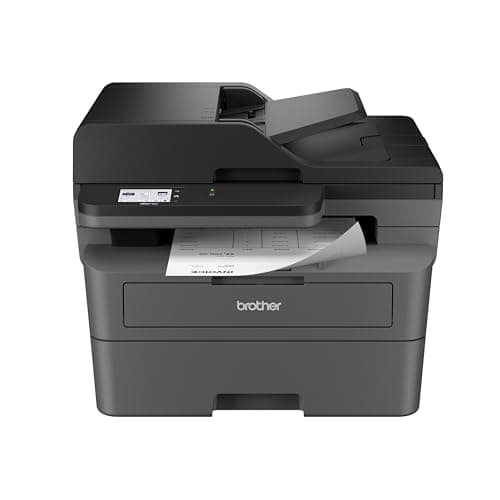
| Brother MFC-L2820DW | Up to 2,500 pages | Up to 35,000 pages | 250 sheets + manual slot |
Every figure read from the model’s own specification page on brother-usa.com on 18 November 2026. Brother marks both figures as qualified on its own pages, and they are not interchangeable — see the section below. Maximum paper capacity assumes Brother’s optional LT-5505 or LT-6505 trays.
Three things fall out of it. The business models are not slightly more robust than the household ones, they are three to four times more robust. The color laser sits in the middle. And every all-in-one we cover is on the household tier, which is the single most useful thing on this page if you were hoping to buy one machine for a high-volume office.
Why the duty cycle is the wrong number to shop on
A maximum duty cycle is a stress figure. It describes what the mechanism can pass in a month under favorable conditions, not what it will do every month for years. Printing 125,000 pages through the HL-L6210DW in a single month is inside its published maximum; doing that every month is not what the recommended figure of 8,000 describes.
The reason the distinction matters commercially is that duty cycle is the number used in marketing, because it is the bigger one. A machine with a 35,000-page duty cycle and a 2,500-page recommendation will be advertised on the 35,000. If you size a purchase on duty cycle you will buy a printer that is running at ten or twenty times its intended monthly load, and the thing that fails first is usually the paper path rather than the print engine.
Paper capacity is the specification you will feel
At 8,000 pages a month a 250-sheet tray is a daily interruption. At 2,500 pages a month it is a weekly one. This is the least glamorous specification on the page and the one that changes how the printer feels to work with.
The ladder is clear in the table above: 250 sheets on everything household, 350 on the HL-L5210DW with its 100-sheet multi-purpose tray, 620 on the HL-L6210DW, and 1,390 or 1,660 sheets respectively with Brother’s optional trays. The multi-purpose tray does a second job worth having — letterhead, envelopes or heavy stock can live there permanently instead of displacing your plain paper. The two-paper-tray roundup goes into that in more detail, and our envelope picks explain why the tray rather than the engine decides what a printer will take.
What that volume costs to feed
Cost per page is not how we ranked this page, but at these volumes it is not optional information either. The business cartridge ladder is the reason a heavy duty machine is cheaper to own as well as more robust.
| Printer and cartridge | Per page | Pages a year, as recommended | Toner a year |
|---|---|---|---|
| Brother HL-L6210DW, TN920UXXL | ~1.3¢ | 96,000 | $1288 |
| Brother HL-L5210DW, TN920XXL | ~1.9¢ | 60,000 | $1114 |
| Brother HL-L2460DW, TN830XL | ~3.3¢ | 30,000 | $983 |
| Brother MFC-L2820DW, TN830XL | ~3.3¢ | 30,000 | $983 |
Our arithmetic: cartridge price divided by rated ISO yield, times each model’s own recommended monthly volume, times twelve. Drums and paper are not included. Supply prices read 27 September 2026 — the method in full.
Note what that table is not saying. The business machines spend more per year because they are printing far more pages, not because they are dearer to feed — per page they are roughly half the household ladder, at about 1.9 and 1.3 cents against 3.3 cents. Published industry ranges put laser printing at around 5 to 8 cents a page, so even the household figure here is at the good end of the market. Run it with your own volume.
How this differs from our high-volume page
We already have a high-volume laser roundup, and it answers a different question: what the cheapest way to print a great many pages is, ranked on the cartridge. This page ranks on whether the machine is built to survive doing it, using the manufacturer’s own volume ratings. If your question is “what will this cost,” read that page. If it is “will this hold up,” this is the one.
If the volume you are planning for is an all-in-one job — scanning and copying as well as printing — the honest answer from the table above is to pair a business print-only machine with a cheaper multifunction, because no all-in-one we cover carries a business duty cycle. The small business picks make that two-machine case with the arithmetic, and the all-in-ones under $500 cover the second half of it.