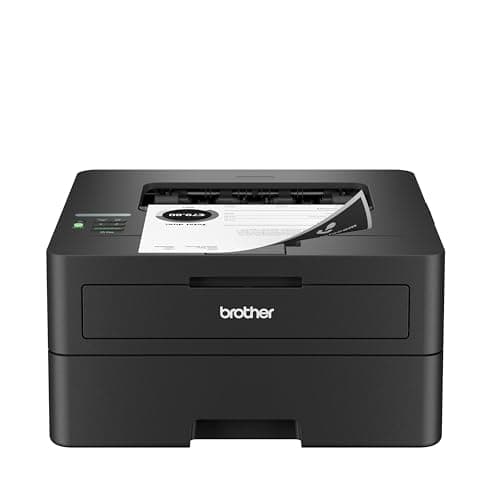
“Best laser printer for photos” is one of those searches where the honest answer is partly a different question. A laser can put a very good image on a page, and it is the better machine for images that live inside documents — charts, logos, diagrams, product shots in a quote. What it cannot do is make a photographic print, and no amount of specification reading changes that. So this page does both halves: the laser we would actually buy for pictures, and the machine we would buy instead if the pictures are the point.
Which laser printer is best for photos?
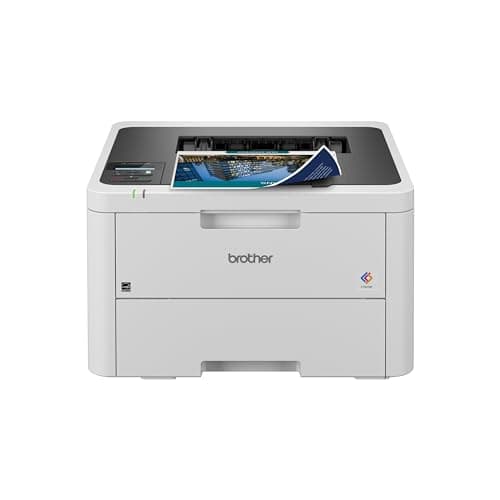
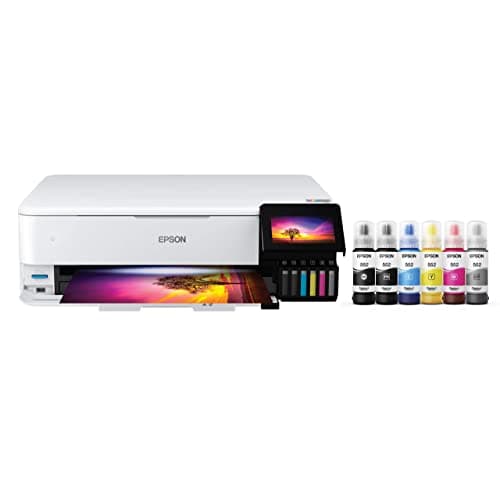
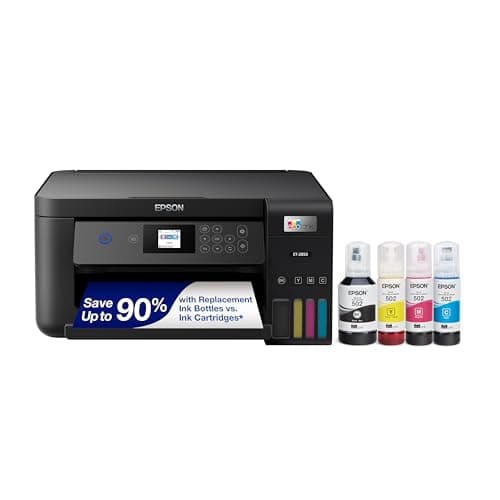
Of the lasers we cover, the Brother HL-L3220CDW at $284.99: Brother publishes 2400 x 600 dpi class color output and names Glossy Paper in its supported media list, which is more than most color lasers in this price band will claim. But if you want photographs rather than images in documents, buy an ink tank printer instead — the Epson EcoTank Photo ET-8550 at 5760 x 1440 dpi with six inks, or the ET-2850 at $349.99 if that is more printer than you need.
How we picked
We started by refusing to rank these four on a single axis, because the search covers two different jobs and a single ranking would have to lie about one of them. So the criteria were applied in order.
First, what the manufacturer actually publishes. Print resolution, the ink or toner channels, and the supported media list — not a reviewer’s impression and not ours, because we have no units in hand and no lab. Where a maker does not publish a figure, we say so instead of filling the cell.
Second, whether the machine can take the paper. An image is half paper. A printer that will not feed coated stock cannot produce a photographic print however many dots it claims, and a laser’s media list is the only authority on what is safe to put through its fuser.
Third, cost per page on our own arithmetic — supply price divided by the manufacturer’s rated yield, from the dated sources at the foot of this page.
Fourth, honesty about the job. Where the best machine for the reader’s actual question is not a laser, it is on the list anyway and labeled as such. One of the four picks here is a laser we recommend, two are not lasers at all, and one is a mono laser we recommend for a job people do not realize they are describing.
What a laser actually does to a photograph
A laser does not lay down continuous tone. It builds every shade out of halftone dots of dry toner, fuses them to the sheet with heat, and the sheet comes out dry. That process is superb at edges — type, line art, a solid block of brand color — and structurally limited at the smooth gradients a photograph is mostly made of. At arm’s length a laser photograph tends to look slightly flat, with visible dot structure in skies and skin.
Brother, which sells both technologies and has no reason to talk down its own lasers, puts it about as plainly as a manufacturer can in its own buying guide: inkjet is “a good choice if you’re looking to produce high-resolution photos, graphics, or images”, while laser is for “clear, sharp images and text” and fast, high-volume work. Brother USA, inkjet vs laser
The resolution figures line up with that. Brother publishes 2400 x 600 dpi class for the HL-L3220CDW. Epson publishes 5760 x 1440 dpi for the EcoTank Photo ET-8550. Those numbers are not measured the same way and should not be divided against each other, but the gap in the second axis is the one you can see in a sky.
The paper question, which decides more than the printer
Here is the part most comparisons skip. A laser fuser works by melting toner onto the sheet, so it also melts whatever else is on the sheet. The coating on inkjet photo paper is designed to receive liquid ink; put it through a laser and the coating is what melts. That is a fuser repair, not a bad print.
An ink tank printer has the opposite relationship with paper: no heat, and a published list of photo papers it is color-profiled for. Epson names glossy, premium glossy, ultra premium glossy, premium semigloss and ultra premium luster for the ET-8550, which is the practical reason its photographs look like photographs. The same paper-path logic applies to heavy card, and to label and sticker sheets, where buying the laser-rated version of the stock is the whole trick.
The three jobs people mean by “photos”
Almost everybody arriving at this search wants one of three things, and the right machine is different for each.
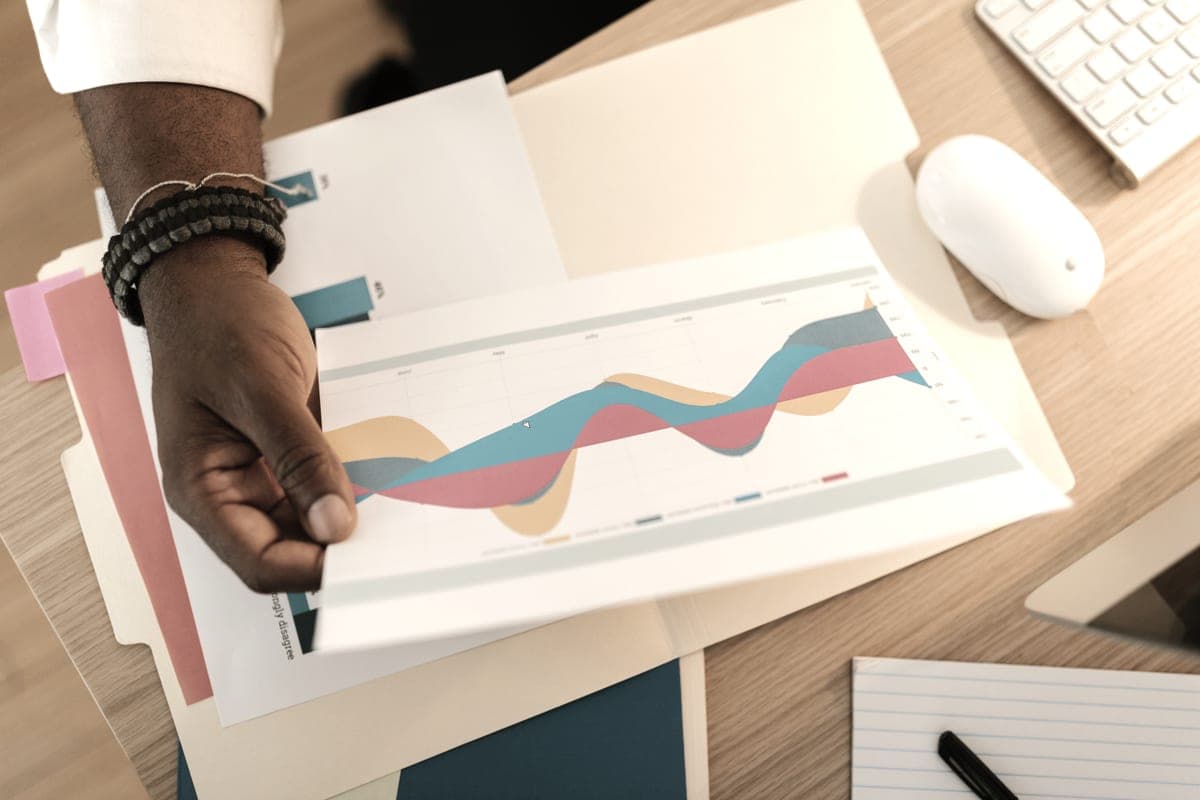
- Images inside documents. A chart in a report, a logo on a letterhead, a product photo in a quote, a diagram on a worksheet. This is the color laser’s home ground: dense, dry, smudge-proof, and the page costs you toner rather than a photo sheet. Buy the HL-L3220CDW.
- Handouts and flyers in volume. Hundreds of pages, images on them, cost and speed deciding everything. Still a laser — and quite possibly a mono one, because grayscale on a $179.99 machine at about 3.3 cents a page is often the right trade. Our high-volume laser picks.
- Photographs. Prints you would frame, put in an album or sell. Not a laser, at any price we have found. An ink tank printer, and ideally a six-color one — the ink tank printers built for photos.
| Printer | Technology | Published resolution | Color channels | List price |
|---|---|---|---|---|
| Brother HL-L3220CDW | Color laser | 2400 x 600 dpi class | 4 toner cartridges | $284.99 |
| Epson EcoTank Photo ET-8550 | Ink tank | 5760 x 1440 dpi | 6 inks, including photo black and gray | $749.99 |
| Epson EcoTank ET-2850 | Ink tank | Not published on the page we read | 4 dye inks (502 family) | $349.99 |
| Brother HL-L2460DW | Mono laser | Not published on the page we read | Black only | $179.99 |
Read from each manufacturer's own product page on 28 October 2026. Resolution figures from different makers are measured differently and are not directly comparable; empty cells are blank because the figure was not published where we looked, not because we could not be bothered.
What images cost to print
Image-heavy pages are where cost per page stops being a rounding error. A page with a photograph on it draws several times the supply of a page of text, so whichever number you start from gets multiplied.
We publish no color cost per page for the HL-L3220CDW, because Brother does not list prices for the individual color cartridges in that family anywhere we could read them, and we will not invent the missing figures. Its black page, on the Brother TN229XL black high-yield toner cartridge at $96.29 for 3,000 pages read on 27 September 2026, is about 3.2 cents. For color laser pages generally, published industry figures run between 12 and 15 cents a page, per Toner Buzz — their figure, not ours.
Against that, the two tank printers here come to about 1.4 of a cent and about 1.2 of a cent on an ISO color page, on our own arithmetic on Epson’s bottle prices. That is the gap that makes the recommendation on this page what it is: for pictures in quantity, a tank printer is not slightly cheaper, it is a different order of magnitude. The full color laser cost-per-page breakdown has the working.
Who should buy the laser anyway
Three readers should ignore everything above and buy the color laser. Somebody whose printer sits unused for months at a time, because toner does not dry out and an inkjet head does — that is the real laser advantage. Somebody whose prints get handled, filed, posted or rained on, because fused toner is waterproof in a way dye ink is not. And somebody printing a hundred image-heavy pages in one sitting, because 19 pages a minute of dry output beats any inkjet in the same price bracket.
If none of those three describe you, and the images matter, the laser is the wrong tool and we are not going to dress it up. Color laser against ink tank, decided on numbers.